The Modern AI Workflow for Animation and Motion Graphics Agencies

How agencies build a scalable AI animation workflow without character drift or juggling 5 tools. See how ALStudio keeps every client consistent.
AI Animation Workflow for Agencies: Create Consistent Videos Without Costly Rework
AI can help motion graphics agencies produce animation faster. But speed alone does not make a workflow profitable.
If characters change between shots, products look different across campaign assets, or every brief starts with rebuilding references, the time saved during generation disappears in revisions.
The real opportunity is an AI animation workflow that protects visual identity across scenes, projects, team members, and client accounts.
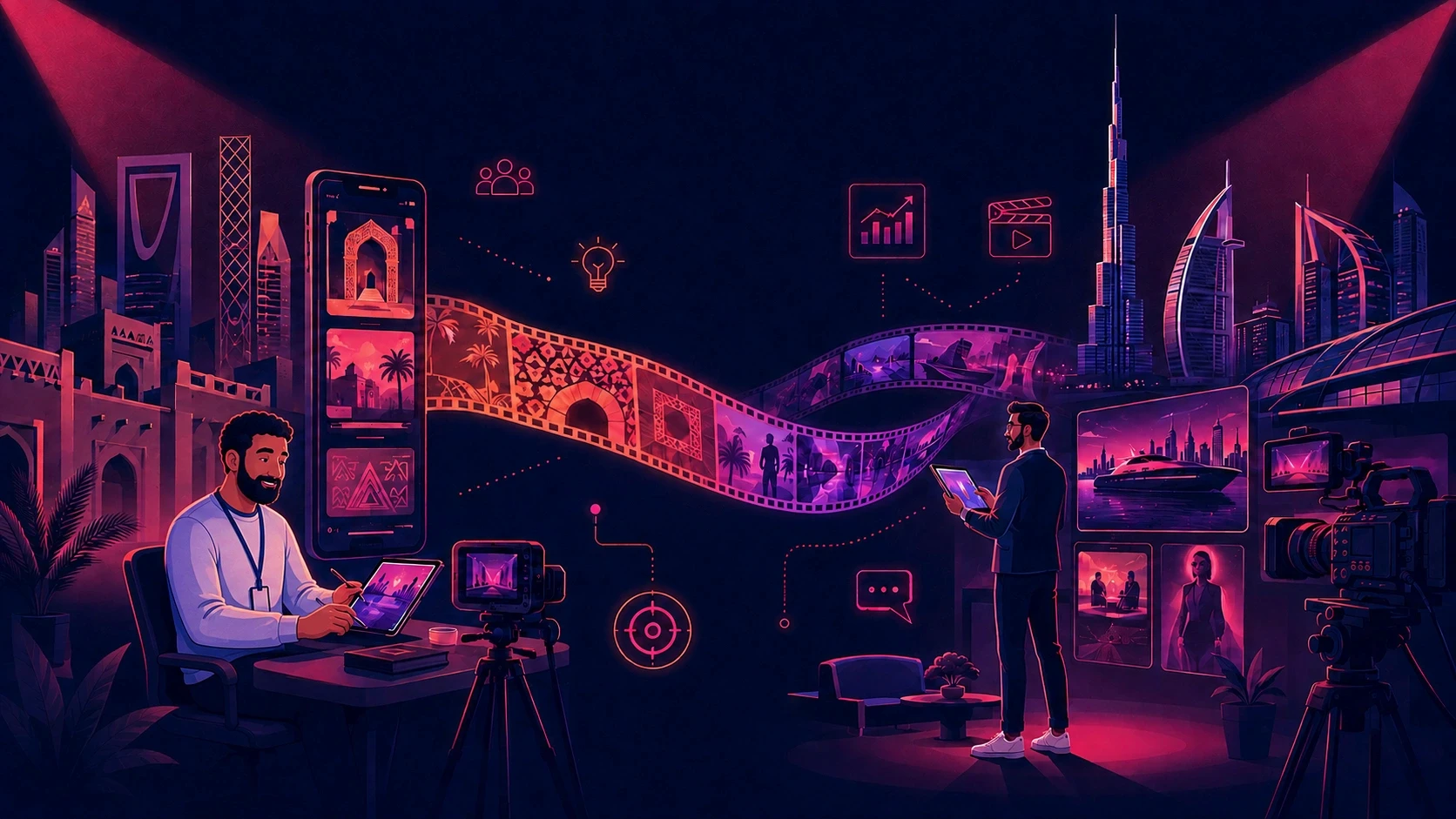
ALStudio gives agencies one connected system for moving from idea and script to storyboard, scene generation, voiceover, editing, and final film—while reusable Brand DNA, Character DNA, Product DNA, and Environment DNA help keep outputs aligned.
The result: faster production, fewer avoidable review rounds, easier handoffs, and more capacity to serve clients without continuously expanding the tool stack.
Start creating with ALStudio or request an agency demo.
What Is an AI Animation Workflow?
An AI animation workflow is the connected process used to turn an idea into an animated video with AI-assisted tools.
It typically covers:
Story and script development
Storyboarding
Character and environment design
Scene generation
Voiceover and localization
Editing, review, and delivery
For an individual creator, that may be enough to produce one video.
An agency needs a system that also preserves every client's identity, supports multiple team members, manages revisions, and makes approved assets reusable across future campaigns.
Without that operational layer, teams generate faster—and then lose those gains correcting inconsistency.
A strong AI content production workflow therefore needs to connect creative development with repeatable production rather than treating every generation as an isolated task.
Why AI Animation Workflows Break at Agency Scale
Disconnected AI workflows are built around individual prompts, reference uploads, and isolated projects.
That creates several expensive production problems.
Character Drift
Faces, clothing, proportions, and other character details can change between shots.
The result is more regeneration, more review, and more client revisions.
This is why agencies working with recurring characters should understand why AI characters change between generations and how persistent character identity can reduce unnecessary correction.
Product Inconsistency
Packaging, colors, proportions, labels, or distinguishing details may vary across scenes.
For ecommerce and consumer brands, even small visual changes can make an approved campaign asset look different from the next variation.
A structured Product DNA approach gives agencies a way to think about product identity as reusable production infrastructure rather than another image reference.
Repeated Setup
References and prompts are rebuilt for each brief.
Instead of building on approved creative, designers repeatedly reconstruct the same client context.
Tool Fragmentation
Scripts, images, voices, videos, and edits may live in separate applications.
Every handoff introduces another opportunity for version errors, duplicated work, and lost context.
Lost Client Context
Brand assets may remain in personal folders, old projects, or disconnected accounts.
When a project changes hands, a new team member may have to reconstruct decisions that were already approved.
These problems affect utilization, delivery time, project margin, and client experience.
If an agency absorbs another revision round because a character no longer matches the approved design, that work may become non-billable.
The Four Types of Consistency Agencies Need
Professional AI video production requires more than facial consistency.
Character DNA
Character DNA helps define the visual identity of a recurring character, including features such as appearance, proportions, clothing, and recognizable traits.
It is particularly useful for mascots, explainers, recurring presenters, and episodic content.
Agencies can explore Character DNA vs. character references to understand why a reusable identity can be more useful than repeatedly uploading reference images.
Product DNA
Product DNA focuses on the elements that make a product recognizable, such as shape, packaging, proportions, colors, and distinguishing details.
This is especially relevant to ecommerce, CPG, product launches, and advertising variations.
Environment DNA
Environment DNA defines the locations, sets, atmosphere, and visual details that create a recognizable world.
It can support episodic content, branded environments, training scenarios, and campaign worlds.
Brand DNA
Brand DNA captures the visual and creative characteristics that should remain recognizable across assets.
This can include visual direction, color systems, stylistic rules, and other brand-defining elements.
Learn more about Brand DNA for AI content creation.
A consistent character inside an inconsistent environment—or a consistent environment containing an inaccurate product—can still trigger client feedback.
The complete identity system matters.
Reference Images vs. Reusable Identity
A reference image guides a generation.
A reusable identity system gives the whole team an approved source of truth.
With a reference-based workflow, teams may upload references for every new project, rely heavily on individual prompting skills, and manage consistency shot by shot.
With a reusable identity workflow, approved creative identities remain available for future production.
The difference becomes significant when an agency moves from one campaign to ten campaigns.
Instead of:
Upload → Prompt → Generate → Correct → Repeat
the goal becomes:
Approve → Store → Reuse → Create
For a one-off experiment, a reference image may be enough.
For recurring client work, persistent creative identity is what makes AI more scalable.
A Better AI Animation Workflow for Motion Graphics Agencies
1. Build the Client's Identity System
Define the approved Brand DNA, Character DNA, Product DNA, and Environment DNA before production begins.
This creates the foundation that future scenes and campaigns can build on.
2. Develop the Story and Script
Turn the brief into a clear narrative, script, and shot structure.
Early alignment reduces expensive late-stage changes and gives the creative team a clearer production target.
3. Approve the Storyboard
Validate pacing, composition, sequence, and story logic before committing significant production resources.
A storyboard gives the client a meaningful early approval point before the team generates every final scene.
4. Create Character and Environment Sheets
Establish how characters, products, and locations should appear throughout the film.
This connects creative direction to repeatable production.
5. Generate Scenes With Identity Applied
Use the approved DNA layers instead of rebuilding prompts for every shot.
The team can then focus on composition, performance, movement, and storytelling.
6. Add Voiceover and Localization
Produce voice tracks and regional versions inside the broader workflow.
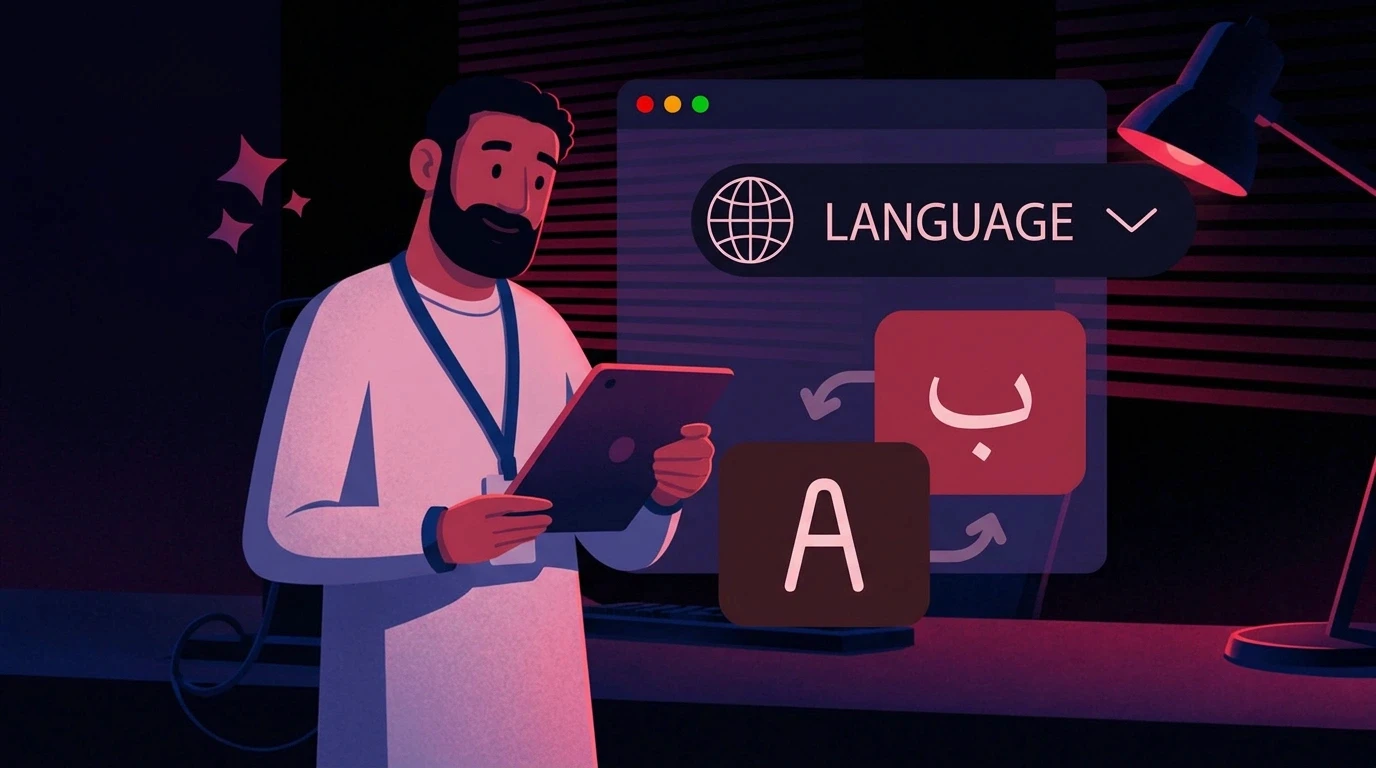
For agencies serving GCC and MENA markets, localization becomes part of production rather than a disconnected final step.
This matters particularly when agencies need to adapt campaigns across Arabic-speaking markets.
7. Edit, Review, and Deliver
Complete the edit and export campaign formats.
Because identity was controlled earlier, final review can focus more on creative quality and less on preventable continuity problems.
How ALStudio Improves Agency Production ROI
ALStudio is a Creative AI Operating System that connects content, film, marketing, and editing around reusable identity layers.
Reduce Non-Billable Rework
Establish consistency before generation to reduce revisions caused by changing faces, products, environments, and brand details.
Increase Output Per Team Member
A connected workflow reduces repeated setup and unnecessary movement between isolated tools.
That leaves more time for creative direction, concept development, and client work.
Protect Client Knowledge
Approved identities remain reusable across briefs.
When a project changes hands, the next designer does not need to reconstruct the previous setup from scattered files and prompts.
Scale Recurring Content
Once the identity foundation exists, teams can create more videos, social variations, localized versions, and campaign extensions.
This is where the economics of AI become more interesting: the same creative foundation can support multiple deliverables.
Use the Right Model for Each Shot
Agencies often work across different AI models depending on the required visual style or production task.
ALStudio brings multiple AI models into one production environment, allowing teams to work with different generation approaches while maintaining a consistent creative foundation.
Why Consistency Matters More Than Generation Speed
A faster generator is not automatically a faster production workflow.
Imagine an AI model creates a scene in 30 seconds, but the output takes 20 minutes of designer time to correct because:
The character's face changed.
The product packaging is incorrect.
The environment no longer matches the previous shot.
The colors drifted from the approved brand.
The creative director rejects the scene.
The generation was fast.
The production was not.
For agencies, the better metric is therefore time to approved asset, not simply time to generated asset.
This is also why AI brand consistency should be treated as an operational concern rather than only a visual one.
Example: From One Campaign to a Repeatable Client System
Imagine an agency producing a monthly animated series for a regional consumer brand.
In a fragmented workflow, every episode begins with finding references, rewriting prompts, testing outputs, and correcting drift.
Each episode may appear fast to generate, but the agency repeatedly pays the setup cost.
With ALStudio, the agency creates the client's Character, Brand, Product, and Environment DNA once.
Those approved layers can support:
The next episode
Social cutdowns
Product variations
Campaign extensions
Regional versions
New scenes
Different aspect ratios
The workflow shifts from rebuilding the client every month to building new creative on top of a controlled identity.
That is where AI animation becomes commercially valuable.
The goal is not only to produce the first asset faster.
It is to make every future asset easier to produce.
Who Benefits Most?
Creative and Motion Graphics Agencies
Agencies managing recurring work across several clients can benefit most from reusable identities and connected production workflows.
Enterprise Marketing Teams
Large marketing organizations producing assets across products, regions, or departments can use centralized creative references to reduce inconsistency.
Ecommerce and CPG Brands
Product-focused brands can benefit from reusable product identities when producing multiple campaign variations.
This connects closely with the growing use of AI product marketing assets.
HR and L&D Teams
Training and onboarding teams can use recurring characters, environments, and visual systems across learning modules and scenario-based content.
Creators
Creators building recurring characters, worlds, or episodic content can also benefit from persistent creative identities.
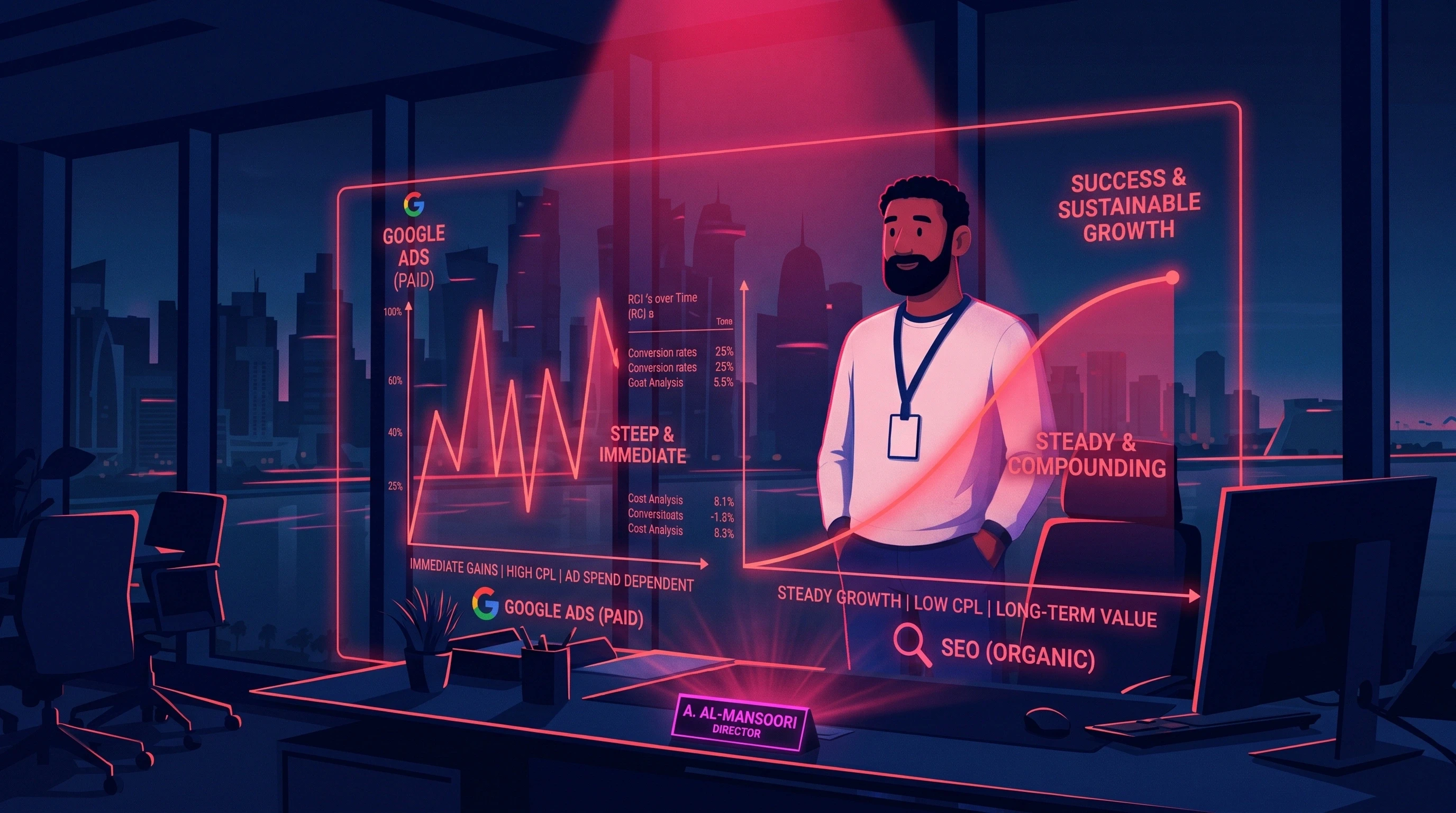
How to Measure AI Animation ROI
Do not measure ROI only by generation speed.
Track the complete production cycle:
Hours from approved brief to first review
Regeneration attempts per approved shot
Client revision rounds
Revisions caused by visual inconsistency
Tools and subscriptions used per project
Output per designer or editor
Time needed to onboard a team member to an existing client
Gross margin per animation project
Use this simple model:
Monthly workflow value = labor hours saved + avoided tool costs + value of added production capacity − platform cost
The benefit compounds when the same client identity is reused across multiple deliverables.
For example, the first project may require significant setup.
The second project can reuse that setup.
The tenth project can potentially benefit from the same approved identity without repeating the original creative groundwork.
Common Implementation Mistakes
Starting Production Before Identity Approval
If brand, character, product, or environment decisions remain unresolved, production can generate unnecessary rework.
Treating Prompts as the Permanent Source of Truth
Prompts are useful instructions, but they should not be the only place an agency stores important client identity decisions.
Moving Every Client at Once
Begin with one measurable use case.
Prove the workflow before expanding it across the agency.
Failing to Record Baseline Metrics
Without knowing the current production time, revision count, and cost per project, it is difficult to prove whether a new workflow actually improved efficiency.
Automating Weak Creative Decisions
AI can accelerate production, but it cannot compensate for an unclear brief or weak storyboard.
The creative foundation still needs human direction.
Start With One High-Value Client
Choose one recurring client with a recognizable character, product, or visual world.
1. Build the Client's DNA Layers
Establish the approved brand, character, product, and environment references.
2. Produce One Real Campaign Asset
Use the connected workflow to produce an actual client deliverable rather than a generic AI test.
3. Compare the Old and New Workflow
Measure:
Setup time
Generation time
Regeneration attempts
Review rounds
Client revisions
Final delivery time
4. Reuse the Identity in a Second Asset
This is where the compounding benefit becomes easier to evaluate.
If the second asset requires substantially less setup than the first, the agency has evidence that the workflow is becoming reusable infrastructure.
5. Expand Only After the Pattern Holds
Once the pilot demonstrates measurable improvement, apply the same approach to other clients and recurring content types.
Ready to see how a persistent identity workflow could fit your agency?
Start creating with ALStudio or book a tailored agency demo.
How AI Animation Fits Into a Larger Content Production System
Animation rarely exists in isolation inside a modern agency.
The same client may need:
Animated explainers
Social videos
Product visuals
Paid advertising
Short-form content
Campaign assets
Voiceovers
Localization
Landing-page visuals
This is why agencies should think beyond an individual animation generator.
A connected AI content production workflow can allow approved creative identities to support multiple content types instead of forcing teams to rebuild the same brand context for every format.
For agencies producing commercial content, the same principle applies to consistent AI commercials: the challenge is not generating a single impressive scene, but keeping the campaign recognizable across the entire production.
Choosing an AI Animation Platform for Your Agency
Before selecting an AI animation platform, evaluate the complete workflow.
Ask:
Can we preserve approved client identities?
Can characters remain consistent across scenes?
Can products remain visually accurate?
Can environments be reused?
Can different team members work from the same creative foundation?
Can we support multiple AI models?
Can we move from script to storyboard to final video?
Can we create localized versions?
Can we manage multiple client brands?
Can we reduce the number of disconnected tools?
Can the workflow scale as asset volume increases?
A platform that produces one excellent animation may not be the best platform for an agency.
The more important question is:
Can our team produce the next 50 assets without rebuilding the same creative decisions?
Agencies evaluating different production approaches can also explore comparisons such as ALStudio vs Runway, ALStudio vs Canva, and ALStudio vs Higgsfield.
When ALStudio Is — and Is Not — the Right Fit
ALStudio is designed for agencies, marketing teams, and enterprise content operations that manage multiple brands, produce recurring image or video content, need consistent products or characters, and want to reduce revisions while increasing output.
It may be more system than you need if you only create occasional one-off animations with no visual identity to reuse.
In that case, a standalone generation tool may be sufficient.
For multi-client and high-volume teams, however, the decision should be based on the cost of inconsistency, not simply the price of another AI subscription.
The relevant question is:
How much time and margin are we currently losing because our team repeatedly recreates creative decisions that have already been approved?
Frequently Asked Questions
What is the best AI animation workflow for an agency?
It should connect story development, script, storyboard, design, scene generation, voiceover, editing, and review while preserving approved client identities across projects and team members.
Generation quality matters, but repeatability is what makes the workflow scalable.
How does an AI animation workflow reduce production costs?
It can reduce repeated setup, manual asset recreation, tool switching, and avoidable regeneration.
The strongest savings come from improving the complete production cycle rather than simply generating one clip faster.
Can AI keep animated characters consistent across multiple videos?
Consistency can improve when teams use approved, reusable character definitions rather than relying only on fresh prompts or one-off reference uploads.
ALStudio's Character DNA is designed around this type of reusable character identity.
Can AI keep products consistent across different campaign assets?
A structured product identity can help teams maintain recognizable product characteristics across multiple generations and campaigns.
Product DNA is particularly relevant for brands where packaging, shape, and product appearance are central to the creative.
Can ALStudio replace animators and creative directors?
ALStudio is designed to increase creative production capacity rather than replace creative judgment.
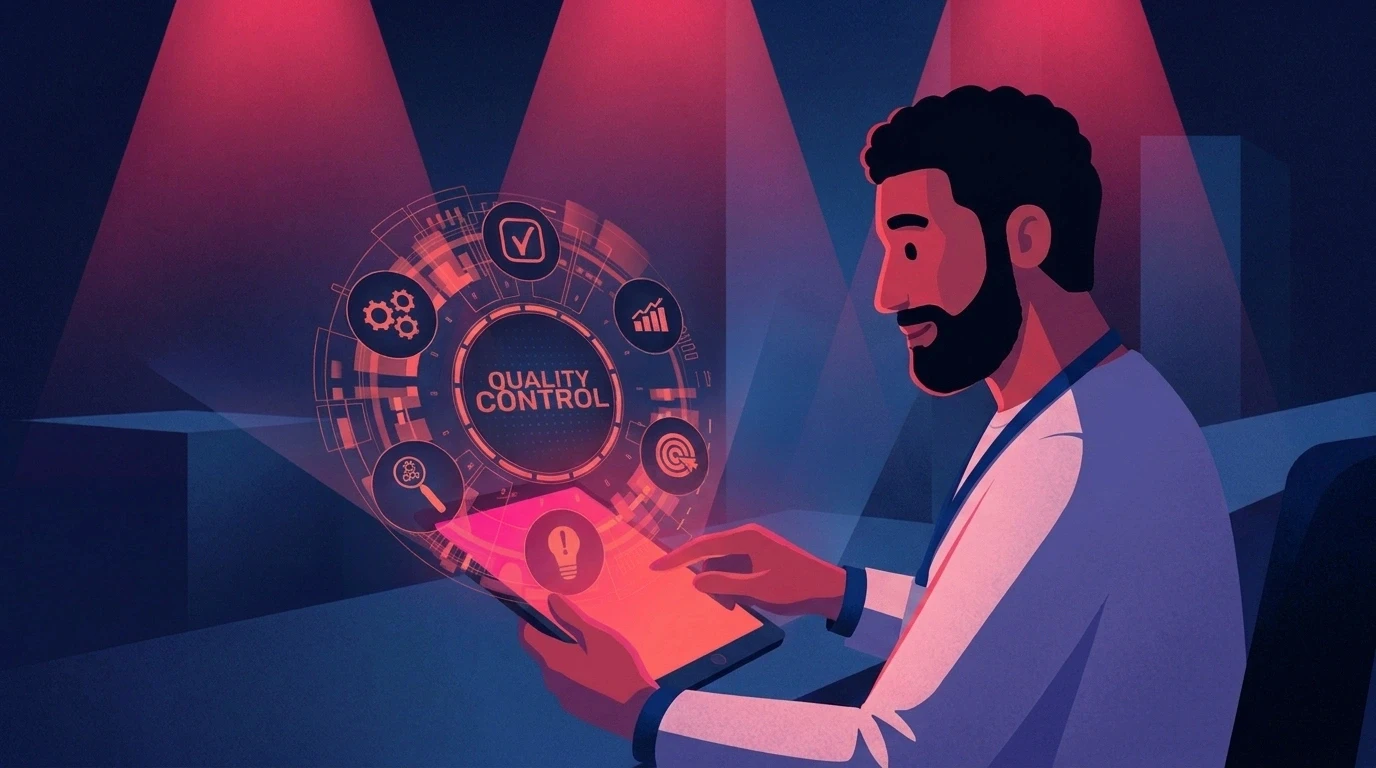
Human direction remains essential for story, performance, pacing, quality control, brand interpretation, and client approval.
Does ALStudio support multilingual and MENA production?
ALStudio supports multilingual creative workflows, making localization part of a broader production workflow for agencies serving multiple markets.
Is ALStudio suitable for multi-client agencies?
Yes.
ALStudio's reusable Brand DNA, Product DNA, Character DNA, and Environment DNA can help agencies organize distinct creative foundations for different client accounts.
How should an agency calculate AI animation ROI?
Start with measurable production metrics.
Track time to approved asset, revision rounds, regeneration attempts, senior review hours, output per team member, and project margin.
Generation speed alone is not enough.
Should agencies replace their existing AI tools?
Not necessarily.
The better question is whether the existing stack creates unnecessary handoffs, repeated setup, or consistency problems.
A platform that connects multiple production stages and preserves creative identity can potentially reduce those inefficiencies without forcing teams to abandon every tool they already use.
Turn Faster Generation Into Better Agency Economics
AI animation delivers the highest return when it reduces rework, preserves client knowledge, strengthens consistency, simplifies collaboration, and helps the same team deliver more high-quality content.
The future of agency AI is not simply about generating content faster.
It is about creating a repeatable production system where approved creative decisions can be reused across campaigns, formats, team members, and clients.
ALStudio connects the creative workflow with reusable identity layers, helping agencies move from isolated AI experiments to structured production.
Build the identity once. Create consistently across every project.