How Corporate Animation Improves Employee Training

Employee training animation boosts retention but breaks down at scale. See how to keep presenters, branding, and Arabic dialects consistent across libraries.
Employee Training Animation: How to Build and Scale It Without Losing Consistency
Employee training animation turns policies, procedures, onboarding material, and internal communications into clear narrated video. Animus Agency helps organizations develop these projects from the initial learning objective through scripting, storyboarding, character design, animation, voiceover, editing, localization, and final delivery.
For a single onboarding video, that's the whole story. For a company running a training library of 50, 100, or 200 modules, the real challenge isn't whether employee training animation works — it's producing and updating that animation fast enough to keep pace with how often policies actually change.
L&D teams have long treated dry, text-heavy training as a retention problem. For regulated industries such as oil & gas, healthcare, government, and financial services, keeping training current can also be important for compliance and operational accuracy.
This article explains what employee training animation is, where production can become difficult at scale, and how Animus builds a consistent training-content system rather than treating every module as an unrelated video.
What Is Employee Training Animation?
Short answer: Employee training animation converts company policies, procedures, onboarding material, or technical knowledge into a structured animated video with clear visuals, narration, pacing, and learning outcomes.
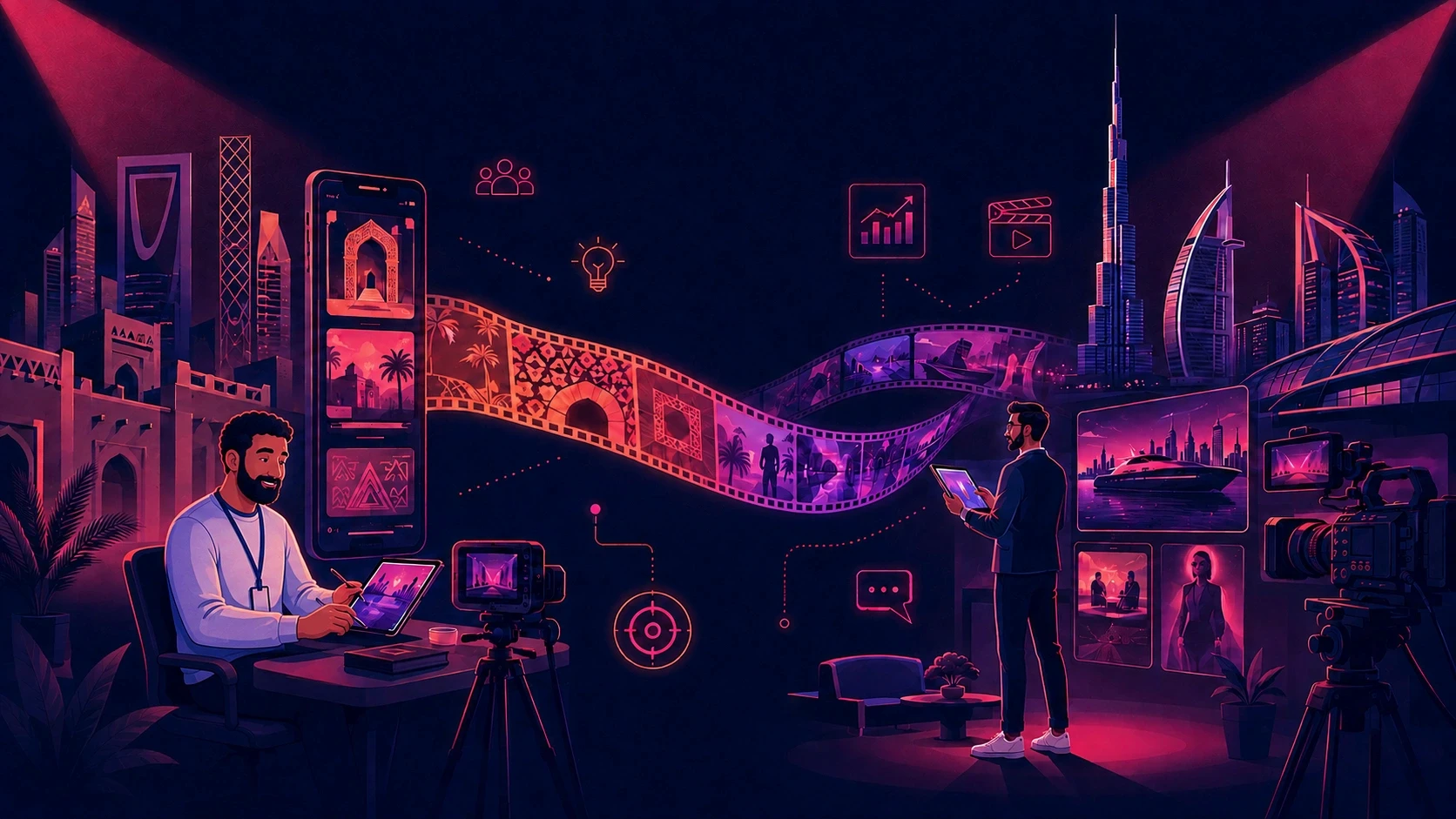
Detailed explanation: Animus combines creative strategy with production. Depending on the learning objective, the team can use 2D animation, 3D animation, motion graphics, character-led storytelling, infographics, voiceover, sound design, live-action footage, CGI, or a hybrid approach. These capabilities are part of the wider Animus Studio production services.
The difference between these paths becomes visible the moment a company needs more than one video.
A single onboarding video is manageable either way. A training library spanning compliance, safety, onboarding, product knowledge, and regional policy variants is a different problem.
Every module needs to look like it belongs to the same system — the same presenter character, color palette, visual language, and tone — while remaining easy to reproduce when something changes.
That's the part most companies underestimate: employee training animation isn't fundamentally just a video problem. It's a consistency and scalability problem across dozens or hundreds of assets produced over months or years.
Why Animation Works for Training
Animation can illustrate abstract processes, hazards, or systems that are difficult or unsafe to film directly — a chemical spill response, an internal financial workflow, or machinery that doesn't exist yet.
It can also reduce the need for repeated filming with actors or physical locations whenever a policy or procedure changes.
For organizations producing large amounts of training content, this makes animation particularly useful when the same visual system needs to be reused across many modules.
Why Employee Training Animation Can Fail at Scale
Short answer: Most training video production becomes difficult to scale because it is structured around individual project timelines instead of an ongoing, evolving content library. This can lead to visual and tonal drift between modules.
Detailed explanation:
One-Off Production Creates Disconnected Training Libraries
When each module is briefed and produced independently, the presenter character, color palette, illustration style, voice, pacing, and terminology can drift over time.
Animus addresses this by establishing reusable character sheets, brand rules, environment references, storyboard conventions, voice direction, and motion principles at the beginning of the engagement. These assets give future modules a stable production foundation.
Inconsistent References Create Visual Drift
Whether a module is illustrated, animated, filmed, or AI-assisted, visual drift appears when the production team does not work from approved references. A presenter may change in facial features, proportions, clothing, or movement; environments and graphic styles may also shift.
Animus keeps approved characters, products, locations, colors, typography, and style frames connected to the production process so every new module feels part of the same learning system.
Retention Drops Off When Consistency Breaks Down
Employee retention of training content is already a challenge for many organizations.
Poor visual consistency across a training library can add another source of distraction. When employees notice that a presenter looks different between modules or the visual language changes unexpectedly, attention can shift away from the training material itself.
Consistency isn't a replacement for good instructional design, but it can help create a more coherent learning experience across a large library.
Common Mistakes Companies Make With Employee Training Animation
Treating branding as secondary to script accuracy. HR and L&D stakeholders care about whether training feels like the company as well as whether the content is correct. Off-brand visuals can weaken confidence in otherwise accurate material.
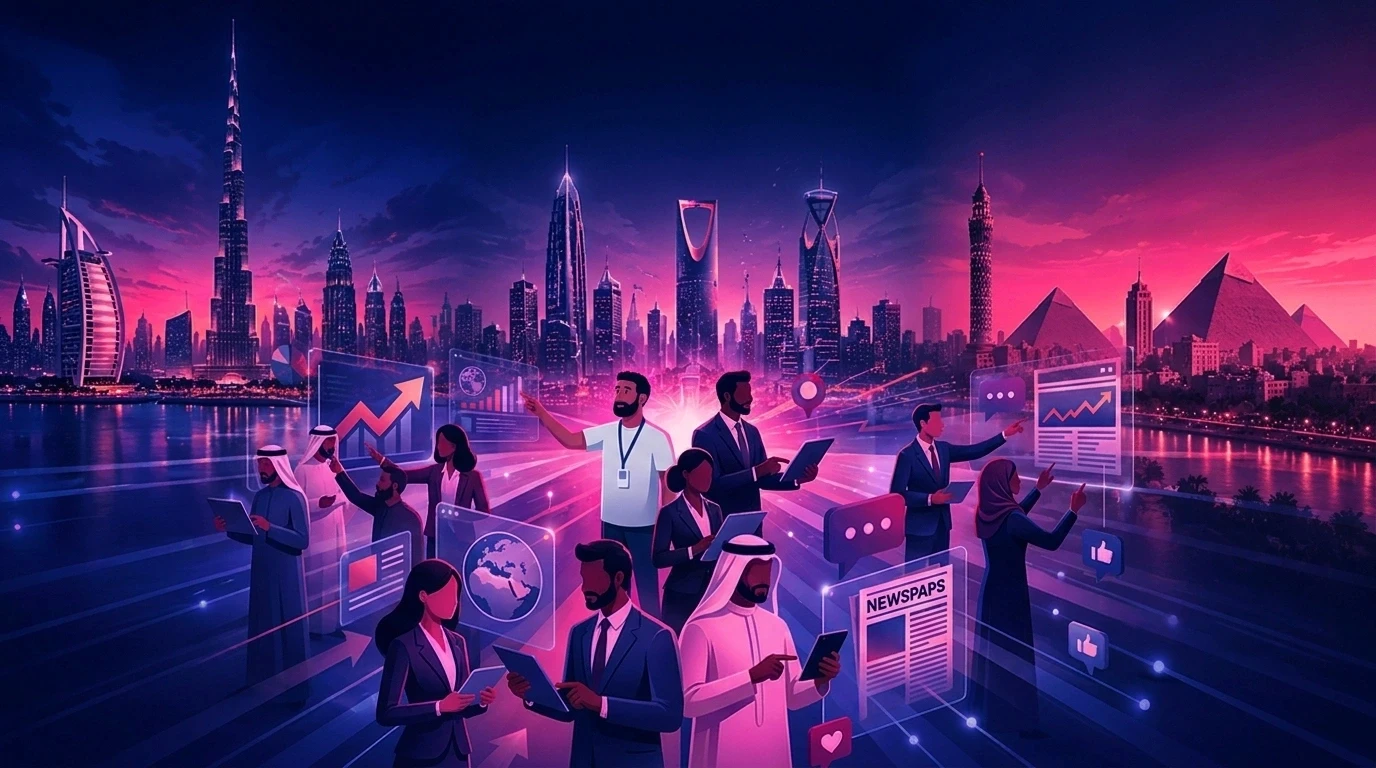
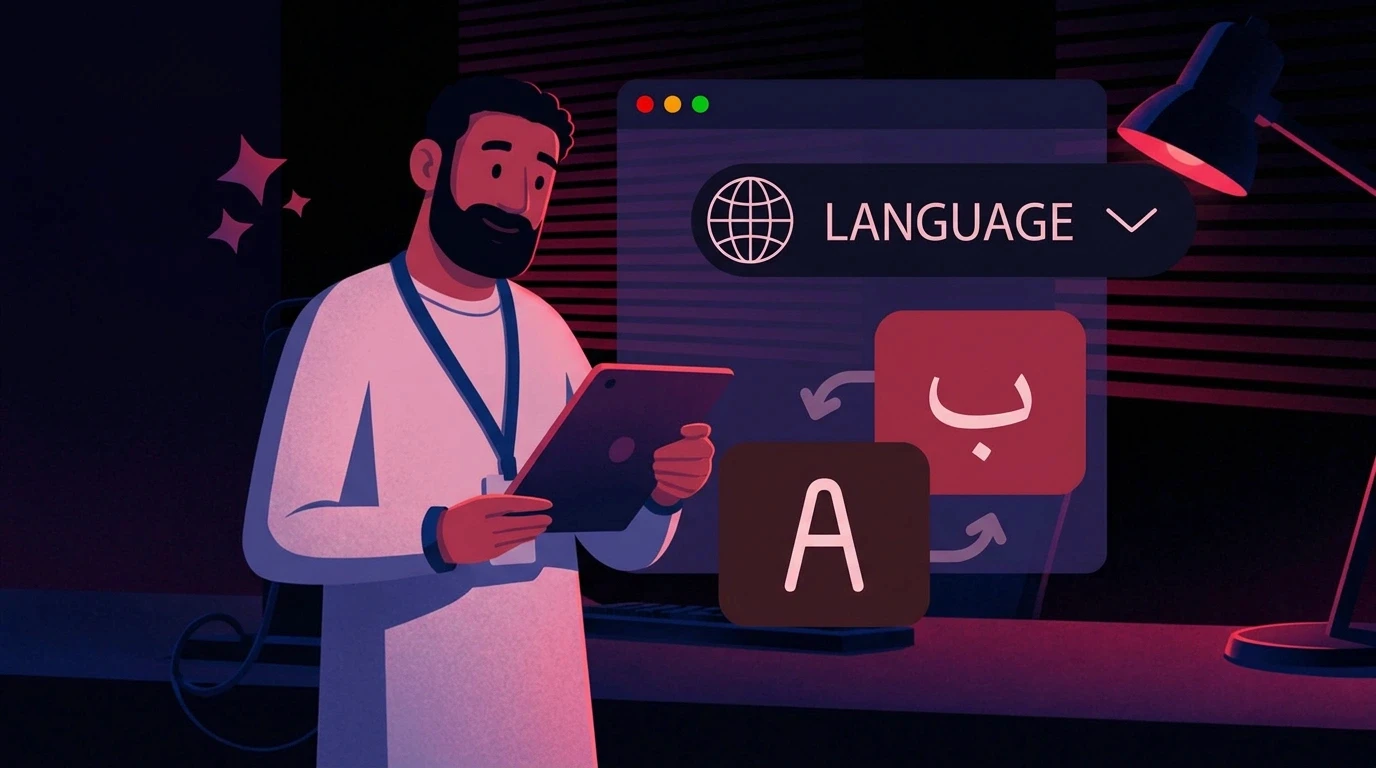
Using generic multilingual voiceover for regional workforces. In MENA markets, dialect, pronunciation, terminology, and cultural context can matter as much as translation. Animus can coordinate Arabic and English voiceover and localization as part of the same production workflow.
Re-briefing a presenter character from scratch for every module. This can become a major source of visual drift across a growing library. Animus prevents this by carrying approved character sheets and visual references from one module to the next.
Producing long, single-topic modules. Long videos can be harder to update when only one section of a policy changes. Breaking larger topics into shorter modules can make updates easier to manage.
Best Practices for Scaling Employee Training Animation
1. Store Your Presenter Character Once
Animus develops and approves a presenter character before scaling production. The character sheet can define the presenter's face, proportions, wardrobe, expressions, poses, and movement rules so the same identity remains recognizable across modules.
2. Separate Brand Identity From Script Content
Logo, color palette, fonts, visual style, and tone should be treated as reusable brand settings rather than notes attached to each individual brief.
A structured brand system makes it easier to produce new training modules without rebuilding the visual direction every time. Animus connects the brand identity with storyboard templates, character references, graphic rules, and production assets.
3. Use Dialect-Accurate Voiceover
For regional workforces, source voiceover appropriate to the audience rather than relying on one generic multilingual track.
This is particularly relevant for companies operating across MENA, where Arabic localization may require more than simply translating English content into Modern Standard Arabic.
4. Keep Individual Modules Short
As a general production principle, keeping individual modules focused can make them easier to consume, review, and update.
Instead of creating one long training video covering an entire subject, divide larger topics into logical modules that can be updated independently.
5. Build an Update Workflow, Not Just a Production Workflow
The real cost of employee training animation often appears when policy changes.
A production system should therefore make it easy to update an existing module without rebuilding the entire visual identity from scratch.
Step-by-Step: Implementing Employee Training Animation for a Growing Library
1. Audit Your Existing Training Content
Identify which modules are outdated, which presenter or branding assets already exist, and which regions or dialects your workforce needs.
2. Establish a Presenter Character and Brand Identity Once
Instead of briefing the visual identity separately for every module, establish the presenter, brand, environment, and visual language once.
3. Script the First Module
Produce the first module through the Animus pipeline, from approved script and storyboard to animation, voiceover, sound, and final edit.
Use the first module as the benchmark for visual quality, tone, pacing, voiceover, and brand consistency.
4. Review for Compliance Accuracy First
The content should be reviewed by the relevant subject-matter experts.
Once the presenter and brand identity are properly established, visual branding review can become much more efficient.
5. Reuse the Same Stored Identity
Use the same presenter, brand system, and visual references for every subsequent module, including regional versions.
6. Update the Script When Policy Changes
When the policy changes, update the relevant content and reproduce the affected module through the same workflow rather than rebuilding the visual identity from zero.
A Practical Example: Rolling Out a Compliance Update Across Departments
Consider a mid-size financial services company with a workforce spread across three countries.
The company needs to distribute updated compliance training after a regulatory change. It already has a library of 40 training modules, each featuring the same on-screen presenter introduced two years earlier.
Without a Consistency System
The presenter has to be re-briefed for each new production.
Even if the new version looks close to the previous presenter, small differences in facial features, clothing, proportions, or styling can appear.
Reviewers then spend part of the approval process discussing visual differences instead of focusing exclusively on the updated compliance content.
Regional voiceover may also need to be sourced separately for each module, increasing production coordination.
With Animus Agency's Connected Production System
The presenter and brand identity are documented as reusable production assets.
The same presenter can be carried into new modules without rebuilding the character description from scratch.
Brand colors, visual style, and other identity elements can remain consistent across the training library.
This allows reviewers to focus more heavily on whether the new compliance information is accurate and complete.
The same workflow can then be adapted for regional voiceover requirements.
The Animus team can then carry the same approved direction into every new module and regional adaptation. The result is a training production system designed around repeatability rather than one-off video projects.
Benefits of a Consistency-First Approach to Employee Training Animation
A consistency-first approach can provide several operational advantages:
A presenter character and brand identity that remain consistent across modules
Faster production when policies change
Review cycles focused more heavily on content accuracy
More efficient localization and regional voiceover production
Reusable visual assets across training and internal communications
Less time spent recreating the same creative direction
A scalable workflow for growing training libraries
The biggest advantage is not simply producing one video faster.
It is creating a system where the 10th, 50th, or 100th training module can follow the same visual standards as the first.
Limitations to Be Aware Of
Employee training animation, AI-generated or otherwise, is not a substitute for subject-matter accuracy.
The underlying script still needs to be reviewed by someone who understands the policy or procedure.
Consistency systems solve the visual and branding side of the problem; they do not replace compliance review or instructional expertise.
Animation also isn't the right format for every training need. Some technical, hands-on procedures are still better served by live demonstration, simulation, or live-action video.
The best approach is usually determined by the learning objective, complexity of the procedure, audience, and production requirements.
Who Needs Employee Training Animation?
Marketing Teams
Marketing teams managing internal communications alongside external campaigns can benefit from one brand system that keeps training content, internal announcements, and customer-facing video visually aligned.
A shared production system can also reduce the need to maintain completely separate creative workflows.
Ecommerce Brands
Ecommerce brands with distributed retail or fulfillment staff can use consistent animated training to explain product information, operational processes, and internal procedures across multiple locations.
Enterprise and Government Teams
Organizations producing compliance, safety, onboarding, or public-information content need clear approval stages and reliable brand control. Animus can support the full communication journey, combining production with the broader campaign and content capabilities shown on the Animus Agency services page.
Internal L&D Producers
Internal L&D teams without dedicated animation specialists can work with Animus as an external creative and production partner. The team can translate subject-matter expertise into scripts, storyboards, animation, voiceover, and reusable visual assets.
Companies Building a New Training Workflow
Animus can begin with one pilot module to establish quality, tone, pacing, character identity, and approval steps before scaling the system across a wider training library.
How Animus Agency Produces Employee Training Animation
Animus connects the complete production process:
Discovery and learning objectives: define the audience, required behavior, subject matter, language, formats, and success criteria.
Script development: turn technical or policy-heavy material into clear, structured communication.
Storyboarding: map every scene, action, graphic, message, and transition before detailed production begins.
Visual development: establish characters, environments, typography, color, illustration style, and key frames.
Production: create the module using 2D animation, 3D animation, motion graphics, filming, CGI, or a hybrid format.
Voiceover and localization: coordinate appropriate language, dialect, pronunciation, timing, and lip sync.
Editing and sound: combine visuals, narration, music, sound design, subtitles, and accessibility requirements.
Adaptation and delivery: prepare modules for learning platforms, presentations, internal portals, events, or social channels.
This connected workflow allows the same approved creative system to support onboarding, compliance, safety, product education, internal communications, and regional adaptations. Explore the complete Animus Studio animation and production capabilities.
Featured Snippet: What Is Employee Training Animation?
Employee training animation is the process of converting company policies, procedures, or onboarding material into narrated animated video.
It can be produced by a traditional animation studio, which creates each module through a project-based production process, or by an AI video platform that generates visuals, voiceover, and pacing from a written script.
Employee training animation typically includes:
A recurring presenter or narrator character
Branded colors, fonts, and visual style
A narrated script covering policy, procedure, or onboarding content
Voiceover in multiple languages or regional dialects
Scene pacing designed around the learning objective
Visual demonstrations of processes, concepts, or procedures
Conclusion: Making Employee Training Animation Work at Scale
A single employee training animation video is relatively easy to produce well.
A training library that stays consistent across 50 or 200 modules, over years, across departments and languages, is the actual problem worth solving.
Animus avoids treating each module as an isolated project. The agency preserves the presenter character, brand identity, environment direction, storyboard logic, and reusable visual system so future modules can follow the same creative direction.
For organizations building or rebuilding a training library, the key question isn't simply:
"Can we make one good training video?"
It is:
"Can we make the next 50 videos without losing consistency, speed, or control?"
That's where Animus Agency's consistency-first approach becomes valuable.
If you are building or updating a training library, start with one pilot module and evaluate the workflow based on how well it can scale. Share your training objective, audience, duration, languages, deadline, and reference material through the Animus Agency contact page.
FAQ
1. How much does employee training animation cost?
Cost depends on the production method, video length, complexity, voiceover requirements, number of revisions, and production volume.
Animus scopes each project around these requirements and can plan reusable assets when the organization expects multiple modules or recurring updates.
2. Is AI-generated employee training animation as good as a traditional animation studio?
It depends on the platform and production requirements.
Without a consistency system, AI-generated presenter characters and branding can drift between videos.
A platform with reusable character and brand identities can make consistency easier to maintain while reducing production time.
For complex productions requiring customized animation, live-action integration, CGI, or specialized visual effects, Animus can design a hybrid production approach around the learning objective and available budget.
3. How do you update employee training animation when company policy changes?
Traditional production may require re-briefing an animation studio or production team for each update.
Animus can retain the approved presenter, brand identity, storyboard system, and production references, then revise the affected scenes without rebuilding the complete creative direction from scratch.
4. What industries need employee training animation most?
Industries with large workforces, recurring compliance requirements, complex procedures, or frequent policy updates can benefit significantly.
Examples include oil & gas, healthcare, financial services, government, manufacturing, retail, logistics, and technology.
5. Can employee training animation support multiple languages and regional dialects?
Yes, although the quality and localization capabilities vary between platforms.
Translation alone does not guarantee effective localization.
For regional workforces, voice, terminology, pronunciation, cultural context, and dialect can all affect how naturally training content is received.
For MENA organizations, Animus can coordinate Arabic and English localization, appropriate regional voice direction, subtitles, and adapted timing so the training feels natural to each audience.
6. Why choose Animus Agency for employee training animation?
Animus combines strategy, scripting, storyboarding, character and visual development, 2D and 3D animation, motion graphics, CGI, filming, voiceover, sound, editing, and localization in one coordinated workflow. Review the Animus Agency and Animus Studio pages for more information.