How to Produce Multilingual Videos Without Losing Brand Consistency

Multilingual video production breaks brand consistency fast. Get the framework for Arabic dialects and consistent visuals — start free on ALStudio.
Multilingual Video Production: How to Keep Brand Identity Consistent Across Languages
Multilingual video production is the process of adapting video content for different languages and markets while keeping the brand, message, and visual identity consistent across every version.
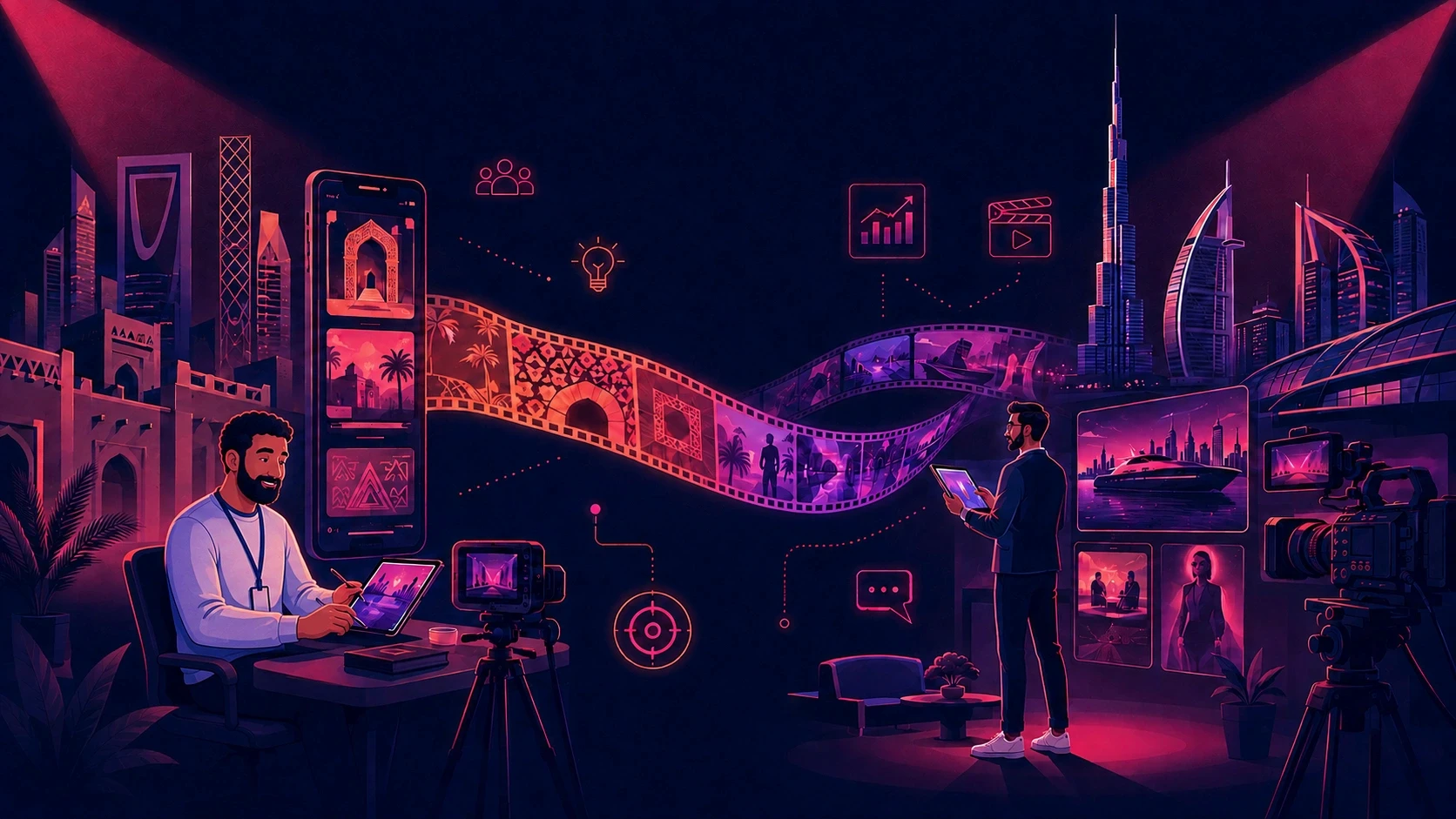
For a campaign running across Saudi Arabia, the UAE, Egypt, and other MENA markets, localization can involve much more than translating a script.
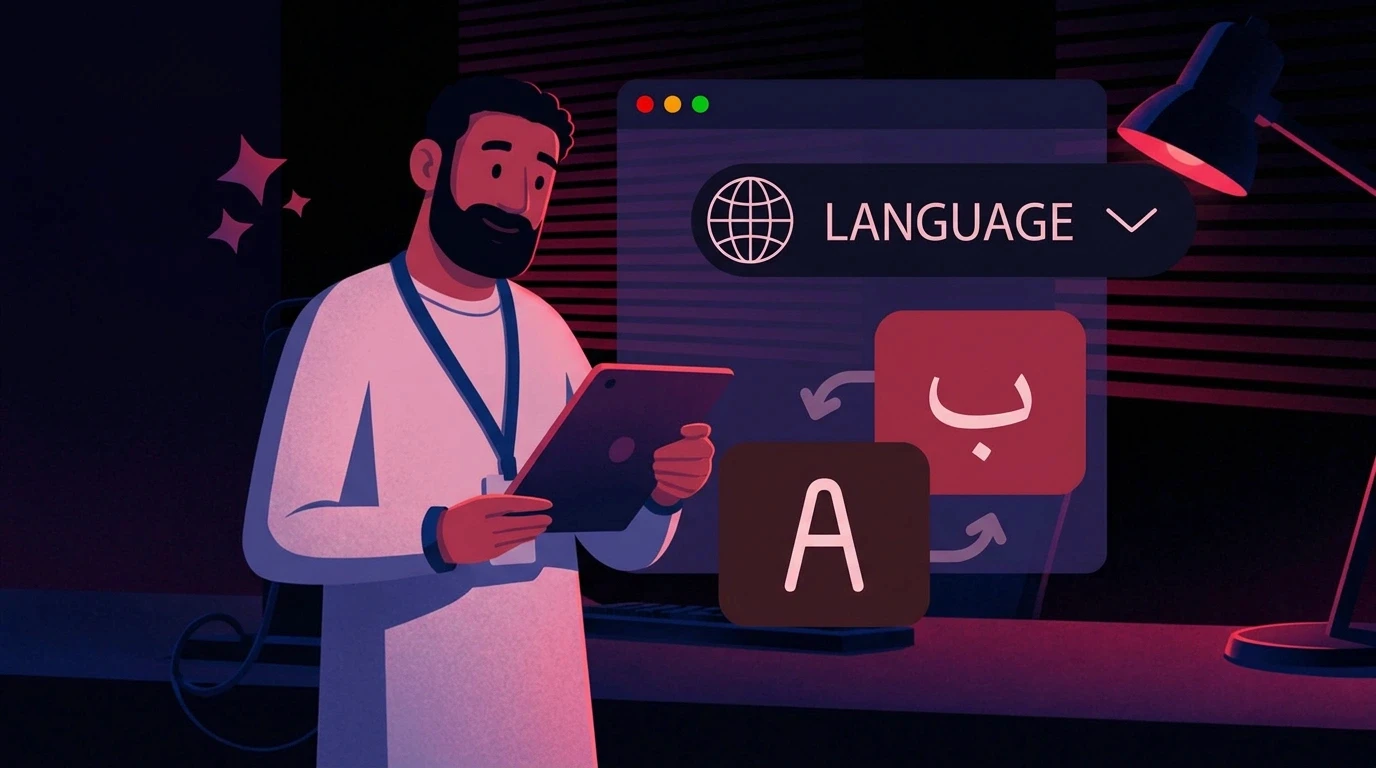
The voice may change from English to Saudi Arabic.
The script may be adapted for Egyptian audiences.
Subtitles may need to be redesigned.
On-screen copy may need to move from left-to-right to right-to-left.
But there are elements that should not change:
The character. The product. The brand. The visual identity.
This is where multilingual video production becomes difficult.
A campaign can start with one approved character and one visual direction. Then different teams create localized versions, and small differences begin to appear. The character's face changes slightly. The product packaging looks different. Colors shift. Typography changes. The overall style starts to drift.
By the time five versions are produced, the team may have five localized videos that no longer feel like one campaign.
The goal of a scalable localization workflow is therefore simple:
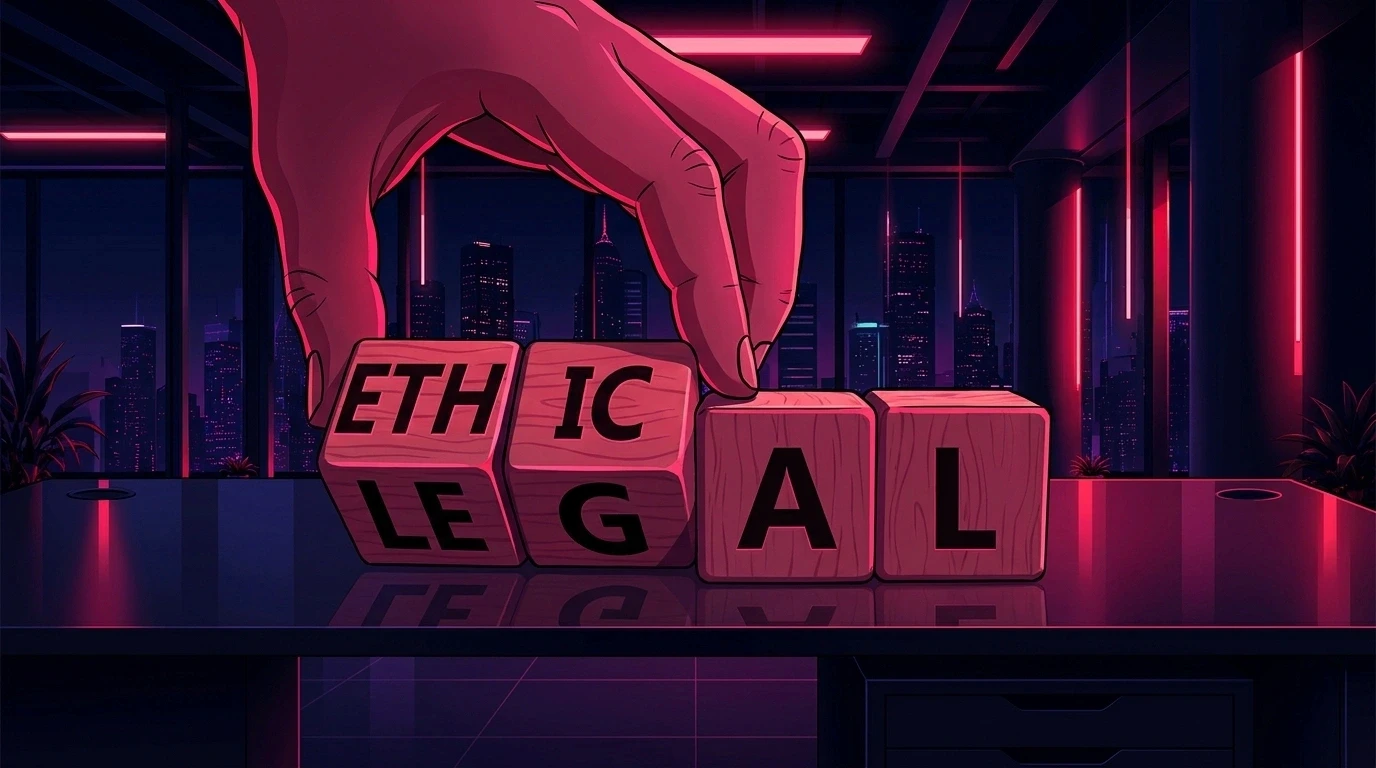
Change the language without changing the brand.
What Is Multilingual Video Production?
Multilingual video production means creating multiple language or dialect versions of a video while preserving the original campaign's core message and identity.
Depending on the project, localization can include:
Script translation
Transcription
Voiceover
Dubbing
Lip sync
Subtitles
On-screen text
Cultural adaptation
Visual localization
Market-specific versions
For example, one product campaign might need:
English for international audiences
Saudi or Gulf Arabic for Saudi Arabia
Gulf Arabic for the UAE
Egyptian Arabic for Egypt
French for North Africa
German for Germany
The communication changes according to the audience.
The brand system stays connected.

Why Multilingual Video Production Is More Than Translation
Translation changes the words.
Localization changes how the content works for a specific audience.
That can affect:
The language
The dialect
The voice
The tone
The cultural references
The subtitles
The on-screen copy
But there is another layer that teams often overlook:
the visual identity.
Consider a campaign with a recurring character.
The original video uses one approved character.
A second editor creates the Arabic version using a different reference.
A third editor creates the Egyptian version from a frame taken from the Arabic version.
The character may still look similar, but the face, proportions, clothing, or styling can gradually change.
The same thing can happen with the product, environment, colors, typography, and overall visual style.
This creates visual drift.
And the more versions a campaign has, the more opportunities there are for that drift to appear.
The Three Things Every Multilingual Campaign Needs to Protect
A strong multilingual workflow separates the things that should change from the things that should remain consistent.
1. The Message
The message needs to be adapted for the local audience.
This can include:
Language
Dialect
Cultural references
Expressions
Calls to action
Local examples
2. The Voice
The voice needs to sound natural for the target audience.
That means considering:
Accent
Dialect
Pronunciation
Tone
Energy
Delivery
3. The Brand
The brand should remain recognizable.
That includes:
Character
Product
Logo
Colors
Typography
Environment
Visual style
This creates a simple rule for localization:
Localize the message. Preserve the identity.
Why Arabic Video Localization Requires Extra Attention
Arabic localization is not simply a matter of translating English into Arabic.
Arabic is used across many markets, and regional dialects can differ in vocabulary, pronunciation, tone, and everyday expressions.
A campaign targeting Saudi consumers may require a different communication style from one targeting Egyptian consumers.
Depending on the campaign, teams may work with:
Modern Standard Arabic
Saudi Arabic
Gulf Arabic
Egyptian Arabic
Levantine Arabic
Other regional varieties
The right choice depends on the target audience, campaign, product, and brand voice.
This means the question should not simply be:
"Does the platform support Arabic?"
It should be:
"Does it support the language, dialect, and voice style this campaign actually needs?"
For example, ElevenLabs' Arabic text-to-speech provides Arabic voice generation capabilities for content production.
MSA vs. Regional Arabic: Which Should You Use?
Modern Standard Arabic can work well for:
Corporate communication
Formal announcements
Educational content
Government communication
Pan-Arab campaigns
A consumer campaign may require something more regional.
For example, a casual social media advertisement targeting Saudi consumers may benefit from a different tone from a formal corporate video intended for a broad Arab audience.
There is no single Arabic setting that works for every campaign.
The decision should be based on:
Audience + Market + Brand Voice + Campaign Type
That decision should also happen before production, not after the video has already been created.
The Current Multilingual Video Production Workflow
Most teams use several tools to complete a multilingual video.
One tool handles translation.
Another handles voice generation or dubbing.
Another handles editing.
Another may be used for AI-generated visuals.
The workflow might look like this:
Script → Translation → Voice → Video Editing → Subtitles → QA
That workflow can work.
The challenge is maintaining consistency between every stage.
For example:
The translation changes the script.
The voice changes the delivery.
The editor changes the visuals.
The AI generation tool creates new assets.
The final reviewer has to check everything against the original campaign.
As the number of languages increases, there are more versions to manage.
That is when a disconnected workflow can create unnecessary rework.
What Dubbing and Translation Platforms Solve
Platforms such as HeyGen's Video Translation focus on video localization, including translation, voice, subtitles, and lip-sync workflows.
Rask AI also focuses on video localization, including translation, voice cloning, subtitles, and lip-sync capabilities.
These tools can be useful for solving the language layer of a multilingual campaign.
But language localization is only one part of the production process.
The other part is the visual system behind the campaign.
The Visual Consistency Problem
Imagine that a company has one approved character.
For the English video, the team uses the original character reference.
For the Saudi version, another editor generates the character again.
For the Egyptian version, a third editor creates another version.
Even when everyone follows the same brand guide, the results can vary.
The character may have:
A slightly different face
Different proportions
Different clothing
Different hair
Different expressions
The same issue can happen with products.
A product may have:
Different proportions
Different packaging
Different label placement
Different colors
Different materials
Different lighting
The campaign is still recognizable, but it no longer feels completely unified.
Why Reference Images Alone Can Become a Problem
Reference images are useful for guiding AI generation.
But they can become difficult to manage when the same identity needs to be reused across many videos and languages.
Consider this workflow:
Campaign 1 → Character Reference A
Campaign 2 → Screenshot from Campaign 1
Campaign 3 → Screenshot from Campaign 2
Every new generation is now based on another generation.
Small differences can accumulate.
This is why there is an important distinction between:
A reference image
and
A reusable identity system.
A reference image shows what a character or product looks like.
A reusable identity system gives the production team a consistent foundation to work from repeatedly.
What Is Brand DNA?
Brand DNA is a reusable definition of the brand elements that should remain consistent across content.
Depending on the production system, this can include:
Logo
Colors
Typography
Visual style
Character
Product
Environment
Brand messaging
Instead of recreating these decisions for every new video, the team establishes them as part of the production foundation.
This is particularly useful for multilingual campaigns because every new language version can start from the same approved identity.
ALStudio's Brand DNA approach uses Brand DNA alongside Character DNA, Product DNA, and Environment DNA to support consistent content production.

The Four Types of Consistency a Multilingual Campaign Needs
A multilingual campaign becomes easier to manage when consistency is divided into four layers.
1. Character Consistency
The character should remain recognizable across:
Languages
Scenes
Videos
Campaigns
Expressions
Camera angles
The character can perform different actions without becoming a different character.
ALStudio's Character DNA guide explains how persistent character identity can help address character changes between AI generations.
2. Product Consistency
The product should remain visually accurate across every version.
This matters especially for:
Cosmetics
Food
Electronics
Packaging
Bottles
Retail products
A localized version should not accidentally show a different-looking product.
3. Environment Consistency
If the campaign uses a specific environment, it should remain recognizable where the creative requires it.
Examples include:
Retail stores
Homes
Studios
CGI environments
Branded campaign worlds
4. Brand Consistency
The overall visual identity should remain connected through:
Colors
Fonts
Logo
Graphic elements
Composition
Animation
Visual style
Together:
Character + Product + Environment + Brand = a consistent campaign system.
A Practical Example: One Campaign Across Saudi Arabia, the UAE, and Egypt
Imagine a personal care brand launching a 45-second product advertisement.
The campaign needs three versions:
English
Saudi/Gulf Arabic
Egyptian Arabic
The master campaign contains:
One character
One product
One environment
One visual identity
The communication changes for each market.
English Version
The original script is produced in English with the approved brand voice.
Saudi Version
The message is adapted for the Saudi audience and produced using an appropriate Saudi/Gulf Arabic voice and tone.
Egyptian Version
The message is adapted for Egyptian consumers and produced using an appropriate Egyptian Arabic voice and tone.
But the core visual system remains connected:
Same character
Same product
Same campaign environment
Same colors
Same typography
Same brand style
The campaign becomes localized without becoming visually fragmented.
What Happens Without a Consistency System?
Without a reusable system, every new language version can become another manual production cycle.
The team may need to:
Find the original character reference.
Find the correct product asset.
Open the brand guidelines.
Recreate the scene.
Check the colors.
Check the typography.
Compare the result with the original.
Fix differences.
Repeat everything for the next language.
Two versions may be manageable.
But consider:
5 languages × 10 videos × 20 social assets
Now the production team is not simply translating content.
It is managing hundreds of individual outputs.
That is where a reusable creative system becomes valuable.
A Better Framework for Multilingual Video Production
Regardless of the tools being used, a strong workflow can follow four principles.
1. Lock the Brand Before Localization
Before translating the first script, define:
Character
Product
Colors
Typography
Environment
Visual style
This gives every language version the same starting point.
2. Match the Dialect to the Audience
Do not treat "Arabic" as one production setting.
Define the target market first, then select the appropriate language or dialect.
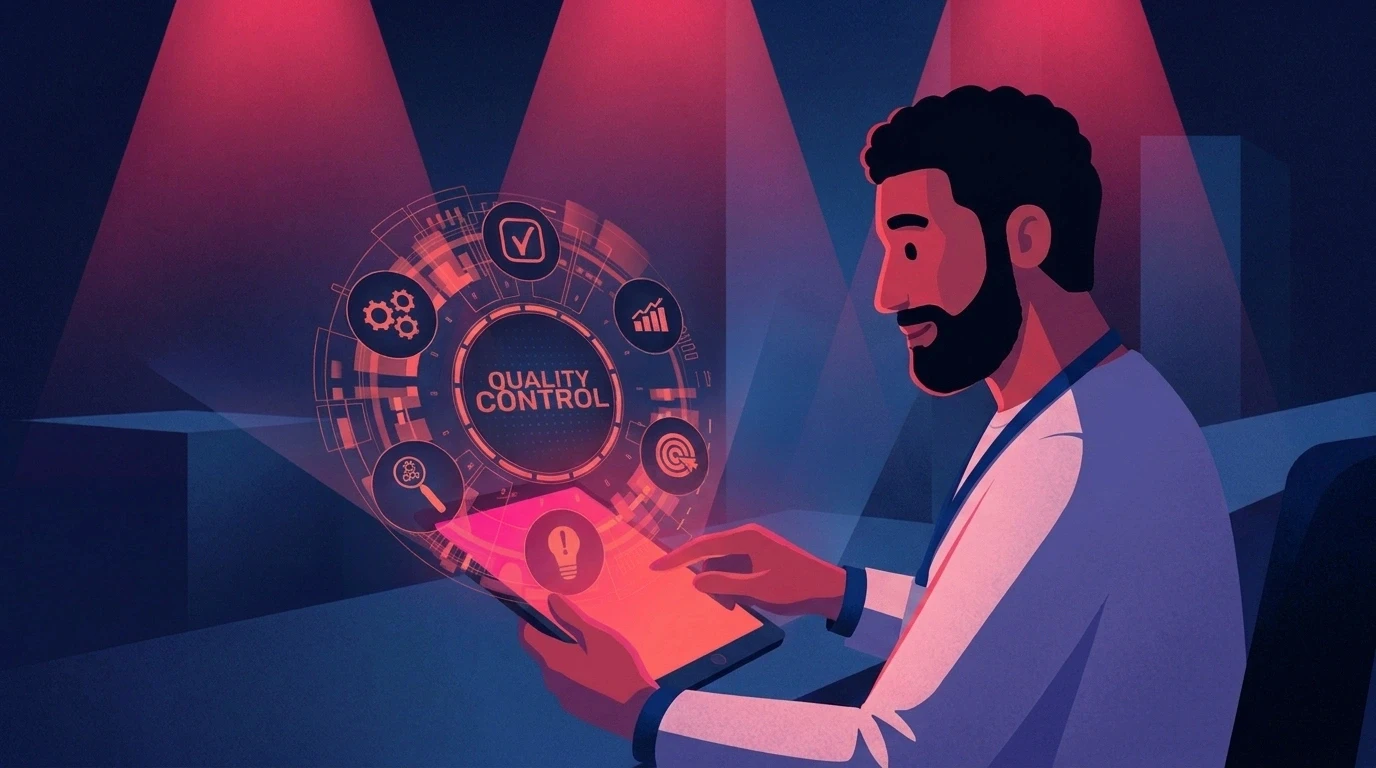
3. Review Visuals and Language Together
QA should check more than pronunciation and translation.
Review:
Language
Accuracy
Natural phrasing
Dialect
Tone
Subtitles
Visuals
Character
Product
Colors
Typography
Environment
Logo
This makes visual consistency part of the main approval process.
4. Reuse the Production System
Once the campaign is approved, do not rebuild everything for every language.
Reuse the approved identity and adapt only the elements that actually need localization.
Agency Use Case: Multiple Clients and Multiple Dialects
For agencies, multilingual production can become even more complex.
An agency may manage several clients, each with:
Different brand identities
Different characters
Different products
Different markets
Different dialect requirements
Without a centralized system, editors may need to search through folders and brand guidelines every time they start a new version.
That creates unnecessary room for mistakes.
A better workflow is to establish a reusable brand foundation for each client.
Client Brand System
Store:
Brand identity
Character
Product
Environment
Visual style
Market System
Define:
Country
Language
Dialect
Voice
Tone
Cultural requirements
Production System
Then create the localized campaign from those approved foundations.
The result is a workflow where:
The brand stays centralized. The communication becomes localized.
Enterprise Use Case: One Campaign, Multiple Markets
Enterprise brands often have a similar challenge at a larger scale.
A central marketing team may create the master campaign while regional teams adapt it for their markets.
Without clear production rules, each market can interpret the campaign differently.
One market may change the character.
Another may change the product shot.
Another may use a different visual style.
The campaign remains related, but the identity becomes inconsistent.
A stronger approach is:
Centralize the identity. Localize the communication.
The central team defines what must remain consistent.
Regional teams adapt what needs to change.
Benefits of a Brand-DNA-Driven Workflow
A reusable brand system can help teams:
Reduce unnecessary rework
Editors and creators do not need to rebuild the same identity for every version.
Improve first-pass approvals
The more consistent the output is with the approved campaign, the fewer visual corrections are needed.
Reuse approved assets
A character or product can become part of multiple campaigns instead of being recreated each time.
Scale across markets
The same production foundation can support multiple language versions.
Make team collaboration easier
Editors, designers, marketers, and regional teams can work from the same approved references.
Increase content output
One master campaign can become multiple localized videos and social assets without requiring an entirely new creative process for each market.
Limitations to Consider
A centralized workflow does not remove every localization challenge.
Teams still need to:
Define the brand system correctly
Review localized scripts
Check dialect accuracy
Approve voice quality
Review cultural context
Check visual accuracy
Maintain brand references as campaigns evolve
AI can accelerate production, but human review remains important, particularly for regional language and cultural nuance.
The goal is not to remove the creative team from the process.
The goal is to give the team a more repeatable production foundation.
Step-by-Step Multilingual Video Production Workflow
Here is a practical process agencies and marketing teams can use.
Step 1: Create the master campaign
Develop and approve the:
Concept
Script
Character
Product
Environment
Visual direction
Step 2: Define the brand system
Lock the elements that should remain consistent.
Step 3: Map the markets
For every market, define:
Language
Dialect
Voice
Tone
Cultural requirements
Step 4: Localize the script
Adapt the message rather than translating word for word.
Step 5: Produce the voice
Create the appropriate voiceover for each market.
Step 6: Reuse the visual identity
Keep the approved character, product, environment, and brand style connected to each version.
Step 7: Adapt on-screen text
Check:
Right-to-left layout where required
Typography
Text length
Safe areas
Readability
Brand styling
Step 8: Run combined QA
Review the language and visuals together.
Step 9: Archive the approved system
Keep the final brand and campaign references available for future localization.
The next campaign should start with an existing foundation rather than a blank project.
How to Measure the Production Process
Teams do not need complicated reporting to understand whether their localization workflow is improving.
Track a few practical metrics.
First-Pass Approval Rate
How many localized videos are approved without major revisions?
Revision Rate
How many videos require visual or brand corrections?
Regeneration Rate
How many AI-generated assets need to be recreated because they do not match the approved identity?
Production Time
How long does it take to move from localized brief to approved video?
Asset Reuse
How many campaigns reuse the same approved character, product, or environment?
Content Output
How many usable localized assets can be created from one master campaign?
These metrics show whether localization is becoming a repeatable production process or remaining a collection of manual tasks.
Where ALStudio Fits
ALStudio.ai is built around a creative production workflow that connects content generation, film production, marketing, editing, and reusable brand context.
The platform currently highlights:
100+ leading AI models
85+ production workflows
22+ Arabic dialects
Brand DNA
Character DNA
Product DNA
Environment DNA
Four production Studios
The important part for multilingual production is the shared identity layer.
Constants Studio stores the reusable brand and production context, including Brand DNA, Character DNA, Product DNA, Environment DNA, visual style, logo, and color palette.
That means the team can establish the brand foundation once and use it across different production workflows.
The Consistency Engine then connects that identity to content creation.
For a multilingual campaign, this can mean keeping the character, product, environment, and brand identity connected while adapting the script and voice for each market.
Common Mistakes in Multilingual Video Production
Mistake 1: Treating translation as the entire process
Translation changes the words.
Localization considers the audience, voice, cultural context, visuals, and overall communication.
Mistake 2: Using one Arabic style for every market
Different audiences may require different dialects and communication styles.
Define the market first.
Mistake 3: Recreating every language version from scratch
This creates more work and more opportunities for visual inconsistency.
Start with one approved creative system.
Mistake 4: Checking visuals only at the end
Visual inconsistencies become harder to fix after multiple versions have been produced.
Include visual QA from the beginning.
Mistake 5: Choosing a platform based only on its language count
A platform supporting many languages does not automatically provide the same depth across every dialect.
Test the exact language and voice style your campaign requires.
Mistake 6: Treating brand guidelines as a document instead of a system
A brand guide tells people what the brand should look like.
A production system helps teams apply those rules repeatedly.
That distinction becomes increasingly important as content volume grows.
When Should a Brand Build a Multilingual Production System?
A structured workflow becomes particularly useful when a company regularly:
Runs campaigns across multiple countries
Produces multiple Arabic dialect versions
Uses recurring characters
Creates product videos at scale
Works with several agencies or production teams
Has regional marketing teams
Produces large amounts of social content
Reuses campaigns across different markets
If a company produces one localized video occasionally, a manual workflow may be enough.
If the company produces dozens or hundreds of assets across multiple markets, a reusable production system becomes much more valuable.
Multilingual Video Production Checklist
Before publishing a localized campaign, check:
Brand
Is the brand identity clearly defined?
Are the colors consistent?
Is the typography consistent?
Is the logo treatment correct?
Character
Is the character clearly defined?
Can the character be reused?
Does the character remain recognizable across versions?
Product
Is the product reference approved?
Is the packaging accurate?
Are product colors and proportions consistent?
Language
Is the correct language being used?
Is the correct dialect being used?
Does the script sound natural?
Does the voice match the campaign tone?
Visuals
Are the same visual references being used?
Does the localized version still look like the original campaign?
Are subtitles and on-screen text correctly formatted?
Production
Can approved assets be reused?
Is there one source of truth for the brand?
Is visual QA included with linguistic QA?
Frequently Asked Questions
1. What is multilingual video production?
Multilingual video production is the process of adapting video content for multiple languages or dialects while maintaining the campaign's message, visual identity, and brand consistency.
It can include translation, script adaptation, voiceover, dubbing, subtitles, lip sync, and visual localization.
2. How do you keep a brand consistent across different language versions?
Define the important brand elements before localization begins.
These can include the character, product, colors, typography, environment, logo, and visual style.
Then reuse those approved elements across every language version.
3. Why is Arabic video localization more complicated?
Arabic is used across many markets with different dialects and communication styles.
A campaign for Saudi Arabia may require a different voice and tone from a campaign targeting Egypt or the Levant.
The appropriate dialect should therefore be selected according to the target audience.
4. Should brands use Modern Standard Arabic for every market?
Not necessarily.
MSA can be appropriate for formal or pan-Arab communication, while consumer campaigns may benefit from regional dialects depending on the audience and brand voice.
5. What is Brand DNA?
Brand DNA is a reusable definition of the brand elements that should remain consistent across content.
It can include:
Brand colors
Typography
Logo
Visual style
Characters
Products
Environments
The goal is to make these decisions reusable instead of recreating them for every asset.
6. How can agencies scale multilingual video production?
Agencies can create a reusable brand system for each client, define the language and dialect for each market, localize the communication, and reuse approved visual references across the campaign.
7. What should be checked before publishing a localized video?
Check both the language and the visual identity.
Language QA should cover:
Translation
Dialect
Tone
Subtitles
Pronunciation
Visual QA should cover:
Character
Product
Colors
Typography
Environment
Logo
Overall campaign style
8. How does AI help with multilingual video production?
AI can support:
Script adaptation
Voice generation
Dubbing
Lip sync
Visual generation
Editing
Content versioning
The challenge is keeping all these outputs connected to the same brand identity.
That is why reusable brand and production systems become more important as content volume increases.
9. What is the biggest mistake in multilingual video production?
Treating every language version as a completely separate creative project.
The language should change where necessary, but the core brand identity should remain connected.
A scalable workflow starts with one approved creative system and creates localized versions from it.
Conclusion
Multilingual video production is not simply about translating a video into another language.
It is about creating multiple local versions from one consistent brand system.
The strongest workflows separate what needs to change from what needs to stay consistent.
Change the language. Adapt the message. Match the dialect. Keep the identity.
For agencies and enterprise teams, this becomes increasingly important as campaigns expand across more markets, languages, platforms, and content formats.
A character should remain the same character.
A product should remain the same product.
The brand should still feel like the same brand.
The production system should make that consistency easier to maintain.
Start free on ALStudio — no watermark on any plan, no credit card required.