The Complete Animation Production Process: From Brief to Final Delivery

See the full animation production process from brief to final delivery, and how Brand DNA keeps every scene consistent across projects. Start free.
The Animation Production Process: From Brief to Final Delivery
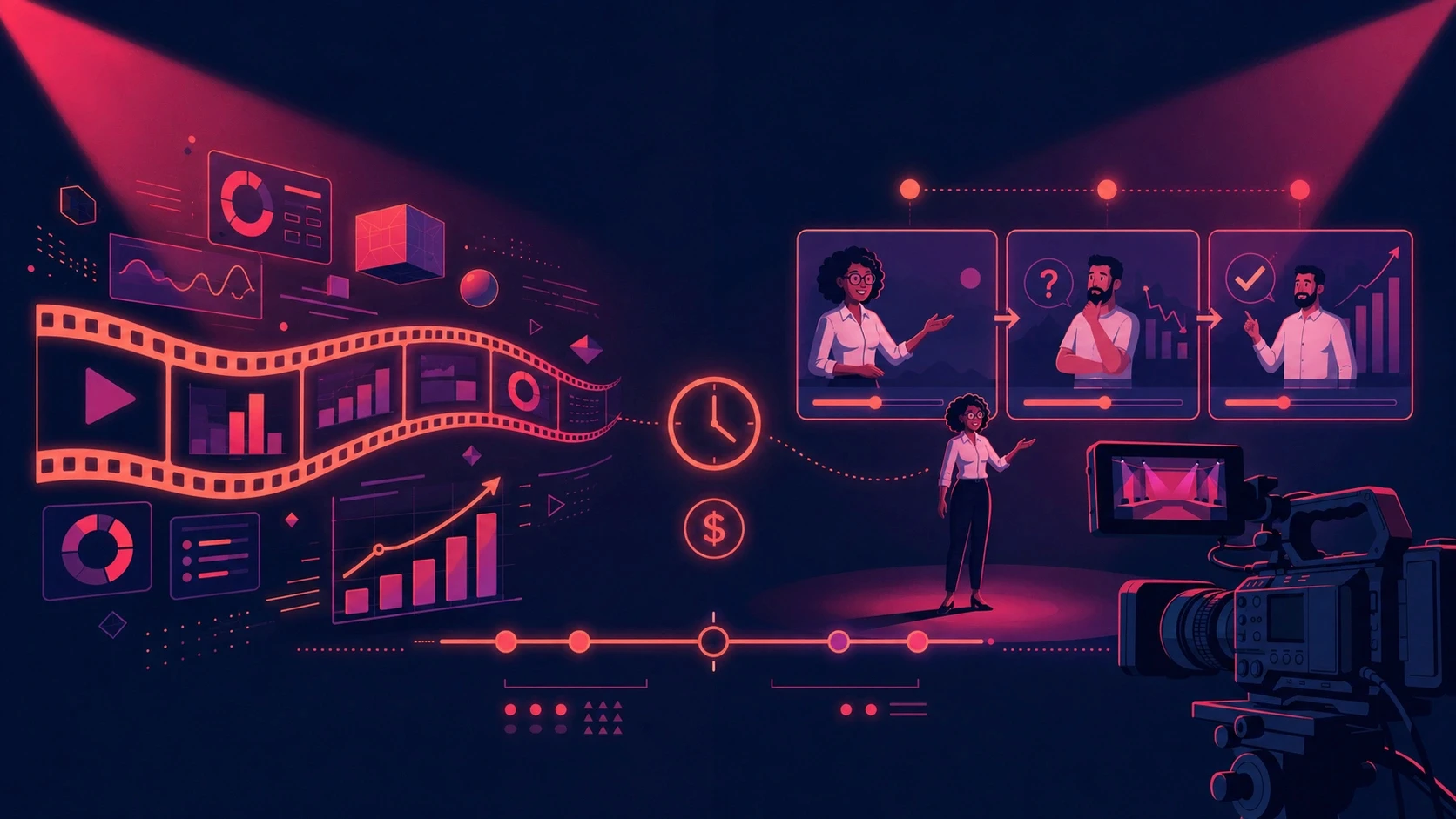
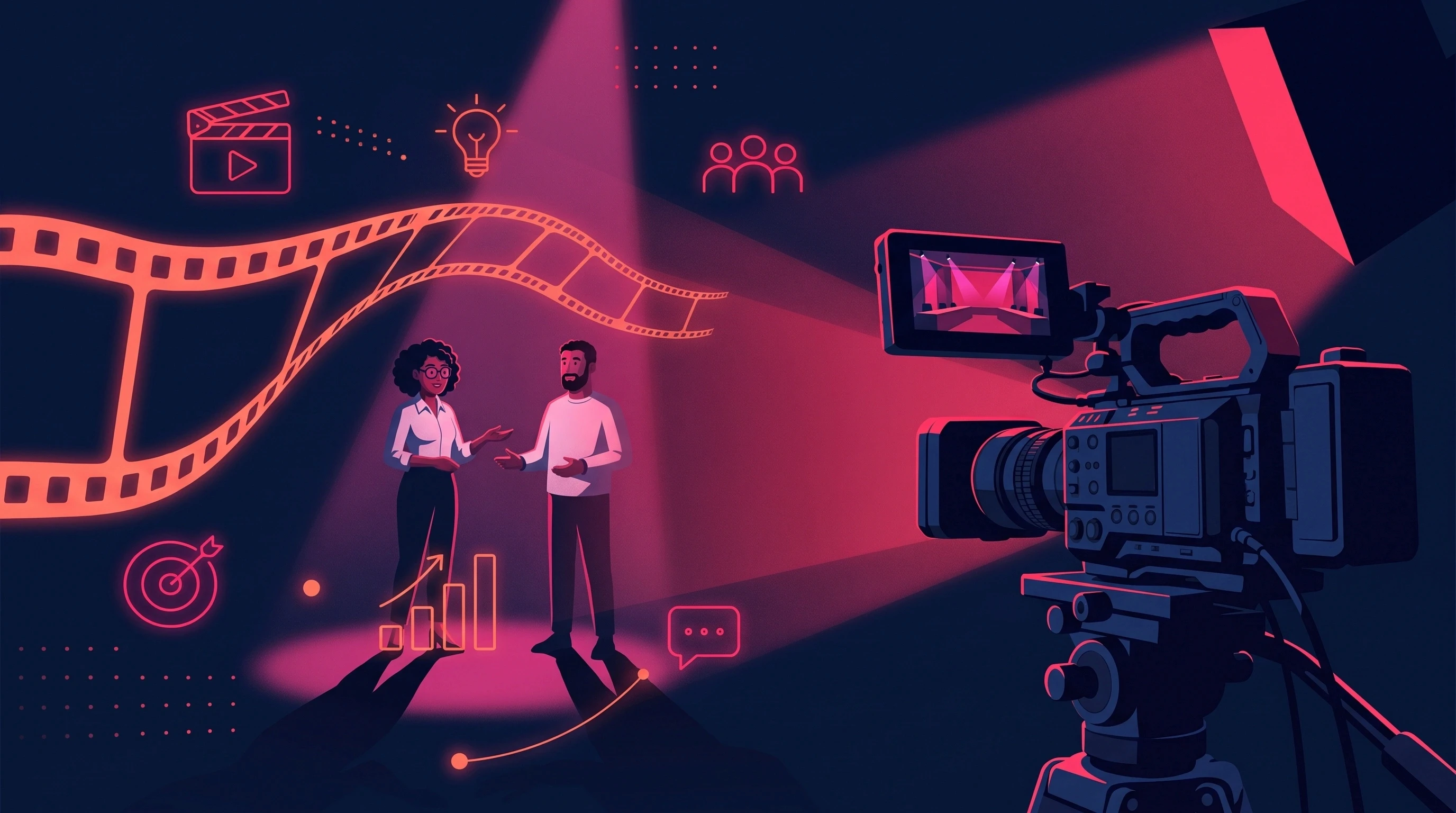
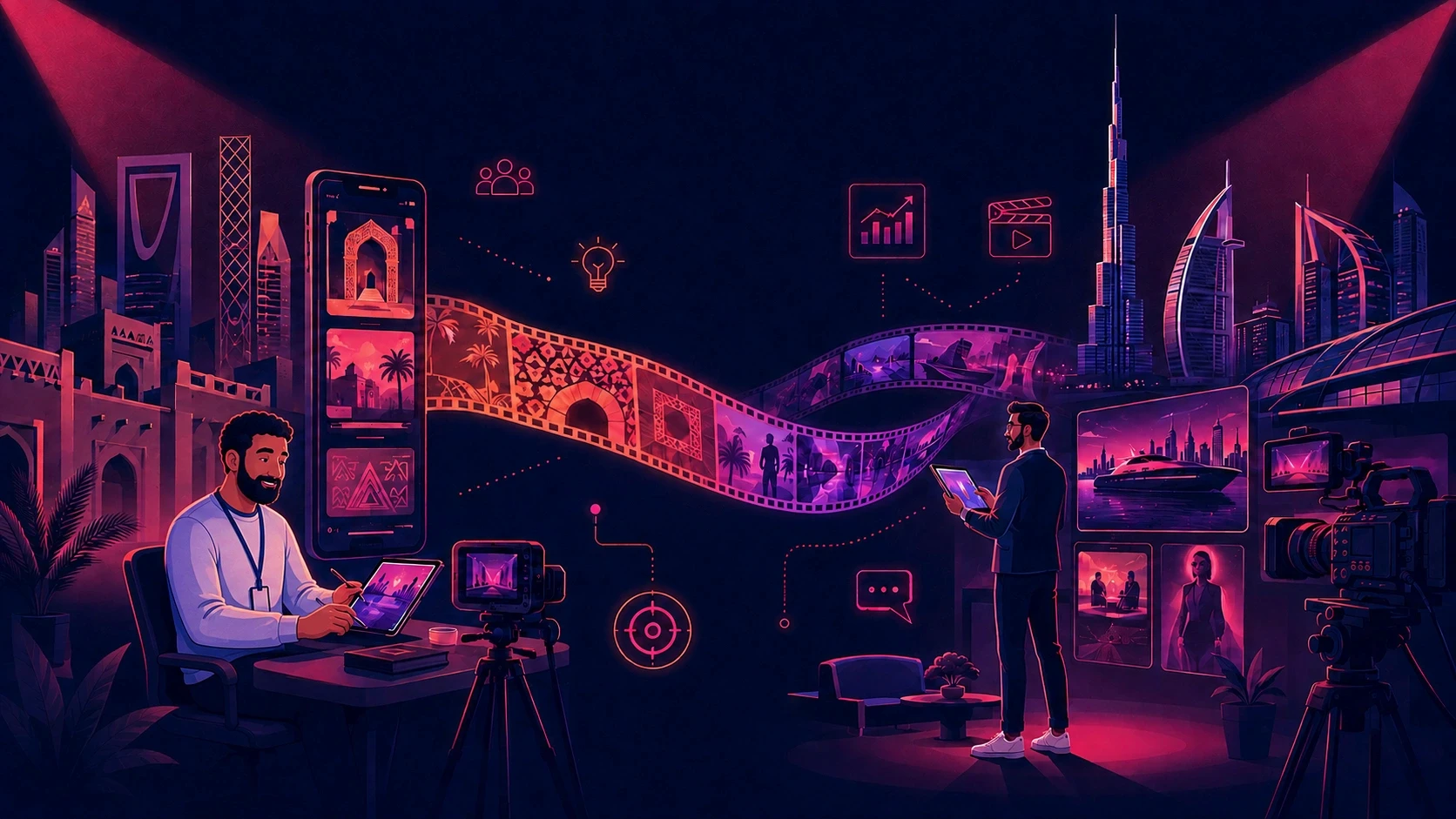
The animation production process moves through three core phases: pre-production, production, and post-production. Within those phases, most projects follow six to ten stages that take a brief from a written idea to a finished, deliverable film.
The order matters because each stage depends on the one before it.
A script influences the storyboard. The storyboard influences character and environment design. Those approved designs guide animation. Animation then moves into voiceover, editing, sound, and final delivery.
What changes from studio to studio is how efficiently those stages connect.
A disconnected workflow can create repeated approvals, inconsistent characters, incorrect product details, off-brand visuals, and expensive revisions. A connected workflow carries approved creative decisions forward instead of forcing the team to recreate them at every stage.
While building Animus Studio's animation workflow inside ALStudio, we encountered this problem directly. Early projects involving multiple stages of storyboarding, character design, scene generation, and editing could lose small details of consistency between outputs.
Those details matter.
A character's face changing between scenes, a product package shifting slightly, or a brand color being interpreted differently can turn an otherwise finished scene into another revision cycle.
The goal of a better animation production process is therefore not simply to make animation faster.
It is to protect creative decisions, reduce avoidable rework, and turn one approved idea into more usable content.
What Is the Animation Production Process?
The animation production process is the structured sequence a creative team follows to transform a brief into a finished animated film, from strategy and scripting through visual development, animation, post-production, and final delivery.
Every stage acts as a checkpoint against the original brief.
The script needs to communicate the agreed message. The storyboard needs to represent the script. Character and environment designs need to match the approved visual direction. Animation needs to preserve those decisions.
When there is no shared source of truth, consistency can break at any handoff.
A typical animation workflow looks like this:
Phase | Stages | Main purpose |
|---|---|---|
Pre-production | Brief → Script → Storyboard → Character & Environment Design | Establish the creative direction |
Production | Scene Creation → Animation | Turn approved designs into finished scenes |
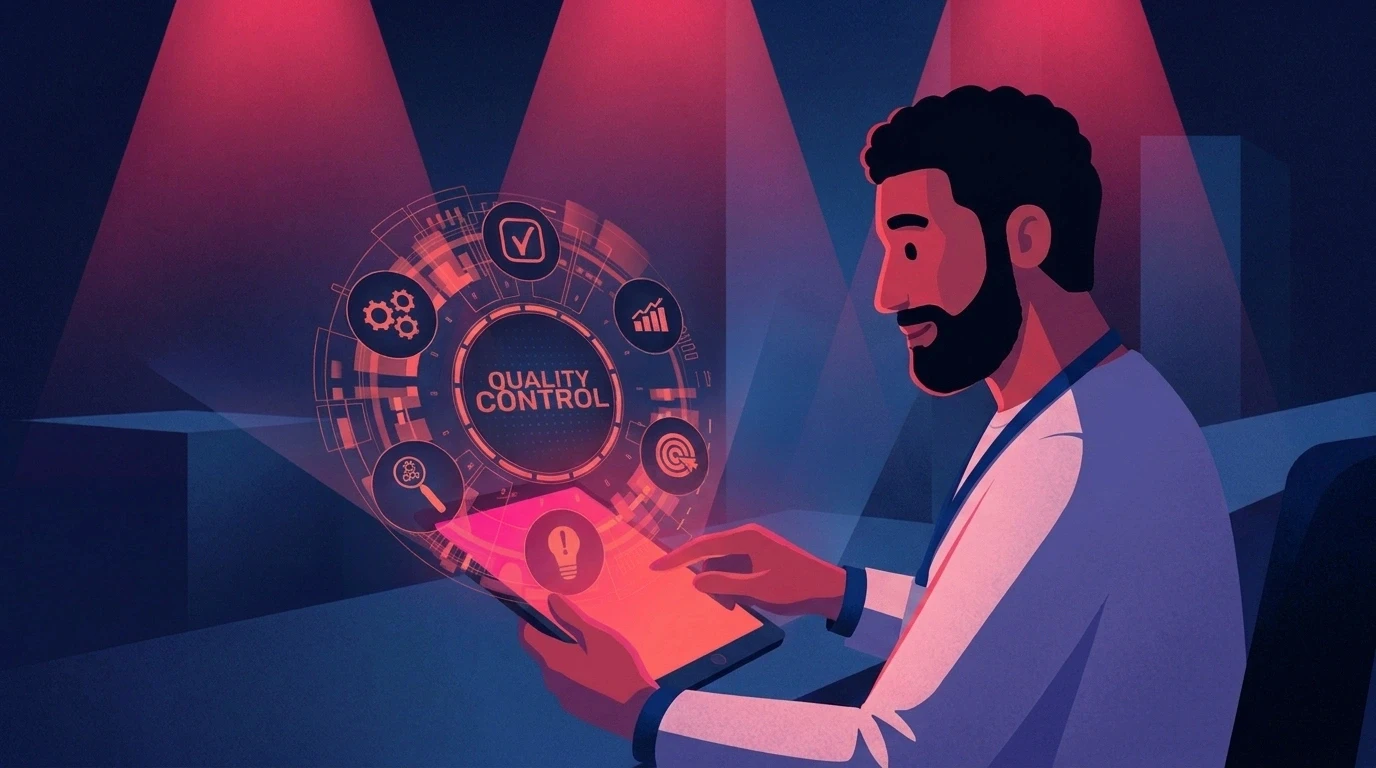
Post-production | Voiceover → Editing → Sound → Quality Control → Delivery | Assemble and prepare the final outputs |
The exact stages vary depending on the production style. A motion graphics advertisement will not require exactly the same workflow as a character-led 3D film.
The underlying principle remains the same:
The more important decisions that can be approved before detailed production begins, the less expensive those decisions are to change later.
Why Animation Pipelines Lose Time
Animation projects do not usually become inefficient because of one major mistake.
The bigger problem is often a series of small decisions that are repeated throughout production.
For example:
A character reference has to be uploaded again for every scene.
Product details have to be checked repeatedly.
Different specialists interpret the brand style differently.
Feedback arrives through multiple communication channels.
A script changes after animation has already started.
A vertical version is requested after the horizontal composition is finished.
Arabic localization is introduced after timing and typography have already been locked.
Previously approved assets cannot easily be reused for the next campaign.
Each individual issue may seem minor.
Across a campaign, they can create substantial additional production work.
The Cost of Production Rework
Rework affects more than the animation team's hours.
It can also affect:
Campaign launch dates
Approval timelines
Number of creative variations
Localization schedules
Social-media output
Testing opportunities
Internal review time
Production capacity
This is why production efficiency should be considered from the beginning of the project rather than measured only after delivery.
The Four Types of Consistency Brands Need
Animation quality is often judged by looking at one finished frame.
For brands, however, the bigger question is whether that quality remains consistent across every scene, format, creator, and future asset.
There are four important types of consistency to manage.
Consistency | What it controls | Why it matters |
|---|---|---|
Character Consistency | Face, proportions, clothing, features, and identity | Keeps recurring characters recognizable |
Product Consistency | Packaging, shape, colors, labels, and product details | Keeps product visuals accurate |
Scene Consistency | Environment, props, lighting, composition, and atmosphere | Makes multiple scenes feel like the same world |
Brand Consistency | Logo, colors, typography, visual style, and tone | Keeps campaign output recognizable as one brand |
When consistency breaks, the problem is rarely limited to one image.
A client may need to reopen an approved scene. An animator may need to regenerate an asset. A localized version may need to be rebuilt. A campaign may lose the visual connection between its different creative pieces.
That is why consistency should be treated as part of the production infrastructure.
Where Traditional Reference-Based Workflows Break Down
A common workflow for AI-assisted animation is straightforward:
Create a character.
Save the character image.
Upload the image into the next generation.
Generate another scene.
Upload the reference again.
Repeat.
This can work for isolated shots.
The problem becomes more visible when the same character, product, or environment needs to appear across dozens of scenes.
The model is repeatedly interpreting the reference rather than working from a persistent identity.
That can lead to subtle changes in:
Facial proportions
Clothing
Hair
Product packaging
Object dimensions
Environment details
Lighting
Color treatment
These differences may be small individually, but they become obvious when scenes are placed next to each other.
A connected production system addresses the problem differently.
Instead of asking the team to repeatedly communicate what the approved character or product should look like, the production system stores those decisions as reusable references.
How ALStudio's Consistency Engine Changes the Workflow
ALStudio's Consistency Engine is designed to preserve approved brand, character, product, environment, and visual-style references across the creative workflow.
The system lives inside Constants Studio, which functions as ALStudio's shared memory layer rather than as a standalone production Studio.
Teams can establish:
Brand DNA
Character DNA
Product DNA
Environment DNA
Visual Style
Logo
Color Palette
Once established, these references can be used across ALStudio's Content, Film, Marketing, and Editor Studios.
That changes the workflow from:
Create → Upload → Re-explain → Generate → Correct → Repeat
to:
Define once → Approve → Reuse → Produce → Adapt
This distinction becomes increasingly important as the number of scenes, creators, formats, and campaigns increases.
[SCREENSHOT: Constants Studio showing Brand DNA, Character DNA, Product DNA, and Environment DNA saved as reusable references.]
How Character DNA Protects Recurring Characters
Imagine a brand creates a spokesperson character for a six-scene campaign.
In a reference-based workflow, each new scene may require the character reference to be uploaded again.
Even if the same image is used, the generated result can vary.
With Character DNA, the character becomes a reusable production reference.
That makes it easier to maintain:
Facial identity
Hair
Clothing
Proportions
Character features
Overall visual identity
The benefit becomes even more important when the character returns in future campaigns.
The original creative investment can continue supporting new content instead of being recreated from scratch.
How Product DNA Protects Product Accuracy
Product-focused content has a different consistency requirement.
A character can tolerate some stylistic interpretation.
A product package often cannot.
For ecommerce and advertising, important details may include:
Packaging shape
Brand logo
Label placement
Product color
Cap or container design
Product proportions
Key visual features
Product DNA provides a reusable reference for those product characteristics.
This is particularly useful when one product needs to appear across:
Product advertisements
Social videos
Product demonstrations
UGC-style content
Campaign films
Multiple scenes
Different aspect ratios
Instead of rebuilding the product reference for every output, the same approved product identity can remain part of the production system.
How Environment DNA Supports Repeatable Worlds
The same principle applies to environments.
A campaign might have:
A retail store
A branded office
A kitchen
A studio
A fictional city
A recurring social-media set
Without a persistent environment reference, recreating that setting across multiple scenes can produce noticeable differences.
Environment DNA helps preserve the approved visual characteristics of the environment so it can be reused across the production.
This is particularly valuable for:
Episodic content
Brand characters
Educational series
Product demonstrations
Campaign extensions
Recurring social content
The environment becomes an asset rather than a one-time generation.
How Brand DNA Protects the Whole Campaign
Character and product consistency solve individual asset problems.
Brand DNA addresses the wider visual system.
It can keep important brand references connected, including:
Logo
Color palette
Typography
Visual style
Brand identity
This matters when multiple people contribute to the same campaign.
Without shared brand references, one creator may produce a scene that looks slightly different from another creator's output.
The result can still look individually good while failing to feel like one campaign.
A shared brand reference creates a stronger production foundation.
A Practical Example: Creating a 90-Second Brand Film
Consider a marketing team commissioning a 90-second brand film.
The project requires:
One recurring spokesperson
Six scenes
A branded retail environment
Product integration
Arabic voiceover
English version
Horizontal master
Vertical social cutdowns
Week 1: Brief and Script
The team defines:
Campaign objective
Audience
Key message
Tone
Product
Required scenes
Languages
Deliverables
The script is developed and approved.
Week 2: Storyboard and Visual Development
The team develops:
Storyboard
Character design
Environment design
Product references
Style direction
The visual system is approved before detailed scene production begins.
Week 3: Scene Production
The six scenes are produced using the approved character, environment, product, and brand references.
The Arabic and English versions are planned alongside the master rather than treated as completely separate productions.
The Traditional Problem
In a disconnected workflow, each scene may require the team to:
Re-upload the character
Re-upload the product
Re-explain the brand style
Recreate the environment
Check whether the generated output still matches previous scenes
Every new scene creates another opportunity for inconsistency.
The Connected Workflow
With ALStudio's Consistency Engine, the approved references are established once in Constants Studio.
Character DNA carries the spokesperson.
Product DNA carries the product.
Environment DNA carries the setting.
Brand DNA carries the visual identity.
Film Studio then uses those references throughout the production workflow.
The team can spend more of its review time asking:
“Does this scene communicate the message?”
instead of repeatedly asking:
“Does the character still look right?”
[SCREENSHOT: Film Studio workflow showing Story Idea → Script → Storyboard → Character Sheet → Environment Sheet → Scene Gen → Voiceover → Final Film.]
From One Film to a Complete Content System
One of the biggest opportunities in modern animation production is to design the project around the full content requirement, not just the hero video.
A 90-second brand film can potentially become:
90-second hero film
30-second cutdown
15-second cutdown
Vertical Reels version
TikTok version
YouTube Shorts version
Campaign teaser
Product-focused clip
Character-focused clip
Still frames
Thumbnail assets
Arabic version
English version
Alternate hooks
Future episodes
The exact outputs depend on the campaign.
But the principle is important:
The master video should not necessarily be the end of the production process. It can become the foundation for a wider content library.
This is where production planning directly affects content efficiency.
If the team knows from the beginning that a scene will also need to work vertically, that requirement can influence composition.
If Arabic and English versions are required, the script and timing can account for both.
If the character will return in future campaigns, the character can be developed as a reusable asset.
The more clearly those requirements are defined early, the less rework they create later.
ALStudio's Film Studio Workflow
ALStudio's Film Studio is built around a structured production workflow:
Story Idea → Script → Storyboard → Character Sheet → Environment Sheet → Scene Gen → Voiceover → Final Film
The purpose is to connect the creative stages rather than treat scriptwriting, storyboarding, character development, scene generation, and voiceover as unrelated tasks.
Film Studio supports AI video production using multiple models, allowing teams to develop and produce scenes within a connected workflow.
This is particularly useful when the project requires multiple scenes rather than a single isolated generation.
[SCREENSHOT: Film Studio showing the complete production pipeline from story idea to final film.]
The workflow can also connect to ALStudio's other production environments.
Content Studio can support campaign and script development.
Marketing Studio can turn the resulting creative direction into platform-specific content.
Editor Studio can support post-production and adaptation.
Constants Studio provides the shared reference layer underneath those workflows.
Together, these systems form ALStudio's Creative AI OS rather than a collection of disconnected generation tools.
When Do You Need a Consistency Layer?
Not every project requires the same level of production infrastructure.
One-off video
If you are producing one short video with one scene and no recurring assets, a standard reference workflow may be enough.
Multi-scene video
If the same character or product appears repeatedly, maintaining persistent references becomes more important.
Product campaign
If the same product appears across multiple advertisements, product consistency becomes a production requirement.
Episodic content
If the same character or environment returns across multiple videos, reusable references can reduce repeated setup.
Agency production
If several creators work across multiple client projects, centralized brand references can make it easier to preserve each client's identity.
Large content operation
If a marketing team produces content continuously across multiple formats and channels, the value of a connected production system increases because the same approved assets can support more outputs.
Who Benefits From a Connected Animation Workflow?
Marketing Teams
Marketing teams need to maintain control over brand output while producing more content across channels.
A connected workflow gives them a consistent reference point for characters, products, environments, and brand identity.
Ecommerce Brands
Ecommerce teams often need product visuals across multiple campaigns.
Product consistency becomes particularly important when the packaging, colors, labels, and shape need to remain accurate.
Creative Agencies
Agencies manage multiple brands, campaigns, stakeholders, and deliverables.
A structured production system can reduce the need to rebuild brand references every time a new creative asset is created.
Content Creators
Creators building recurring characters, series, or branded channels can use persistent references to maintain a recognizable visual identity across episodes.
Best Practices for a More Efficient Animation Production Process
1. Lock the brief first
Define the objective, audience, message, platforms, duration, languages, and required deliverables.
2. Approve the script before detailed production
Script changes can affect every downstream stage.
3. Build the storyboard before full animation
Storyboards make structural changes easier to identify before production hours accumulate.
4. Approve visual references early
Character, product, environment, and brand references should be established before producing a large number of scenes.
5. Centralize feedback
Use one clear feedback process rather than allowing revision notes to become scattered across emails, chats, documents, and calls.
6. Define the final formats early
Know whether the project needs:
16:9
9:16
1:1
Short-form cutdowns
Paid-social versions
Website versions
Localized versions
before composition is finalized.
7. Plan localization before animation is complete
Arabic and English versions can require different timing, typography, text length, and layout considerations.
8. Create reusable assets
Characters, products, environments, and visual styles can become part of a long-term content library.
9. Establish a clear approval owner
One accountable decision-maker can reduce contradictory feedback between stakeholders.
10. Separate creative changes from production corrections
A production correction fixes an execution problem.
A creative change alters the approved direction.
Treating those two things differently makes scope and timelines much easier to manage.
How to Measure Animation Production Efficiency
Instead of looking only at the final video, measure how effectively the entire production system worked.
Useful metrics include:
Time from brief to approved concept
Time from approved script to first scene
Number of revision rounds
Average revision time
Time from approval to final delivery
Number of finished assets created from one concept
Number of formats produced
Number of localized versions
Percentage of assets reused
Cost per published asset
These metrics provide a clearer picture of whether a production workflow is creating additional value or simply producing more work.
For campaigns that use multiple creative variations, performance should be measured separately from production efficiency.
For example, Google Ads provides experimentation tools for testing campaign variations and comparing selected performance metrics. Google Ads experiments documentation
This creates two useful measurement categories:
Production efficiency: How effectively was the content created?
Campaign performance: How effectively did the published content perform?
Keeping these measurements separate makes the results easier to interpret.
2D vs. 3D Animation Production
The overall production process remains similar across animation styles, but the production requirements can be very different.
2D Animation
2D animation is often suitable for:
Character-led storytelling
Explainer videos
Educational content
Awareness campaigns
Social media
Brand storytelling
3D Animation
3D animation is useful for:
Product visualization
Cinematic films
Technical demonstrations
Immersive environments
Realistic product movement
Controlled camera work
A 3D workflow may require additional stages such as modeling, texturing, rigging, lighting, and rendering.
Motion Graphics
Motion graphics work particularly well for:
Data visualization
Corporate communication
Product launches
Event screens
Explainer videos
Social campaigns
CGI and VFX
CGI and VFX can create:
Impossible environments
Product simulations
Digital worlds
Visual effects
Live-action enhancements
Stylized campaign imagery
The best production method depends on the communication objective rather than the technology itself.
Limitations to Consider
A connected production system can reduce certain types of rework, but it does not remove every production challenge.
A clear system cannot fix an unclear brief
If the original objective is vague, the production can still move in the wrong direction.
Different animation styles require different production work
A 3D film still requires modeling, rigging, lighting, and rendering where applicable.
Consistency does not replace creative review
A character can remain consistent and still appear in a scene that does not communicate the right message.
Revision limits still matter
A consistency system can reduce revisions caused by asset drift, but it does not eliminate legitimate creative changes.
The objective is not zero revisions.
The objective is to make revisions more intentional and prevent avoidable production rework.
Why Animus Uses a Connected Production Approach
At Animus, animation is treated as part of a broader creative production system.
Our work spans:
2D animation
3D animation
Motion graphics
CGI
Visual effects
AI creative videos
Filming
Post-production
Branded content
Social content
The production approach depends on the project.
A brand film may require 3D animation and VFX.
An explainer may rely heavily on motion graphics.
A social campaign may combine AI-generated video, editing, motion design, and live-action footage.
The important part is that the creative direction remains connected from the first brief through to final delivery.
That is what makes the workflow scalable.
Frequently Asked Questions
What are the stages of the animation production process?
The animation production process generally consists of three phases: pre-production, production, and post-production.
Pre-production includes the brief, script, storyboard, and visual development. Production includes asset creation, scene production, and animation. Post-production includes voiceover, editing, sound, quality control, and final delivery.
How long does animation production take?
The timeline depends on the animation style, video length, number of scenes, visual complexity, number of characters, environments, languages, formats, and revision requirements.
A short motion graphics video can require a very different production schedule from a detailed 3D brand film.
How much does animation production cost?
Animation costs vary according to production complexity, duration, creative requirements, number of assets, animation technique, revisions, localization, and final deliverables.
A clear brief and approved production scope make it easier to establish an accurate estimate before production begins.
What causes animation production delays?
Common causes include late script changes, unclear feedback, incomplete brand assets, inconsistent references, additional deliverables requested after production begins, and unclear approval responsibilities.
Planning those requirements before detailed animation starts can reduce avoidable delays.
What is the difference between 2D and 3D animation?
2D animation uses flat or illustrated visual elements, while 3D animation creates three-dimensional characters, objects, and environments.
Both can follow the same broad production structure, but 3D production can involve additional stages such as modeling, texturing, rigging, lighting, and rendering.
Why is consistency important in animation?
Consistency keeps characters, products, environments, and brand elements visually connected across scenes and deliverables.
For recurring campaigns, maintaining consistency also makes it easier to reuse approved creative assets in future content.
What is ALStudio's Consistency Engine?
ALStudio's Consistency Engine is the shared reference layer that helps teams maintain Character DNA, Product DNA, Environment DNA, Brand DNA, and Visual Style across the platform.
These references are managed through Constants Studio and can be used across ALStudio's production Studios.
Can one animation become multiple pieces of content?
Yes.
A master animation can potentially produce cutdowns, vertical versions, teasers, social clips, still frames, thumbnails, localized versions, and future campaign content.
The key is to plan those outputs before production begins.
Does ALStudio have a free plan?
Yes. ALStudio's free plan includes 5 images, 1 video, and limited voice and text generation. There is no watermark on any plan, including the free plan.
Start free on ALStudio — no watermark on any plan, no credit card required.
The Bottom Line
The animation production process itself has not changed dramatically.
Brief → Script → Storyboard → Design → Animation → Voiceover → Editing → Delivery.
What has changed is how those stages can be connected.
A disconnected workflow repeatedly recreates references, decisions, and context.
A connected workflow establishes those decisions once and carries them forward.
That distinction becomes increasingly important when a project moves from one video to a campaign, from one character to a recurring series, or from one creator to an entire marketing team.
ALStudio approaches this through its Creative AI OS architecture.
Constants Studio provides the shared reference layer.
Film Studio connects the animation workflow from story idea through final film.
Content Studio supports campaign and content development.
Marketing Studio extends creative work into marketing workflows.
Editor Studio handles post-production and adaptation.
The result is not simply a faster way to generate individual clips.
It is a production system designed to help teams build, control, reuse, and scale creative content without losing the decisions that made the original idea work.
Start free on ALStudio — no watermark on any plan, no credit card required.