The Hidden Cost of Using AI Without Creative Direction

AI creative direction keeps every AI output on-brand automatically. See how ALStudio's Consistency Engine stops drift, no watermark. Start free.
AI Creative Direction: How Animus Agency Scales Content Without Diluting Your Brand
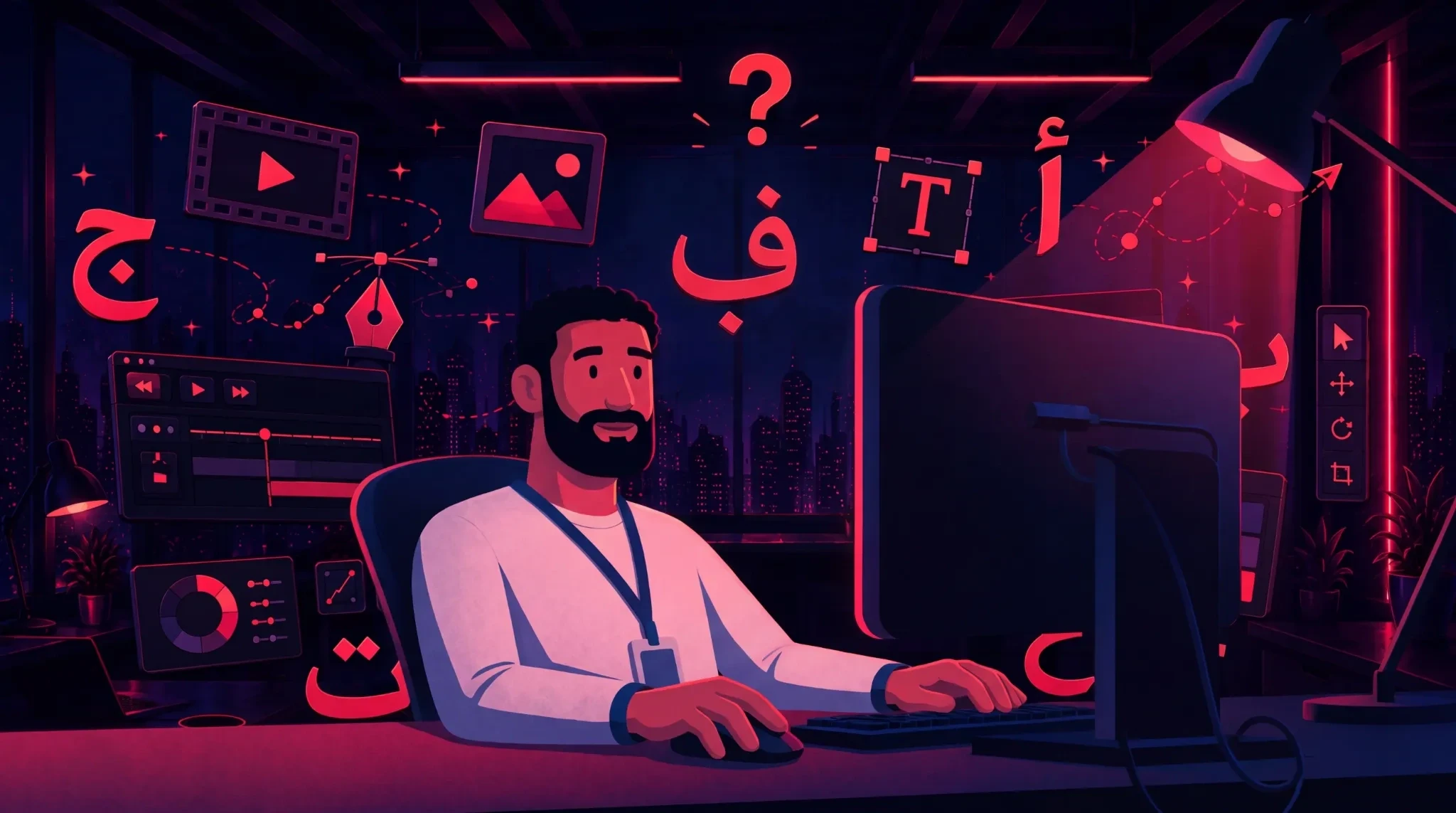
AI can help brands produce more content, but speed alone does not create a strong campaign. Without clear creative direction, colors shift, products change shape, characters look different between scenes, and the tone varies from one asset to the next.
The content may look polished individually, yet fail to feel like one connected brand experience.
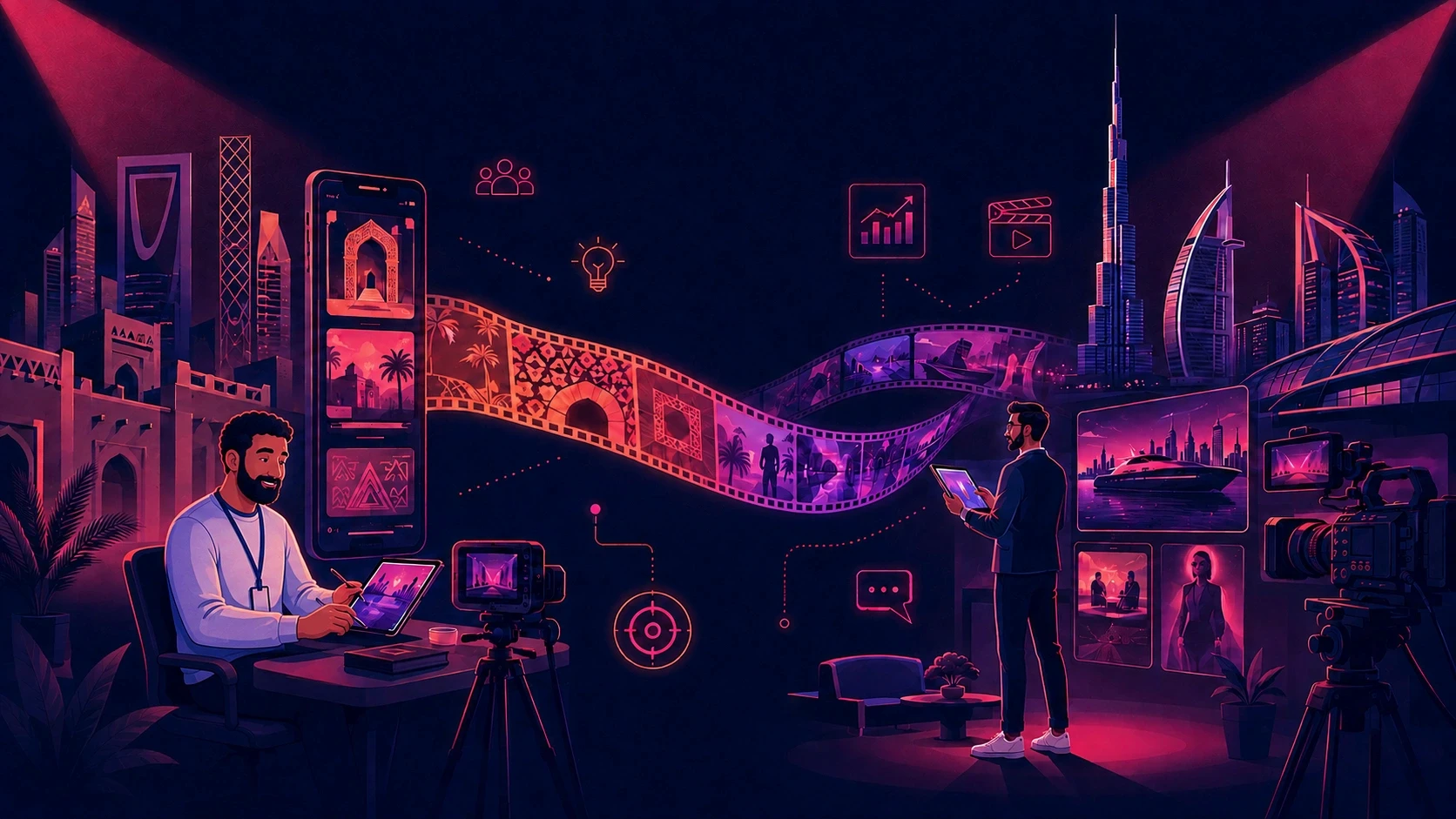
At Animus Agency, AI creative direction is approached as a balance between technology and human judgment. Animus combines strategy, storytelling, animation, motion graphics, CGI, visual effects, branding, and social content to help brands scale production while protecting the identity behind every campaign.
The goal is not simply to generate more. It is to produce more usable, consistent, and campaign-ready creative work.
What Is AI Creative Direction?
AI creative direction is the system of visual, verbal, and production rules used to guide AI-assisted content across multiple assets and formats.
These rules may include:
Brand colors, typography, logos, and tone of voice
Character identity, facial features, clothing, and visual style
Product shape, packaging, labels, materials, and proportions
Environments, lighting, composition, and campaign art direction
Motion language, editing rhythm, and platform requirements
Regional language, cultural cues, and audience expectations
A prompt may guide one generation. Creative direction guides the entire campaign.
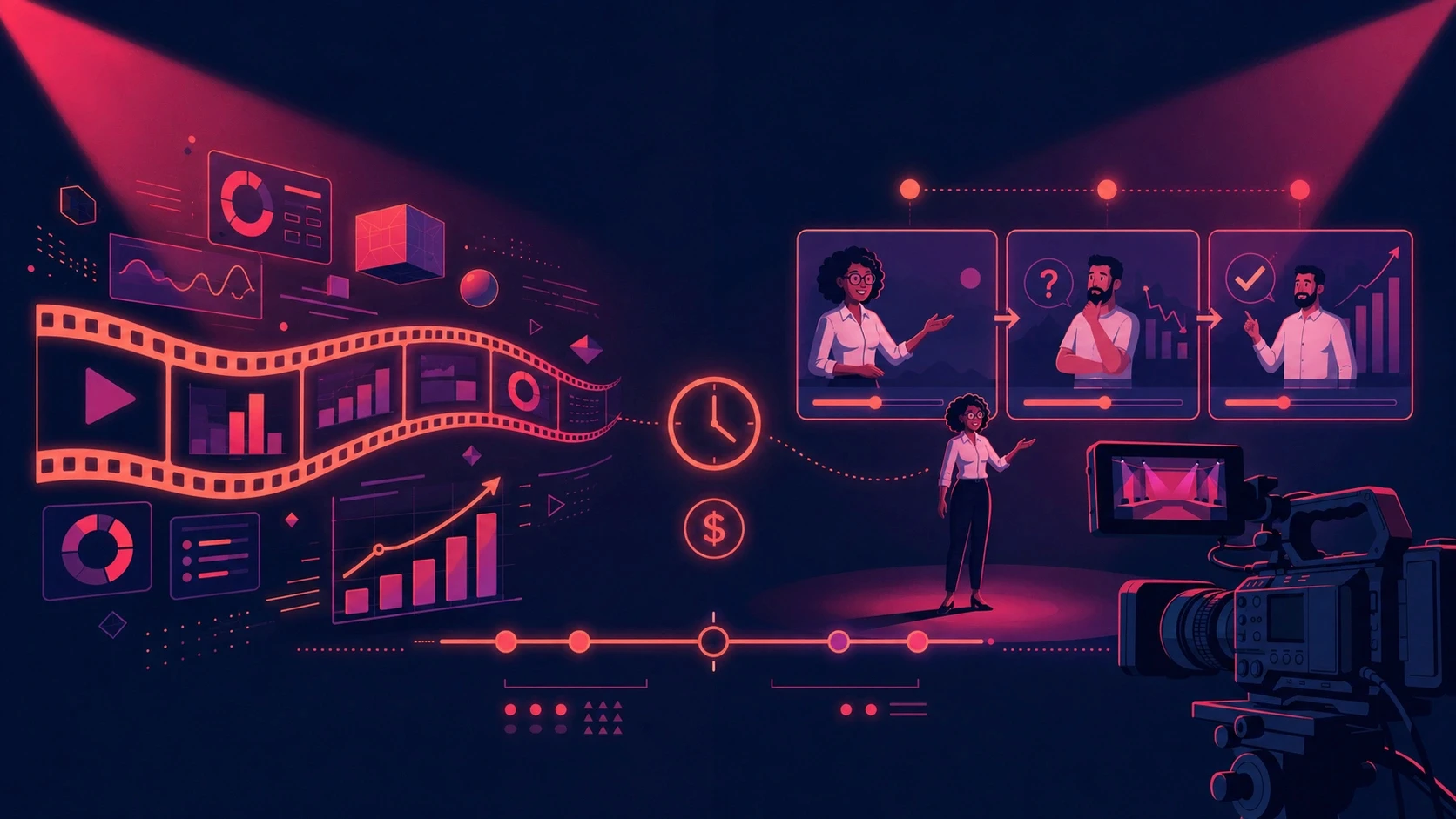
This difference becomes critical when a brand needs a hero video, social cutdowns, still visuals, localized versions, and several platform formats rather than one isolated image.
Why Brand Consistency Becomes Harder With AI
Most teams do not struggle to generate content. They struggle to generate content that remains usable after creative and brand review.
Without a shared direction, every brief or prompt becomes a new interpretation. One person describes a color as “deep blue,” another uses a hex code, and a third works from an outdated reference. Different image, video, copy, and voice tools may interpret the same campaign in different ways.
The result can include:
Products that change between assets
Characters that lose their identity across scenes
Visual styles that no longer feel connected
Arabic and English copy with different tones
More discarded generations and manual corrections
Longer review cycles and delayed campaign launches
Unplanned revisions that reduce agency and production margins
The real cost is not one imperfect asset. It is the time, budget, and brand recognition lost across the full campaign.
Why Better Prompts Are Not Enough
Strong prompts can improve individual outputs, but they do not replace a complete creative-production system.
A detailed prompt may still fail to preserve exact character features, product geometry, lighting, or tone across separate sessions and models. Every time the direction is copied and rebuilt, another opportunity for inconsistency appears.
This is why Animus begins with strategy, art direction, approved references, and a defined production structure. AI can then support execution without becoming the decision-maker.
For teams studying the technical side of connected production, this AI content production workflow guide explains how persistent creative context can reduce repeated setup. Animus adds the agency expertise needed to turn that efficiency into professionally directed work.
The Four Creative Layers Animus Protects
Strong AI-assisted production depends on four connected identity layers.
Brand Identity
Brand identity defines what makes every output recognizable:
Color palette
Typography
Logo treatment
Composition
Tone of voice
Visual style
Approved creative cues
Animus translates these guidelines into an active production system rather than leaving them as a document that every contributor interprets differently.
Character Identity
Recurring characters, presenters, or mascots need consistent:
Facial structure
Hair and skin tone
Body proportions
Clothing and accessories
Personality and expression
Illustration or animation style
Animus uses character sheets, approved poses, expressions, model references, and art-direction rules to keep each character recognizable across scenes and formats.
Product Identity
Product-focused campaigns must preserve:
Shape and proportions
Packaging and labeling
Materials and colors
Logos and product details
Scale and physical behavior
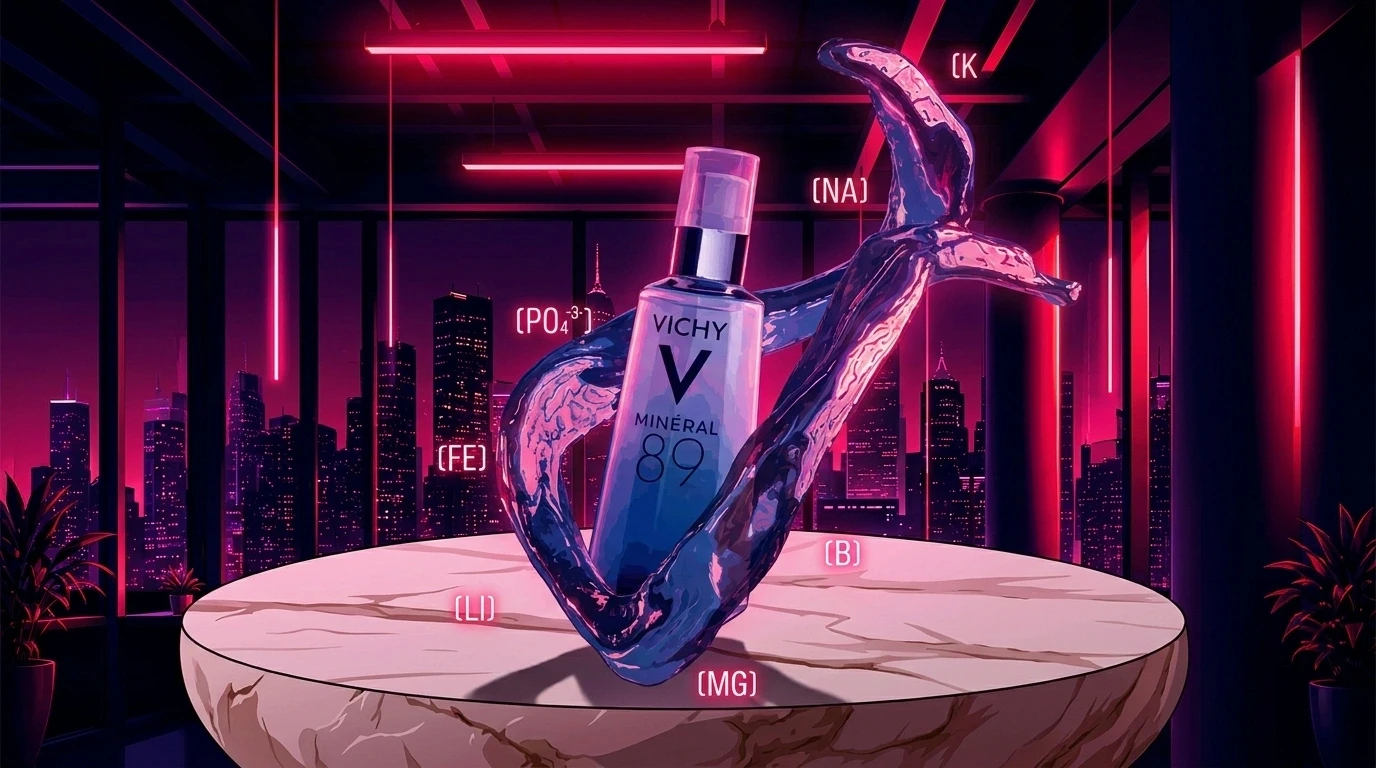
This is especially important in CGI, advertising, ecommerce, and beauty or pharmaceutical content, where even small inaccuracies can make an asset unusable.
Environment Identity
Campaign environments connect the visual world through:
Location and set design
Lighting
Mood
Composition
Background elements
Cultural context
Consistent environments help different scenes, episodes, and content formats feel like parts of the same campaign.
How Animus Applies AI Creative Direction
1. Strategy Before Production
Animus begins with the campaign objective, audience, message, desired action, and platform requirements. This creates one clear foundation for writers, designers, animators, and editors.
2. A Defined Visual System
The team organizes brand guidelines, references, product details, character sheets, environment rules, and examples of approved work.
3. Hero Creative Development
Animus develops the central campaign direction before expanding production. This allows the client and creative team to align on the concept, visual language, and storytelling approach early.
4. AI-Assisted Production
AI can support ideation, previsualization, image development, animation workflows, adaptation, localization, and repetitive production tasks. The technology is selected according to the project rather than forcing every brief into one method.
5. Human Creative Review
Creative directors, designers, animators, and editors review brand fit, product accuracy, character consistency, cultural relevance, storytelling, and technical quality.
6. Multi-Format Adaptation
Once the direction is approved, Animus can extend it across 2D and 3D animation, motion graphics, CGI, social content, branded films, still visuals, and localized campaign assets.
Where This Approach Creates the Most Value
Character-Led Animation
Character campaigns require more than a similar face. The character’s proportions, costume, expressions, movement, and personality must remain consistent. Animus combines character design and animation expertise with reusable production references to protect that identity.
Motion Graphics and Explainers
Motion graphics often rely on repeatable design systems, transitions, typography, icons, and information structures. Defined rules help Animus create coherent series and campaign variations without making every piece feel identical.
CGI and Product Visualization
CGI campaigns may require multiple shots, formats, and markets. Animus preserves product details while using lighting, materials, camera language, and visual effects to create high-impact content.
Social Media Campaigns
Social content demands frequent output across reels, stories, carousels, static posts, and paid formats. A shared direction allows each asset to support the campaign while remaining suitable for its platform.
Arabic and Multilingual Content
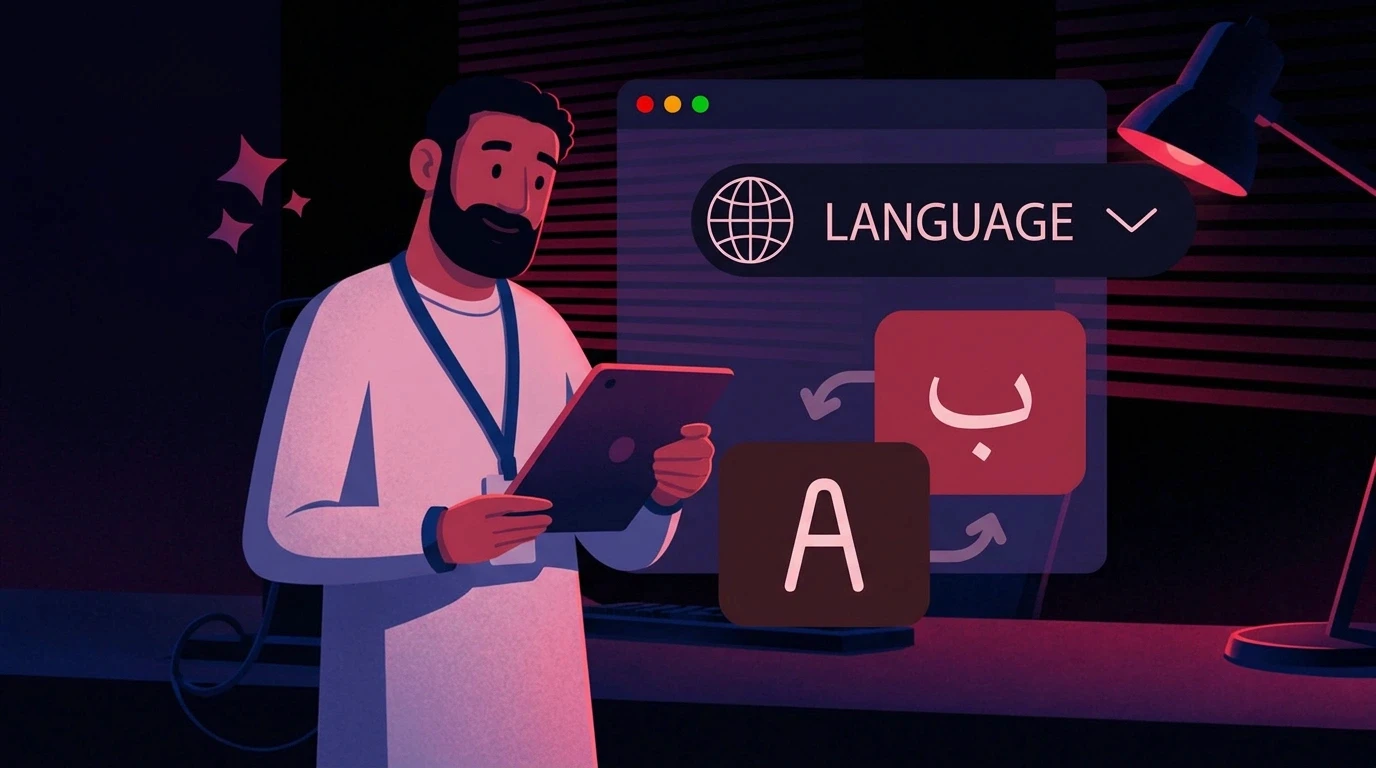
For MENA campaigns, consistency is not only visual. Language, dialect, voice, and cultural relevance must also be considered. Animus supports regional production by combining bilingual content awareness with human review.
A Real Campaign Scenario
Imagine a brand launching a bilingual product campaign across paid social, organic content, landing-page visuals, and video.
Without a consistent direction, separate teams may create stills, videos, copy, and voiceovers independently. Product colors vary, the presenter’s face changes, the Arabic tone shifts, and each platform develops a different visual style.
Animus takes a connected approach:
Define the campaign strategy and hero idea.
Approve the brand, product, character, and environment references.
Produce the central creative direction.
Extend it into video, motion, CGI, and social assets.
Adapt the message and language for each market.
Review the complete campaign as one visual system.
The result is not only more content. It is a more recognizable campaign with a clearer approval process and stronger use of the original creative investment.
The Business Benefits
Faster Campaign Turnaround
Approved references reduce repeated setup and prevent teams from rebuilding the same direction for every format.
Fewer Revision Cycles
Consistency is addressed during production instead of repaired at the end.
Better Use of Production Budgets
A hero visual or film can become the foundation for social cutdowns, stills, localized versions, and other campaign assets.
Stronger Agency and Client Collaboration
A shared creative system makes decisions clearer, feedback more focused, and approvals easier to manage.
More Valuable Human Review
Creative leaders can spend more time improving concepts, storytelling, and quality instead of repeatedly correcting preventable inconsistencies.
Stronger Brand Recognition
Consistent visual and verbal signals make a campaign easier to recognize across channels and markets.
How to Measure ROI
The success of AI-assisted creative direction should be measured by approved outcomes, not by the number of generations.
Track:
Time from brief to first approved direction
Generations required per approved asset
Revision rounds before approval
Brand-review hours per campaign
Percentage of outputs that reach production
Cost per approved asset
Time required for each adaptation
On-time campaign delivery rate
Gross margin by project
Estimated ROI = (rework cost avoided + production capacity gained − workflow investment) ÷ workflow investment × 100
The most useful KPI is not how much AI content was produced. It is how much usable, approved content the team delivered from the available time and budget.
Common Mistakes to Avoid
Producing at Volume Before Approving the Direction
Early alignment prevents a complete batch from needing correction.
Treating References as Optional
Visual facts such as product shape and character identity are too important to rely on text alone.
Reviewing Assets Individually
One image may look correct while a set of 20 assets reveals obvious drift. Animus reviews campaigns as connected systems.
Allowing Client Identities to Mix
Each brand requires separate guidelines, references, assets, and approval standards.
Removing Human Oversight
AI can support production, but creative leadership remains responsible for the idea, taste, message, cultural judgment, and final quality.
Measuring Speed Without Measuring Usability
Fast generation creates no value if the output requires extensive correction or cannot be published.
Why Work With Animus Agency?
Animus Agency is an award-winning creative partner trusted by leading brands and known for bold storytelling and high-impact visual content.
Its capabilities include:
Creative strategy and campaign development
2D and 3D animation
Motion graphics
CGI and visual effects
Character design and character-led storytelling
Branding and visual systems
Social media and content creation
Arabic and multilingual production support
AI-assisted creative workflows
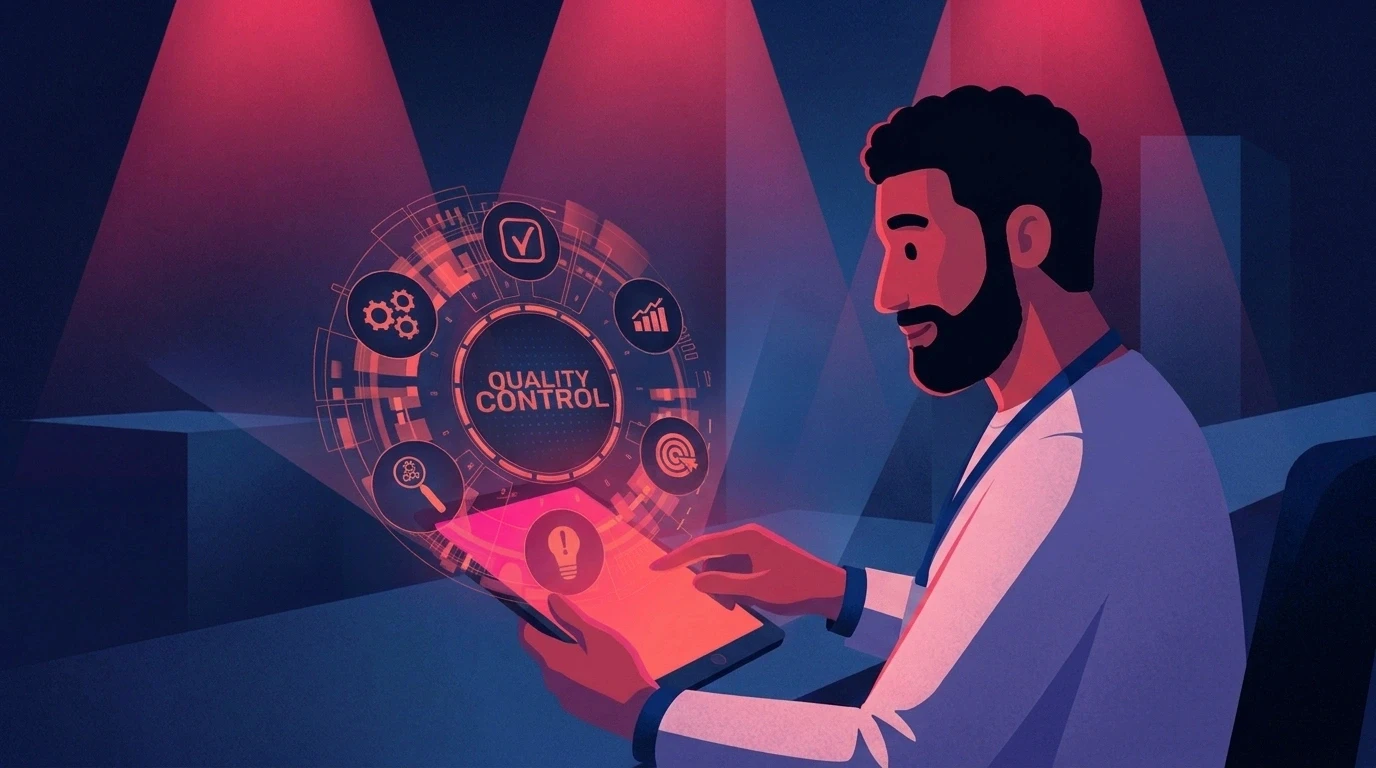
Human-led quality control
This combination allows Animus to use AI where it adds value while protecting the craft, direction, and accountability that strong brand communication requires.
Frequently Asked Questions
What is AI creative direction?
AI creative direction is a structured set of brand, character, product, environment, and production rules used to guide AI-assisted content across multiple assets and formats.
Does AI creative direction replace a creative director?
No. A creative director defines the strategy, standards, visual language, and judgment behind the campaign. AI supports execution but does not replace creative leadership.
Can Animus maintain consistency across images and video?
Yes. Animus builds the campaign around shared references and an approved visual system, then applies that direction across animation, motion graphics, CGI, video, and social assets.
Can Animus support recurring characters?
Yes. Character sheets, design rules, expressions, poses, environments, and animation guidance can create a stable foundation for recurring character content.
Can Animus support product-focused campaigns?
Yes. Animus can combine product references with CGI, motion, animation, and campaign art direction while protecting important packaging, proportion, material, and brand details.
Can the workflow support Arabic and English campaigns?
Yes. Animus can support bilingual and regional production while maintaining the underlying visual identity. Language, tone, voice, and cultural context receive human review.
How does this approach improve ROI?
It can reduce discarded outputs, manual corrections, repeated setup, revision cycles, and approval delays while increasing the number of usable assets developed from one creative direction.
What should a brand prepare before starting?
A clear objective, audience, deliverable list, existing brand guidelines, approved product or character references, and examples of preferred creative direction provide a strong starting point.
Build a Creative System, Not Just More Content
AI gives teams the ability to produce content faster, but speed without direction can multiply inconsistency just as quickly.
Animus Agency combines creative strategy, animation, motion graphics, CGI, branding, AI-assisted production, and human judgment into one connected process. This helps brands scale content without rebuilding their identity for every asset.
Create more. Revise less. Keep your brand recognizable at every scale.
Explore Animus Agency and start building a stronger creative system for your next campaign.