AI Commercial Production: A Step-by-Step Workflow for Brands

Learn AI commercial production step by step, from briefs and brand consistency to video generation, editing, localization, and campaign delivery at scale.
AI Commercial Production: A Step-by-Step Workflow for Brands
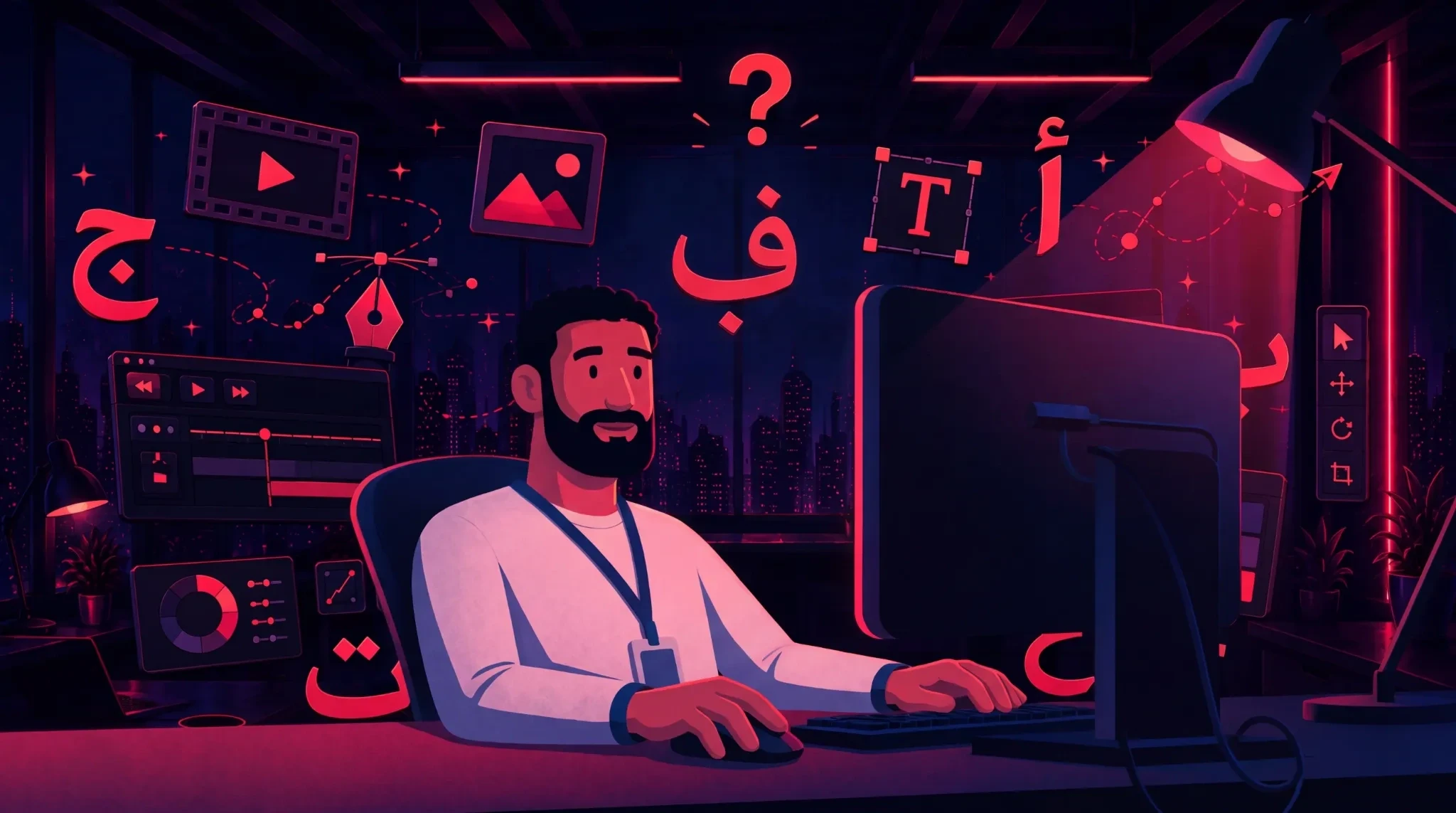
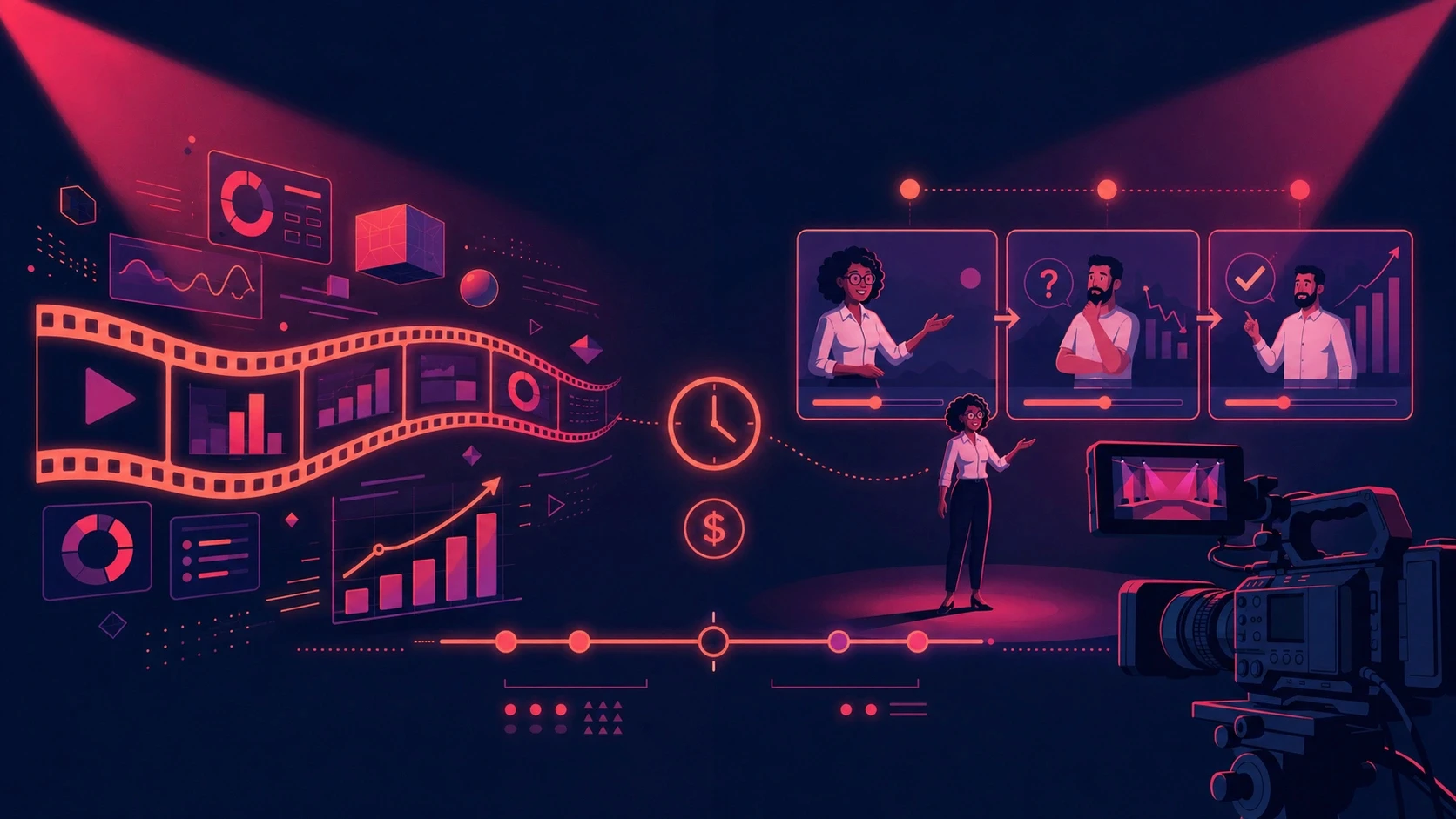
AI commercial production is a structured workflow for creating advertising films with generative AI across briefing, scripting, storyboarding, visual generation, voice, editing, and campaign delivery.
For brands, the challenge is not generating one impressive AI clip.
The real challenge is creating an entire commercial where the product, characters, environments, visual identity, message, and quality remain consistent from the first shot to the last.
A product can change shape between scenes. A recurring character can look different. Packaging details can drift. Locations can lose continuity. Individually impressive clips can still become an inconsistent final film.
That is the difference between AI experimentation and commercial production.
For marketing teams, agencies, ecommerce brands, and enterprises, the better approach is to treat AI video as a production workflow rather than a sequence of prompts.
While building ALStudio's Consistency Engine, we encountered this challenge repeatedly. Better generation models improved individual outputs, but they did not solve the underlying production problem.
The workflow also needed persistent information about what the brand, product, characters, and environments were supposed to look like before individual models generated each shot.
AI Commercial Production at a Glance
Question | Answer |
|---|---|
What is AI commercial production? | Using generative AI within a structured workflow to create advertising films and campaign assets. |
What makes it different from generating AI videos? | It connects strategy, identity, scripting, generation, editing, quality control, and distribution. |
What needs to stay consistent? | Brand, product, characters, environments, visual style, and campaign message. |
Can multiple AI models be used? | Yes. Different models can be selected for different production requirements. |
What is the final output? | A master commercial plus reusable campaign variations across formats and markets. |
What Is AI Commercial Production?

AI commercial production is the use of generative AI within a controlled advertising workflow to develop, generate, edit, and deliver branded video campaigns.
Traditional commercial production coordinates creative direction, scripts, talent, products, sets, cameras, audio, editing, and brand approval.
Generative AI changes how some of these assets are created, but it does not eliminate the need to coordinate them.
A professional AI commercial can involve:
Campaign briefing
Script development
Storyboarding
Character development
Product references
Environment development
Style frames
AI image generation
AI video generation
Voiceover
Dialogue and lip sync
Music and sound
Editing
VFX
Upscaling
Localization
Campaign adaptation
The result is not simply an AI-generated video.
It is a commercial designed to achieve a marketing objective.
The AI Commercial Production Workflow
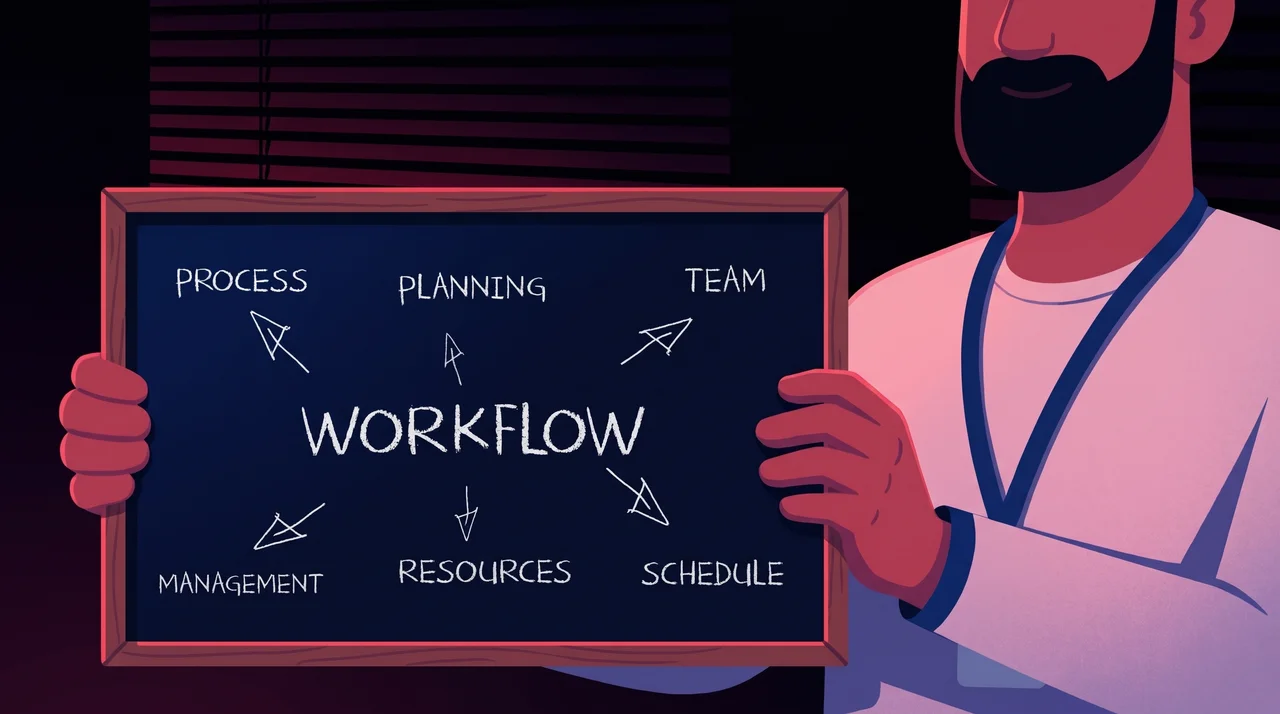
A structured production workflow can move through:
Brief → Creative Constants → Script → Storyboard → Style Frames → Shot Planning → Model Selection → Generation → Audio → Editing → Quality Control → Master Commercial → Campaign Variants
Each stage solves a different production problem.
The key principle is simple:
Creative decisions that need to remain constant should be separated from generation decisions that can change from shot to shot.
This makes the production more flexible without allowing the campaign identity to drift.
Why AI Commercial Production Matters for Brands
AI commercial production matters because brands need repeatable content systems, not disconnected generations.
A consumer does not judge an advertisement by how impressive one AI-generated shot looks.
They experience the complete commercial.
If the product changes between shots, that becomes a production problem.
If the spokesperson changes appearance, that becomes a production problem.
If the visual language stops feeling like the brand, that also becomes a production problem.
The challenge becomes even more important when one commercial needs to become multiple campaign assets.
A hero commercial may later need:
16:9 campaign video
9:16 social versions
Short performance ads
Product cutdowns
Alternative hooks
UGC variations
Localized voiceovers
Regional versions
Supporting social content
Product-focused edits
The commercial should therefore not be designed as an isolated video.
It should become the visual foundation of a broader campaign.
How AI Commercial Production Works Step by Step

A professional AI commercial workflow moves from strategy to creative development, shot-level generation, post-production, quality control, and campaign distribution.
Step 1: Define the Commercial Objective
Start with the marketing problem, not the AI model.
Define:
Target audience
Campaign objective
Product or service
Core message
Desired audience action
Distribution channels
Required formats
Markets
Languages
Brand restrictions
Creative direction
For example, an ecommerce product launch may focus on product discovery and sales, while a corporate brand film may focus on awareness and positioning.
These objectives lead to different scripts, shots, pacing, formats, and calls to action.
Best practice
Create one master brief that becomes the source of truth for every downstream production decision.
This prevents creative decisions from becoming scattered across prompts, documents, and different AI tools.
Step 2: Lock the Brand, Product, Characters, and Environments

Production constants are creative elements that should remain recognizable throughout the commercial and its campaign variations.
This is one of the most important stages in AI commercial production.
At ALStudio, these persistent elements are handled through Constants Studio, including:
Brand DNA for brand identity
Product DNA for product identity
Character DNA for recurring characters
Environment DNA for recurring locations
Visual style
Logo
Color palette
The Consistency Engine then addresses four key production requirements:
Consistency Type | What Stays Stable | Example |
|---|---|---|
Character | Face and recognizable appearance | Same spokesperson across scenes |
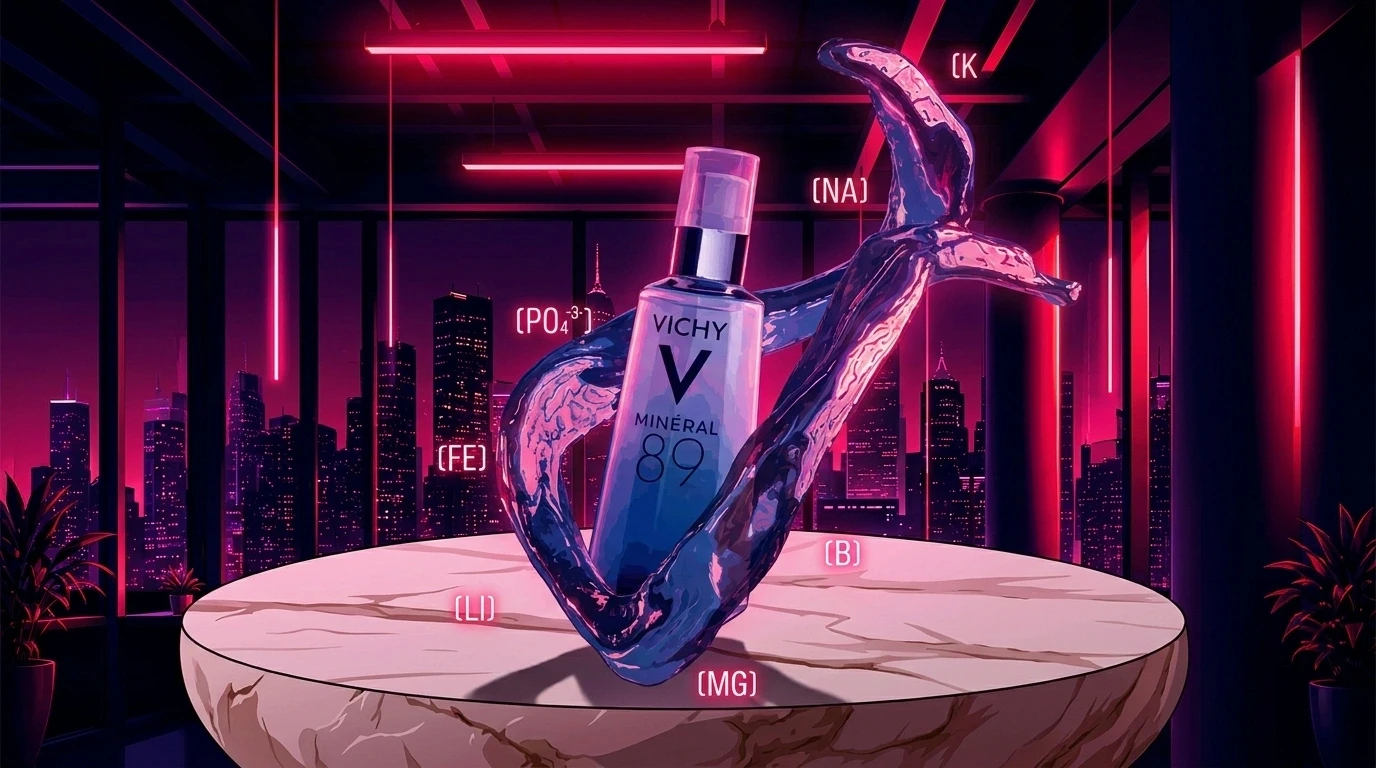
Product | Shape, packaging, and identity | Same bottle across product shots |
Scene | Environment and visual location | Same apartment across sequential shots |
Brand | Colors, visual language, and identity | Campaign remains recognizably on-brand |
This distinction matters because a written prompt is not the same thing as persistent identity.
Instead of repeatedly asking:
"How do we describe this product again?"
the production can start from an established product identity and focus on what the product needs to do in the next shot.
For more detail, see What Is Product DNA?.
Step 3: Develop the Script
The commercial script converts the campaign objective into a narrative, message, and sequence of visual moments.
An AI commercial script should establish:
Narrative structure
Product moments
Character actions
Dialogue
Voiceover
Emotional beats
Visual transitions
CTA
Approximate shot requirements
Do not treat the script as voiceover copy alone.
A useful commercial script should anticipate what the audience needs to see, not only what they need to hear.
A strong commercial script should answer:
What is happening?
Why does the viewer care?
Where does the product appear?
What should the audience understand?
What should the audience feel?
What should they do next?
This makes the script useful to both the creative team and the production workflow.
Step 4: Create the Storyboard and Style Frames

For 3D asset development and material work, Adobe Substance 3D provides tools for texturing, materials, staging, and 3D workflows.
Storyboards establish what happens in each shot, while style frames establish how the commercial should look.
This stage reduces ambiguity before motion generation begins.
For each major scene, establish:
Composition
Camera angle
Product placement
Character position
Environment
Lighting
Visual style
Action
Relationship to adjacent shots
Style frames also give brand and creative teams an opportunity to approve the visual direction before full production begins.
For agencies, this can move client feedback earlier in the process, when changes are easier to make.
Step 5: Build a Shot List

Turn the storyboard into production units.
For every shot, document:
Purpose
Duration
Character
Product state
Environment
Action
Camera behavior
Reference image
Dialogue or voiceover
Continuity requirements
Output format
This makes AI commercial production closer to a film production pipeline than an open-ended prompting session.
Every shot should have a job.
If a shot does not explain the product, create emotion, communicate information, or move the narrative forward, reconsider whether it belongs in the commercial.
Step 6: Select the AI Model by Shot

For example, Google DeepMind's Veo documents reference-image guidance, character consistency, camera controls, and other video-generation capabilities. The specific model should still be selected according to the needs of each shot.
Multi-model AI generation means selecting generation technology according to the requirements of each production task instead of forcing an entire commercial through one model.
Different shots can require different strengths.
One shot may require strong camera movement.
Another may require character performance.
Another may focus on product presentation.
Another may require a specific visual style.
The production system should therefore allow model selection to happen at the shot level.
ALStudio's current platform brings multiple AI models into one production environment, allowing teams to work across image, video, voice, and other creative workflows.
The architectural principle is:
The brand should determine the production. The model should execute the shot.
This means generation technology can evolve without requiring the campaign identity to be rebuilt.
Step 7: Generate Controlled Variations

Do not evaluate generated clips only by visual impact.
Evaluate every candidate against production requirements:
Is the product accurate?
Is the character recognizable?
Is the environment consistent?
Is the action believable?
Is the camera appropriate?
Does it connect to adjacent shots?
Does it follow the brand direction?
Is there enough clean footage for editing?
The most visually dramatic generation is not always the best commercial shot.
Continuity can matter more than spectacle.
A beautiful shot that breaks product continuity may create more work than value.
Step 8: Build Voice, Dialogue, and Sound

Audio is part of the production architecture, not an afterthought added after video generation.
Depending on the commercial, the audio workflow may include:
Voiceover
Character dialogue
Lip sync
Music
Sound design
Product sounds
Environmental ambience
Transition effects
Localization should also be planned here.
For regional campaigns, translating a finished English voiceover is not always enough.
Language, delivery, pacing, dialect, cultural context, and sometimes the script itself may need localization.
ALStudio is built with an Arabic-first creative layer and currently supports 22+ Arabic dialects and localized workflows.
This allows the same campaign foundation to support regional execution without treating localization as a final translation step.
Step 9: Edit AI Footage Like a Commercial

For teams using traditional post-production alongside AI generation, Adobe After Effects provides tools for visual effects, motion graphics, compositing, and animation.
AI generation produces footage. Editing turns that footage into advertising.
Editing controls:
Rhythm
Pacing
Product emphasis
Narrative clarity
Continuity
Transitions
Sound synchronization
Emotional timing
ALStudio connects generation with editing and post-production workflows inside the same Creative AI OS. Its platform includes Film Studio, Content Studio, Editor Studio, and Marketing Studio.
This distinction matters:
AI does not remove post-production. It changes the raw material entering post-production.
The editor still decides which shot stays, which shot goes, where the product appears, how quickly the story moves, and how the final commercial communicates.
Step 10: Run Quality Control

Before approving the master commercial, review six areas.
1. Product Accuracy
Is the product correct every time it appears?
Check:
Shape
Packaging
Label
Color
Proportions
Product details
2. Character Continuity
Does recurring talent remain recognizable?
Check:
Face
Hair
Clothing
Age appearance
Styling
3. Environment Continuity
Do recurring locations belong to the same visual world?
Check:
Lighting
Architecture
Color
Spatial relationships
Props
4. Brand Compliance
Are the:
Colors
Logo treatment
Typography
Tone
Visual direction
consistent with the brand?
5. Film Quality
Does the edit work as one coherent commercial?
6. Marketing Effectiveness
Can viewers understand the message and product without knowing anything about how the commercial was generated?
This final test is critical.
The audience should notice the idea before they notice the production technology.
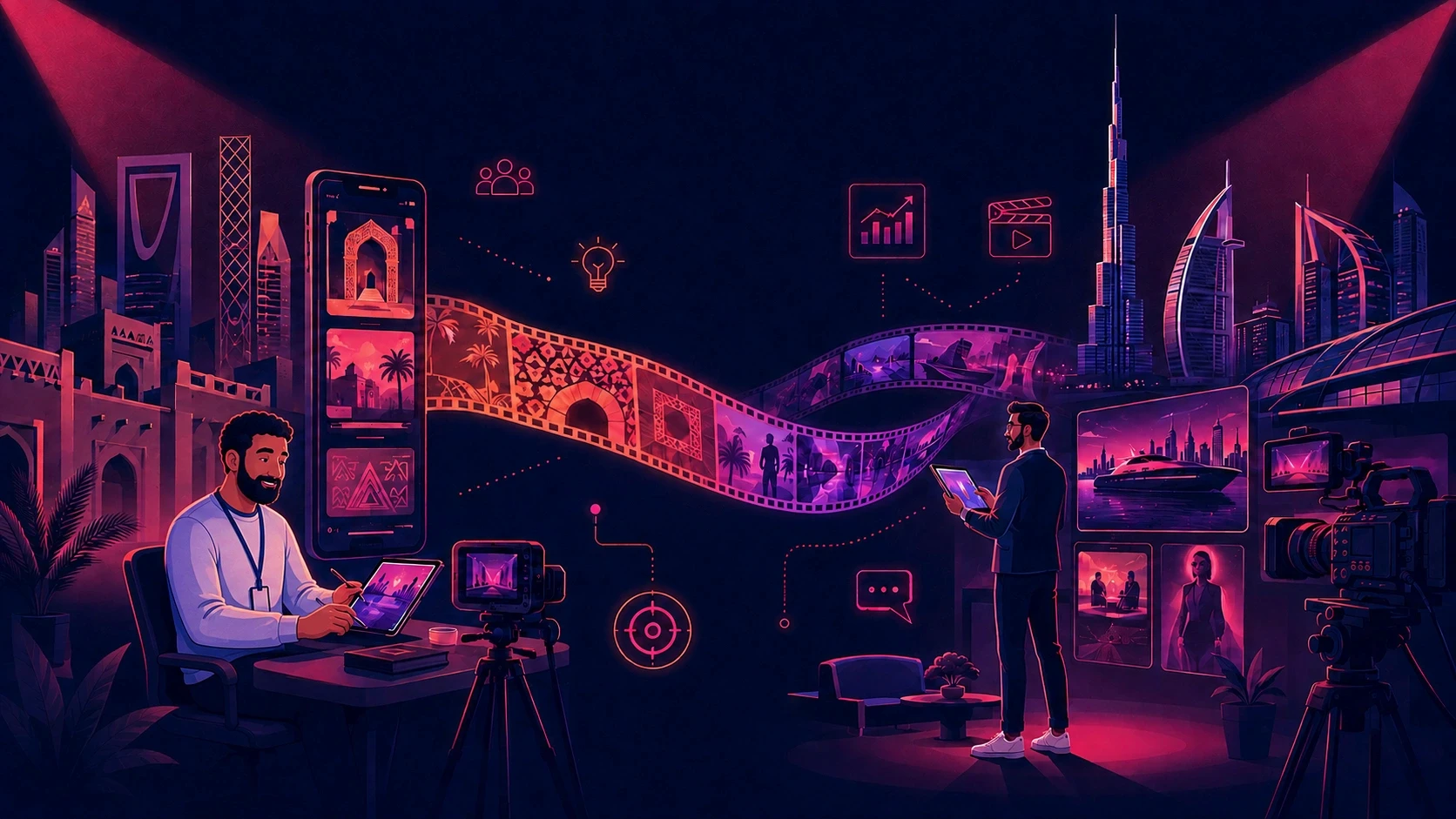
Step 11: Turn the Commercial Into a Campaign

The master commercial should become a reusable campaign foundation rather than the endpoint of production.
After approval, teams can create:
Social cutdowns
Vertical versions
Alternative openings
Product-focused edits
UGC variations
Localized versions
Captions
Supporting copy
Platform-specific creative
This is where a broader Creative AI OS becomes useful.
A commercial can become:
One master film → multiple formats → multiple channels → multiple markets → multiple campaign assets
ALStudio connects film production with content, marketing, social, and editing workflows.
For teams exploring structured AI content production, see AI Content Production: The Complete Guide.
AI Commercial Production for Different Teams

The same workflow can support different organizations, but the production priorities change.
Marketing Teams
Marketing teams often need to translate one campaign strategy into many deliverables.
A structured AI video workflow helps keep approved product, visual, and brand decisions connected as the campaign expands across formats.
The objective is not simply to generate more content.
It is to maintain control as the number of outputs increases.
Ecommerce Brands
For ecommerce companies, product consistency is particularly important.
A bottle, package, device, garment, or other physical product cannot casually change between scenes.
Product identity can therefore become a reusable production asset across:
Product commercials
Lifestyle content
Product photography
Social ads
Product demonstrations
Campaign variations
ALStudio's Product DNA approach is specifically designed around maintaining reusable product identity across creative production.
Agencies
Agencies face a different challenge:
Multiple brands. Multiple campaigns. Multiple production requirements.
Brand DNA and other persistent identities can create defined production contexts for different accounts.
The agency is not simply trying to generate more clips.
It is trying to:
Produce more client work
Reduce repetitive setup
Maintain brand control
Create more campaign variations
Keep production organized across accounts
This makes workflow infrastructure increasingly important as client volume grows.
Enterprise Marketing Teams
Enterprise AI commercial production adds governance and repeatability requirements.
Larger organizations may have:
Multiple marketers
Creative teams
Regions
Product lines
Languages
Approval processes
working from the same brand.
A persistent creative identity layer becomes more valuable as more people participate.
Brand knowledge should not depend entirely on individual team members remembering the correct prompt.
The important question becomes:
What should every team member be allowed to change, and what should remain a controlled brand constant?
That question should be answered before scaling production.
Content Creators
Creators need a lighter version of the same architecture.
Recurring characters, visual styles, environments, and content formats become more valuable as a creator builds a recognizable content identity.
Consistency turns individual AI generations into a repeatable content system.
Benefits of AI Commercial Production

AI commercial production can create several practical advantages when implemented as a structured workflow.
Faster Creative Iteration
Teams can explore scripts, visual directions, shots, and campaign variations without rebuilding every physical production element.
More Creative Flexibility
Concepts involving unusual locations, stylized environments, fictional scenarios, or complex visual worlds can be explored earlier in development.
Multi-Format Production
A master creative direction can support different channels and formats instead of ending with one hero video.
Better Localization
Campaign structures can be adapted for multiple languages and regional markets while maintaining the core creative direction.
Multi-Model Flexibility
Teams can select different AI generation models according to production requirements instead of relying on one model for every shot.
Reusable Creative Assets
Brand, product, character, and environment information can become reusable production infrastructure instead of being recreated for every campaign.
For more on structured AI workflows, see How to Build AI Content Workflows That Scale.
Limitations of AI Commercial Production
A credible production strategy also needs to acknowledge what AI does not solve automatically.
Output Inconsistency
Generative models can reinterpret:
Products
Characters
Text
Physical actions
Environments
This is why consistency needs to be treated as a production requirement.
Product Accuracy
Highly specific packaging and physical products may require additional references, controlled workflows, manual correction, or post-production.
For ecommerce brands, a beautiful image showing the wrong product is still a production failure.
Complex Motion
Some interactions, choreography, physics, and multi-character actions remain harder to control than simpler shots.
Legal and Commercial Clearance
Brands should review the usage rights associated with:
AI models
Source assets
Voices
Music
Reference imagery
Generated outputs
Requirements can vary depending on the tools, assets, markets, and campaign.
Human Creative Judgment
AI can generate options.
It does not remove the need for:
Strategy
Creative direction
Storytelling
Selection
Editing
Quality control
Final approval
The better question is therefore not:
Can AI replace commercial production completely?
A more useful question is:
Which parts should AI generate, which parts should humans direct, and which elements should remain controlled constants?
Common AI Commercial Production Mistakes
1. Starting With the Model
Choosing technology before defining the campaign creates model-driven creative instead of objective-driven creative.
Better approach: Define the campaign first, then select the technology required for each production stage.
2. Treating Every Shot Independently
Independent prompting increases the risk of:
Character drift
Product drift
Environment changes
Style inconsistency
Better approach: Keep persistent creative identity separate from individual shot generation.
3. Skipping Storyboards
Moving directly from script to generation pushes creative decisions into an expensive iteration stage.
Better approach: Establish the visual plan before generating large numbers of shots.
4. Using One Model for Everything
Different scenes have different requirements.
Better approach: Choose the generation model according to the shot.
5. Choosing Spectacle Over Continuity
The most impressive individual generation may not work with the scenes around it.
Better approach: Evaluate the commercial as a complete film.
6. Treating Localization as Translation
Regional production may require:
Different dialects
Voice performances
Pacing
Cultural details
Visual adjustments
Creative changes
Better approach: Plan localization as part of production.
7. Stopping at the Hero Video
A commercial is usually part of a larger campaign.
Planning variants only after the master film is finished can create unnecessary rework.
Better approach: Design campaign extensions from the beginning.
Best Practices for AI Commercial Production
For brands implementing AI commercial production, use these principles:
Start with a marketing objective.
Define brand, product, character, and environment constants before generation.
Approve scripts, storyboards, and style frames before motion.
Plan every scene as a production shot.
Choose models according to shot requirements.
Evaluate continuity, not only individual generation quality.
Design audio and localization into the workflow.
Use professional editing and quality control.
Plan campaign variants from the beginning.
Keep humans responsible for creative direction and approval.
The central principle is straightforward:
Generate shots independently when useful, but manage identity and creative direction centrally.
AI Commercial Production With ALStudio
ALStudio.ai is a Creative AI Operating System designed to connect creative development, generation, consistency, marketing workflows, and post-production.
Its current platform connects brand memory, production workflows, multiple AI models, and creative studios in one environment.
For AI commercial production, the workflow can be mapped like this:
Production Stage | ALStudio Layer |
|---|---|
Campaign strategy and written creative | Content Studio |
Brand, product, character, and environment identity | Constants Studio |
Script-to-film production | Film Studio |
Character, product, scene, and brand continuity | Consistency Engine |
Multi-model video generation | Film Studio |
Editing, VFX, and finishing | Editor Studio |
Campaign variations and social production | Marketing Studio |
Arabic and regional voice production | Arabic-first voice workflows |
The key architectural idea is shared creative memory.
Brand DNA, Product DNA, Character DNA, and Environment DNA define information that should survive beyond a single prompt or generation.
The models can change.
The campaign identity should not have to.
ALStudio's official documentation describes the platform as a Creative AI Operating System that brings AI models, creative workflows, brand management, and team collaboration into one platform.
From AI Generation to AI Commercial Production
AI commercial production works best when brands treat generative AI as part of a controlled production system rather than as a standalone video generator.
The strongest workflow moves through:
Strategy → Creative Identity → Script → Storyboard → Shot Planning → Generation → Audio → Editing → Quality Control → Campaign Adaptation
For brands, agencies, and enterprises, the goal is not simply to generate more video.
It is to build, control, and scale branded production while keeping products, characters, scenes, and brand identity coherent.
Reference-based prompting can help guide individual generations.
A persistent creative system can go further by making brand and production information reusable across campaigns, formats, and workflows.
That is the shift from AI generation to AI commercial production.
Build Your AI Commercial Workflow
ALStudio brings creative workflows, brand memory, Product DNA, Character DNA, Environment DNA, and multi-model AI generation into one Creative AI OS.
Build the campaign, not just the clip.
Start free on ALStudio — no credit card required.
Frequently Asked Questions
1. How much does AI commercial production cost?
AI commercial production cost depends on the commercial's duration, number and complexity of shots, product-accuracy requirements, characters, revisions, audio, localization, and post-production.
Brands should evaluate the complete production workflow rather than comparing only AI generation costs.
Creative direction, iteration, editing, quality control, and finishing remain part of professional commercial production.
2. What should a brand prepare before starting AI commercial production?
A brand should prepare:
Campaign objective
Audience definition
Core message
Brand guidelines
Product references
Visual direction
Required formats
Languages
Distribution channels
Recurring characters and environments should also be defined before generation.
Establishing these production constants early reduces the need to recreate creative decisions shot by shot.
3. Is AI commercial production better than traditional video production?
Neither approach is universally better.
AI commercial production can be useful for rapid creative exploration, stylized concepts, virtual environments, campaign variations, and concepts where physical production is unnecessary.
Traditional production can remain useful when exact live-action performance, complex physical interaction, real locations, or specific production requirements are central to the creative concept.
The right approach depends on the campaign.
4. Can an agency use different AI video models in the same commercial?
Yes.
A multi-model workflow can select different AI video models according to the requirements of individual shots, provided the production maintains continuity across them.
ALStudio separates persistent creative elements such as Brand DNA, Product DNA, Character DNA, and Environment DNA from model selection, allowing the generation technology to change without intentionally redefining the campaign identity.
5. How can brands keep products consistent in AI commercials?
Brands can improve product consistency by establishing a reusable product identity before generating campaign assets.
This can include:
Product references
Packaging details
Shape
Color
Materials
Product proportions
Brand requirements
ALStudio's Product DNA is designed as a reusable product identity layer within its broader creative production system.
6. Can AI commercials be localized for different markets?
Yes.
Localization can include:
Voiceover
Dialogue
Dialect
Captions
Visual details
Cultural context
Platform formats
Campaign messaging
The most efficient approach is to plan localization before production rather than treating it as a final translation step.
7. What outcomes should brands expect from an AI commercial production workflow?
Brands should expect a structured path from campaign brief to master commercial and supporting campaign assets rather than expecting perfect results from one prompt.
A well-designed workflow can support:
More controlled creative iteration
Reusable campaign foundations
Multi-format production
Localization
Better continuity
More organized production
Easier campaign adaptation
The objective is not simply to generate a video.
It is to create a repeatable production system around the video.
8. Does ALStudio have a free plan?
Yes. ALStudio currently offers a free plan, and its official site states that users can start without a credit card.