How to Create a Consistent Motion Identity for Your Brand

Learn how to build a consistent motion identity across video, ads, and social using Brand DNA and ALStudio's Consistency Engine. Start free, no credit card.
How to Build a Consistent Motion Identity for Your Brand
A practical guide to creating a motion system that makes your brand recognizable, consistent, and easier to scale across campaigns, platforms, and formats.
A strong brand identity should not stop at logos, colors, typography, and static design.
The moment a brand starts moving, it needs another layer of consistency.
A logo can have the right shape and color but still feel different when it enters the screen with a completely different animation. Typography can follow the brand guidelines while moving at a speed that feels unrelated to the brand. A social ad can use one transition style while a brand film uses another.
Each piece might look good on its own.
Together, they may not feel like the same brand.
This is where motion identity becomes important.
A motion identity defines how a brand behaves when it moves. It creates a recognizable language for animation, typography, transitions, pacing, visual effects, and recurring elements.
At Animus Agency, motion is not treated as something added after the visual identity is finished. It is part of how a brand communicates through film, animation, CGI, VFX, social content, and digital experiences.
The goal is not to make every piece of content look identical.
The goal is to make every piece feel like it belongs to the same brand.
What Is a Motion Identity?

A motion identity is a set of visual and animation rules that defines how a brand moves across different types of content.
A traditional visual identity answers questions such as:
What colors represent the brand?
Which fonts should be used?
How should the logo appear?
What photography style fits the brand?
What visual elements are recognizable?
A motion identity adds another layer:
How should the logo enter and leave the screen?
How quickly should elements move?
How should typography animate?
Which transitions belong to the brand?
How much movement should be used?
What should the pacing feel like?
How should products move?
How should camera movement behave?
How should motion change between a brand film and a social ad?
These decisions create a motion language that can be applied across different content.
Motion Identity Is More Than Logo Animation

One common misconception is that a motion identity is simply an animated logo.
It is much broader.
It can include:
Logo behavior
How the logo appears, disappears, transforms, or interacts with other elements.
Typography
How headlines, captions, and information enter, move, scale, and exit.
Transitions
The visual language used to move between scenes or information.
Timing and easing
How quickly elements accelerate, slow down, pause, or settle.
Camera movement
The way the camera moves through 2D, 3D, CGI, or live-action environments.
Visual effects
The use of light, blur, particles, distortion, reflections, or other effects.
Pacing
The rhythm of the content and how quickly information is presented.
Together, these elements create a recognizable motion system.
Why Motion Identity Matters

A brand can have excellent visual guidelines and still become inconsistent during production.
This usually happens because the visual identity exists as a reference, while motion decisions are made separately for every project.
One designer may create fast kinetic typography.
Another may use slow fades.
A freelancer may introduce a new transition style.
An AI-generated video may interpret the brand differently again.
The result is not necessarily bad content.
It is simply inconsistent content.
For brands producing content across multiple platforms, this becomes a production challenge.
A clear motion identity can help teams:
Reduce repeated creative decisions
Reduce unnecessary revisions
Make approvals easier
Onboard new creatives faster
Reuse approved animation principles
Maintain consistency across campaigns
Adapt content across different formats
Build a recognizable visual language
This is particularly important when several people or teams contribute to the same brand.
Motion Identity Is a Production System

Motion identity is often discussed as a branding exercise.
But it also has a practical production role.
Imagine a brand producing:
A hero campaign film
Product videos
Instagram Reels
Paid advertisements
Event screens
Presentation videos
Social cutdowns
Without a motion system, each project may start with the same questions:
How should the typography move?
How fast should the transition be?
Should the logo fade, scale, or transform?
What kind of camera movement fits the brand?
How much visual effect is too much?
When these decisions have already been established, the creative team can focus more on the idea itself.
Instead of rebuilding the brand language for every project, the team can use it as a foundation.
This is where motion identity moves from style to infrastructure.
Why Motion Identity Often Breaks During Production

The biggest problem is usually not a lack of guidelines.
It is the gap between the guidelines and the production process.
A motion guideline might exist inside a PDF or presentation.
But the actual content is produced across:
After Effects
Premiere Pro
Cinema 4D
Blender
Unreal Engine
Figma
AI video platforms
Image-generation tools
Editing platforms
Social-media formats
Every new environment creates another opportunity for interpretation.
This can lead to what we call production drift.
The longer a campaign continues, the more small differences appear.
A transition changes.
A font animation changes.
A product is presented differently.
The pacing becomes inconsistent.
The visual effects become heavier.
Eventually, the brand still uses the same logo and colors, but the overall experience no longer feels unified.
The Most Common Motion Identity Problems

Problem | What happens | Production impact |
|---|---|---|
Inconsistent animation | Different creators use different motion styles | More corrections |
Freelancer inconsistency | Motion knowledge lives with individual creatives | Repeated briefing |
Channel fragmentation | Social, advertising, and film are produced separately | Different visual behavior |
Tool switching | Different software and AI models have different defaults | Motion needs to be recreated |
Late corrections | Brand motion is reviewed after production | More rework |
Localization issues | Motion is designed for one language | Additional adaptation |
No reusable references | Approved decisions are not documented | Teams start from zero |
The result is often the same cycle:
Create → Review → Correct → Re-export → Review Again
A stronger process is:
Define → Create → Approve → Reuse → Scale
The Core Elements of a Motion Identity
A useful motion identity should be specific enough that another creative can understand and reproduce it.
01. Logo Motion

Define how the logo behaves.
Consider:
Entrance
Exit
Duration
Scale
Direction
Easing
Frequency
Context
The logo does not need exactly the same animation in every situation.
But its behavior should feel like it comes from the same brand.
02. Kinetic Typography

Typography is one of the most recognizable parts of motion design.
Define:
How headlines enter
How body text appears
Whether words move individually
Line movement
Scale changes
Masking
Timing
Exit behavior
This becomes especially important for brands that use text-heavy social content.
A brand can use the same font everywhere and still feel inconsistent if the typography behaves differently from one video to another.
03. Transitions

Transitions should support the brand rather than simply connect two scenes.
Possible approaches include:
Cuts
Wipes
Morphs
Zooms
Object transitions
Shape transitions
Blurs
Camera-based transitions
The right choice depends on the brand.
A luxury brand may require controlled and minimal transitions.
A youth-focused brand may use faster and more energetic movement.
The important part is having a recognizable logic behind the choice.
04. Timing and Easing

Two animations can use the same movement but communicate completely different personalities.
Timing can make a brand feel:
Calm
Premium
Energetic
Technical
Playful
Precise
Dramatic
Define:
Acceleration
Deceleration
Duration
Overshoot
Bounce
Pause
Transition length
These small decisions can have a major effect on how a brand feels.
05. Camera Movement

For brands working with 3D, CGI, VFX, and filmmaking, camera movement becomes part of the identity.
Consider:
Slow cinematic movement
Handheld movement
Controlled tracking
Dynamic zooms
Macro movement
Rotational movement
Wide establishing shots
Product-focused camera movement
The camera itself can become part of the brand language.
06. Visual Effects

Effects should support the identity rather than become decoration.
Define how the brand uses:
Light
Glow
Blur
Particles
Reflections
Shadows
Distortion
Texture
Depth
Motion trails
A strong system knows not only what to use, but also when not to use it.
07. Pacing

Pacing determines how the audience experiences the story.
A cinematic brand film may need space and controlled movement.
A social advertisement may need faster information delivery.
A product demonstration may need slower movement so the product remains clear.
The formats can change.
The underlying motion language should remain recognizable.
Motion Should Connect With the Entire Brand
Motion should never exist in isolation.
The strongest systems connect:
Brand → Visual Identity → Motion → Character → Product → Environment → Content
For example, a brand may define:
A specific color palette
A specific typeface
Rounded graphic shapes
Minimal visual effects
Controlled transitions
A specific typography style
A recurring character
A recognizable product presentation
If only the logo follows the rules while everything else changes from project to project, the brand will still feel inconsistent.
That is why modern content production needs more than logo animation.
It needs asset-level consistency.
The Four Layers of Content Consistency

A strong motion system can connect several layers of the brand.
01. Brand Consistency

Controls:
Logo
Colors
Typography
Motion
Visual style
Tone
02. Character Consistency

Controls:
Face
Clothing
Proportions
Identity
Recurring appearance
03. Product Consistency

Controls:
Shape
Packaging
Materials
Labels
Colors
Product details
04. Environment Consistency

Controls:
Locations
Props
Lighting
Atmosphere
Spatial style
This becomes especially important when content includes CGI, AI-generated visuals, 3D environments, recurring characters, and product campaigns.
The objective is simple:
The same brand should remain recognizable even when the content changes.
How Animus Approaches Motion as Part of the Brand
At Animus Agency, motion is treated as part of the creative language rather than simply a production layer.
Our work can move between:
Motion graphics
2D animation
3D animation
CGI
VFX
Filmmaking
Social content
Digital campaigns
Each format has its own technical requirements.
The brand should not have to lose its identity when moving between them.
This is where a clear motion system becomes valuable.
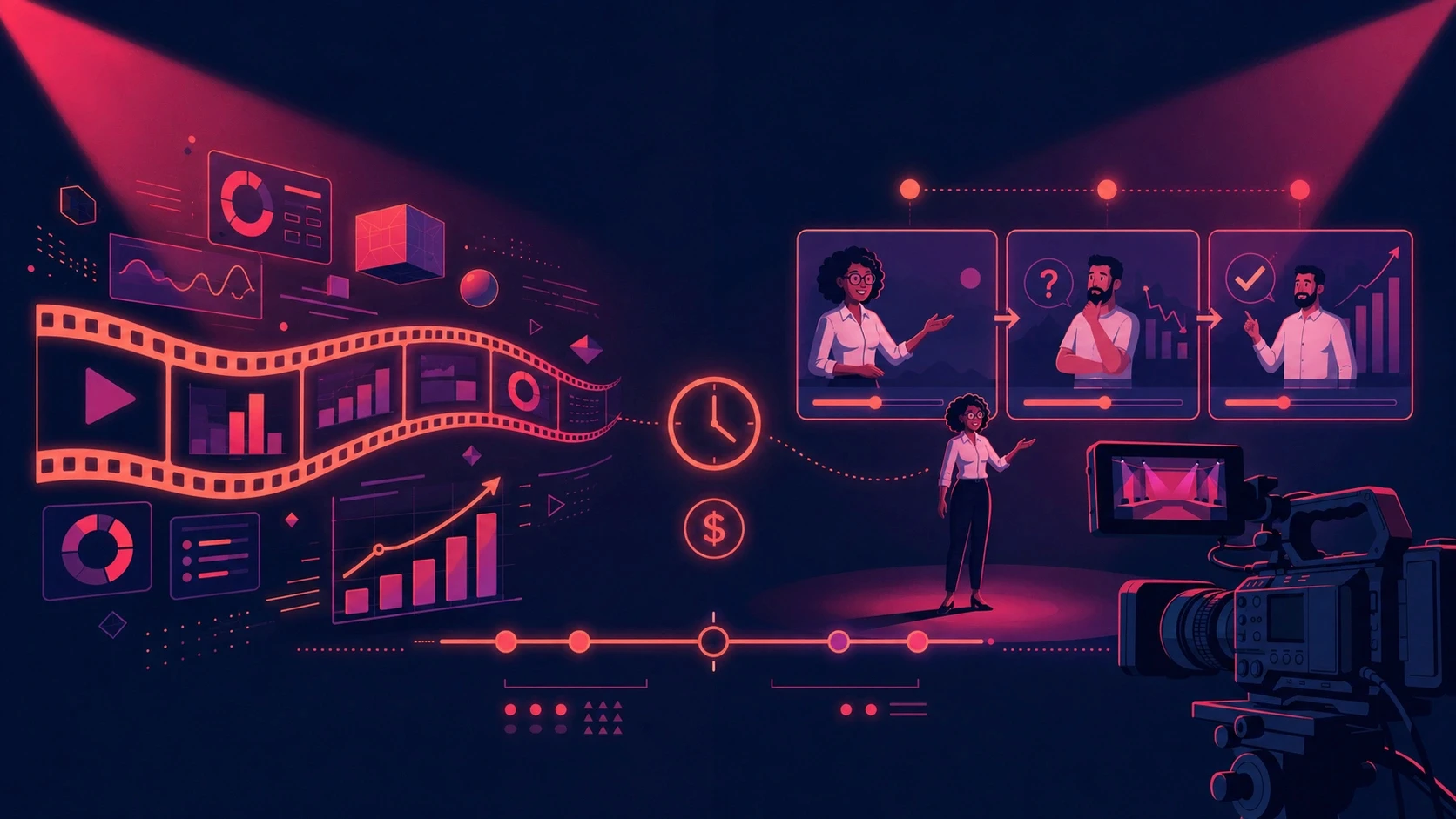
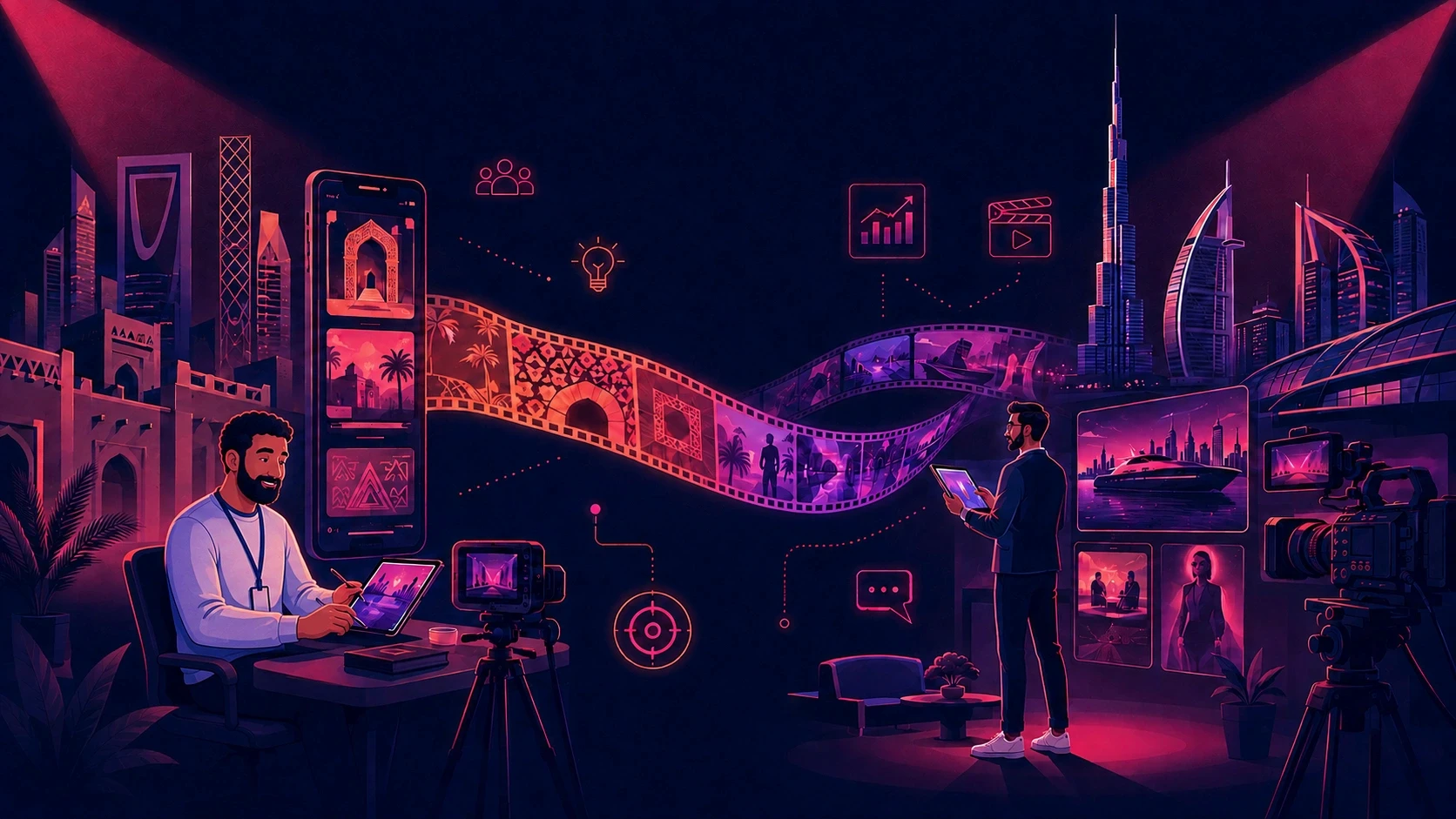
A campaign might begin with a cinematic hero film, move into a series of social edits, continue into product-focused CGI, and then become short-form content.
The format changes.
The creative language should remain connected.
A Practical Example: One Brand, Multiple Outputs
Imagine a brand launching a new product.
The campaign needs:
A hero film
Social videos
Paid advertisements
Product CGI
Event screens
Short-form cutdowns
The brand already has its:
Logo
Colors
Typography
Product identity
Photography
Visual guidelines
Without a Motion System
The hero film is produced first.
A different designer creates the social content.
Another creative produces the paid advertisements.
A 3D artist creates the product visuals.
An editor prepares the event version.
By the end:
Typography moves differently
Transitions feel unrelated
Product presentation changes
Pacing varies
Visual effects become inconsistent
Every piece may still be well-produced.
But the campaign does not feel like one connected system.
With a Motion System
The team establishes the creative language first.
The system defines:
Typography behavior
Transition logic
Pacing
Camera movement
Product animation
Visual effects
Logo behavior
The same foundation can then inform:
Hero Film → Social → Paid Ads → CGI → Event Content
This allows creatives to adapt the idea without rebuilding the visual language every time.
Motion Identity and AI Production
AI has made content production faster, but it has also created a new consistency challenge.
Different AI models can interpret the same prompt differently.
Different tools can produce different:
Camera movements
Lighting
Pacing
Character appearances
Product details
Visual styles
This means that brands producing AI-assisted content need a stronger creative reference system.
The answer is not simply writing longer prompts.
The more important question is:
What creative decisions should remain consistent regardless of the tool being used?
Those decisions can include:
Brand visual style
Character appearance
Product appearance
Environment
Color
Camera language
Motion behavior
Typography
AI can help accelerate production.
A clear creative system helps keep the output connected.
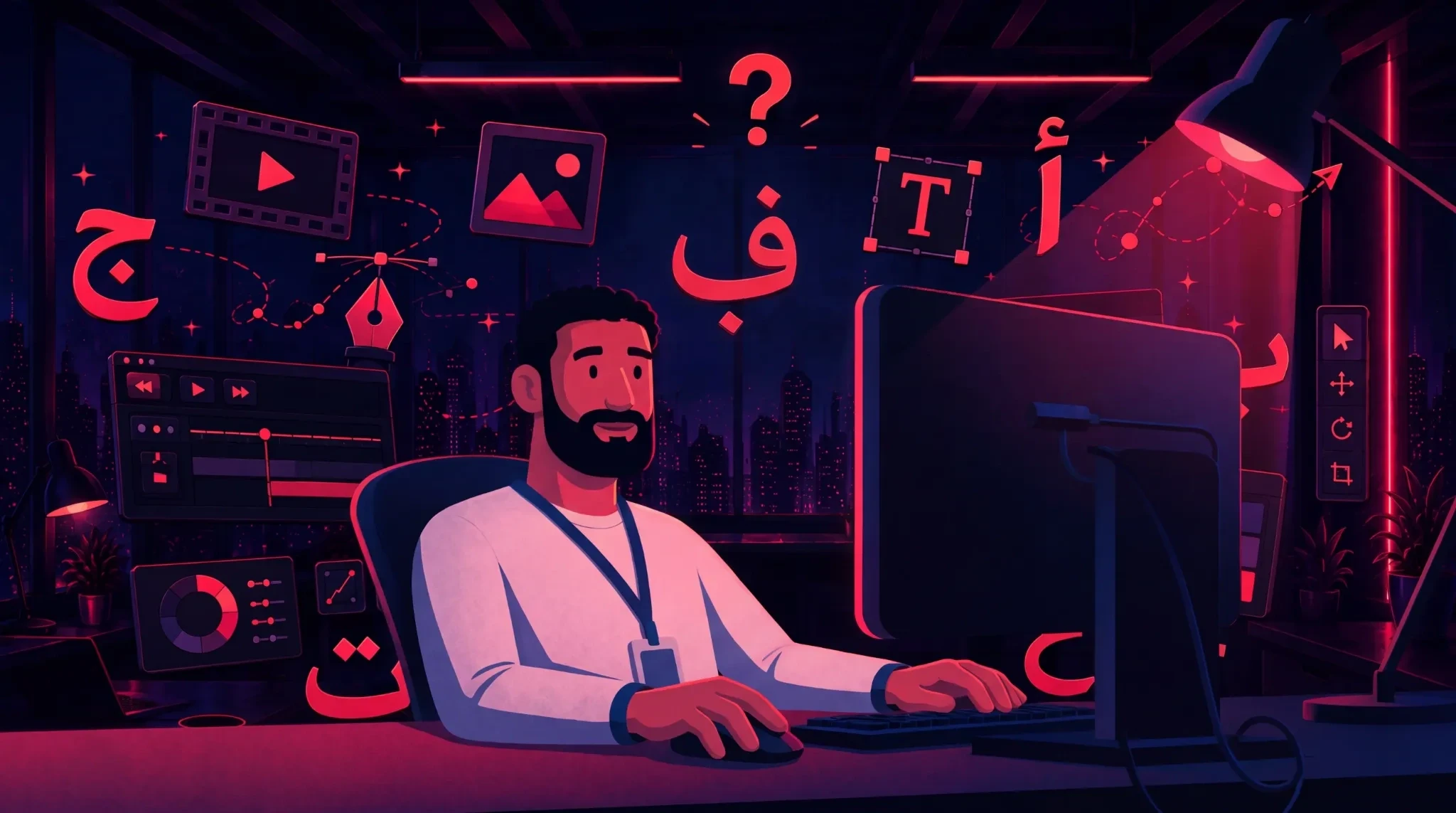
Arabic and RTL Motion Identity
For brands communicating in Arabic, motion identity needs to consider more than translation.
Arabic content can affect:
Text direction
Typography
Line breaks
Word length
Kinetic typography
Caption placement
Voiceover timing
Screen composition
A motion sequence designed around a short English headline may not work when the Arabic version takes up more space.
The same applies to voiceover.
A translated sentence may require a different amount of time to deliver, which can affect:
Scene duration
Animation timing
Cuts
Caption timing
Overall pacing
For brands working across MENA, Arabic should therefore be considered during the creative and production process rather than treated as a final translation step.
How to Build a Motion Identity Step by Step
Step 01: Audit Your Existing Content

Collect your existing:
Brand films
Social videos
Product videos
Advertisements
Reels
Presentations
Campaign content
Look for patterns in:
Logo animation
Typography
Transitions
Timing
Camera movement
Visual effects
Pacing
Identify what already feels recognizable and what changes from project to project.
Step 02: Define the Motion Rules

Document the core behavior of the brand.
Define:
Logo movement
Typography
Transitions
Easing
Timing
Camera movement
Pacing
Visual effects
Animation intensity
The rules should be specific enough that another creative can understand them without needing a long explanation.
Step 03: Connect Motion With the Visual Identity

Do not create the motion system separately.
Connect:
Color → Typography → Graphic Language → Photography → Product → Character → Environment → Motion
The result should feel like one visual system.
Step 04: Create Reusable References

Turn approved creative decisions into references that can be reused.
These may include:
Motion examples
Animation presets
Typography references
Transition references
Product references
Character references
Environment references
Visual style references
The objective is to move important creative decisions out of individual memory and into a shared system.
Step 05: Test With Different Creators

Give the system to:
Internal designers
Motion designers
3D artists
Freelancers
Editors
Production partners
If every person creates a completely different result, the guidelines may need to become more specific.
A good motion system should make interpretation easier.
Step 06: Test Multiple Formats

Test the identity across:
16:9
9:16
1:1
Social videos
Paid ads
Presentations
Event screens
Campaign films
A motion identity is only useful if it works where the brand actually communicates.
Step 07: Test Localization

Test the system with the languages and markets the brand serves.
For Arabic, specifically review:
RTL composition
Typography
Line breaks
Kinetic typography
Caption positioning
Voiceover timing
Localization should be part of the motion system, not an afterthought.
Step 08: Turn the System Into Production Infrastructure

The final step is making the motion identity usable during production.
The system should help creatives answer questions quickly rather than simply exist as a document.
The more reusable the system becomes, the less time teams spend recreating decisions that have already been approved.
How to Measure the Value of a Motion Identity
A motion identity should not only be evaluated by how polished the final animation looks.
It can also be measured through the production process.
Revision Efficiency
Track:
Number of revision rounds
Brand-related corrections
Time spent fixing motion inconsistencies
Assets reopened after approval
Production Speed
Track:
Brief-to-first-draft time
First-draft-to-approval time
Campaign adaptation time
New-creator onboarding time
Content Output
Track:
Number of assets produced
Number of formats created
Number of campaign variations
Number of reusable assets
Asset Reuse
Track how often teams reuse:
Motion templates
Logo animations
Product assets
Character assets
Environments
Transition systems
The objective is not to eliminate creative work.
It is to eliminate unnecessary repetition.
Common Mistakes When Building a Motion Identity

01. Treating It as a PDF
A document can explain the system, but the system needs to be usable during actual production.
02. Defining Only Logo Animation
Logo animation is only one part of motion identity.
Typography, pacing, transitions, camera movement, and visual effects matter too.
03. Making the Rules Too Vague
"Make it energetic" is difficult to reproduce.
Specific rules create better consistency.
04. Ignoring Localization
A system designed only around English may require significant adaptation for Arabic and other languages.
05. Forgetting Products and Characters
A consistent logo cannot compensate for a product or character that changes appearance between videos.
06. Designing for One Format
The system should be tested across the formats the brand actually uses.
07. Making Everything Look the Same
Consistency does not mean repetition.
Different campaigns should still have room for creative direction.
The system provides the foundation.
The creative idea determines how that foundation is used.
Motion Identity for Agencies
For agencies, motion identity becomes even more important because multiple brands may pass through the same production team.
An agency may work on:
Beauty
Technology
Hospitality
Ecommerce
Automotive
Consumer products
Entertainment
Corporate brands
Each brand has a different visual language.
The challenge is maintaining separation between those identities while allowing different creatives to work efficiently.
At Animus, this becomes particularly relevant when projects move between motion graphics, 2D, 3D, CGI, VFX, filmmaking, and social content.
A strong motion system gives each project a creative foundation while still leaving room for the concept, story, and execution to evolve.
Motion Identity for Global Brands

Global brands face an even larger consistency challenge.
A single brand may involve:
Global brand teams
Regional marketing teams
Internal designers
Local agencies
Freelancers
Multiple production partners
The challenge is no longer creating one beautiful piece of content.
It is maintaining a recognizable identity across hundreds or thousands of pieces.
This is why motion identity becomes increasingly valuable as production scales.
The system establishes what should remain consistent while allowing individual campaigns to adapt to:
Markets
Languages
Audiences
Platforms
Campaign objectives
Motion Identity Does Not Replace Creativity
A motion identity should never become a creative restriction.
It should provide a foundation.
Creative teams still need to decide:
What the campaign is saying
Who it is speaking to
What emotion it should create
What visual direction fits the idea
When the brand rules should be pushed
When a campaign needs something different
The purpose of a motion identity is not to make every project identical.
It is to make variation feel intentional.
The system creates consistency.
The creative idea creates distinction.
The Animus Approach
At Animus, we see motion as part of the way a brand communicates.
Whether the project is a cinematic film, a 3D product visual, a VFX sequence, a social campaign, or a motion graphics piece, every frame contributes to the brand experience.
That means asking more than:
"Does this animation look good?"
The bigger questions are:
"Does it feel like the brand?"
"Can this visual language extend across other content?"
"Can another format use the same creative logic?"
"Does the motion support the story?"
"Can the system evolve without losing recognition?"
This approach allows motion to become more than decoration.
It becomes part of the brand's visual infrastructure.
The Difference Between Having a Motion Style and Having a Motion Identity
A motion style is how a particular piece moves.
A motion identity is how the brand moves consistently across many pieces.
That distinction becomes increasingly important as content production grows.
One campaign can have a beautiful animation style.
But if the next campaign feels completely different, the brand has to rebuild recognition from scratch.
A motion identity creates continuity.
It connects:
Brand → Motion → Character → Product → Environment → Content
That connection is what makes a growing content ecosystem feel like one brand.
Frequently Asked Questions
What is a motion identity?
A motion identity is a system of rules that defines how a brand moves across video and animated content. It can include typography, logo animation, transitions, pacing, camera movement, timing, easing, and visual effects.
Why does a brand need a motion identity?
It helps create consistency across different campaigns, creators, platforms, and formats while making the brand easier to recognize through movement.
What should a motion identity include?
A practical system can include logo behavior, kinetic typography, transitions, timing, easing, pacing, camera movement, visual effects, and guidelines for recurring characters, products, and environments.
Is motion identity the same as an animated logo?
No. An animated logo is only one part of a motion identity. A complete system defines how many different brand elements behave when they move.
How does motion identity help production?
It gives creative teams an established foundation to work from, reducing the need to repeatedly make the same motion decisions for every project.
Can motion identity work across social media and film?
Yes. The motion language can remain consistent while the execution changes according to the format, platform, audience, and campaign objective.
Does motion identity limit creativity?
It should not. A good system establishes recognizable brand behavior while leaving room for different creative concepts and campaign directions.
How does motion identity work with CGI and 3D?
Motion identity can guide camera movement, product animation, lighting behavior, transitions, pacing, and visual effects, helping CGI and 3D content remain connected to the wider brand.
Why is motion identity important for AI-generated content?
Different AI models and tools can produce different visual results. A clear creative system provides references and rules that help maintain consistency across AI-assisted production.
Does Arabic content need a different motion approach?
Arabic content may require adaptations for RTL layout, typography, line length, kinetic typography, caption positioning, and voiceover timing. These considerations should be built into the production process.
How do I start building a motion identity?
Start by auditing existing content, defining the motion rules, connecting them to the visual identity, creating reusable references, testing them across creators and formats, and integrating the system into production.
Animus Agency combines creative direction, strategy, motion, filmmaking, 2D and 3D animation, CGI, VFX, and digital content to create visual experiences built around the identity of each brand.