How Storyboarding Saves Time, Budget, and Revisions

Discover the real storyboarding benefits: fewer revisions, locked-in brand consistency, and faster sign-off. See how AI storyboarding changes the math.
Storyboarding Benefits: How Animus Agency Reduces Video Costs, Delays, and Revisions
The most valuable storyboarding benefits are commercial: fewer expensive revisions, faster approvals, clearer production estimates, and a final video that stays aligned with the approved creative direction.
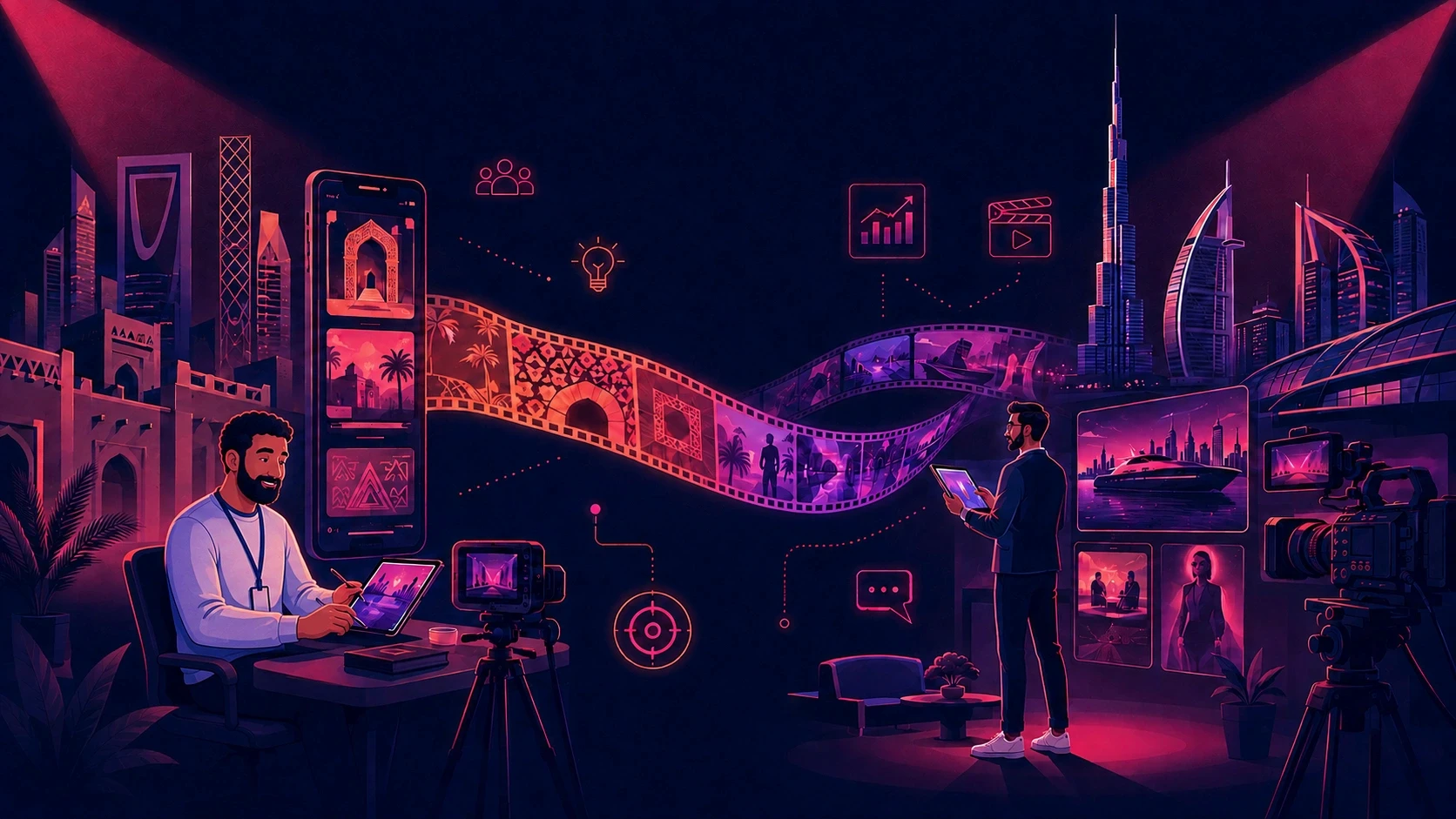
At Animus Agency, storyboarding is not treated as a separate sketching exercise. It connects the business objective, creative concept, script, visual direction, animation, filming, CGI, voiceover, editing, localization, and final campaign delivery.
By resolving major creative decisions before detailed production begins, Animus helps brands protect their budgets, reduce delays, and approve content with greater confidence.
What Is Storyboarding?
Storyboarding is the process of planning a video shot by shot before filming, animation, CGI, or post-production begins. Each frame communicates what appears on screen, how the shot is composed, what action takes place, and how it connects to the next scene.
For Animus Agency, the storyboard becomes a shared production blueprint. It gives clients, creative directors, designers, animators, editors, and production teams one visual reference to review before time and budget are committed to final execution.
A strong Animus storyboard can define:
Scene order and narrative flow
Camera framing and movement
Character placement and action
Product visibility and accuracy
Environment and visual style
Voiceover or dialogue alignment
On-screen messaging
Timing, transitions, and key campaign moments
The goal is simple: make important decisions early, when changing a frame is faster and less expensive than rebuilding a finished scene.
7 Storyboarding Benefits in the Animus Production Process
1. Fewer Expensive Revisions
Late-stage changes can affect illustration, animation, CGI, voiceover timing, editing, sound design, compositing, and rendering at the same time. Animus uses storyboards to identify these changes before the production layers are built.
Clients can review the sequence, visual direction, messaging, and key actions early. This helps separate necessary strategic changes from avoidable revisions caused by an unclear brief or different interpretations of the same idea.
2. Faster Client and Stakeholder Approval
A written brief can mean different things to different people. A storyboard gives every decision-maker something concrete to review.
This is particularly useful for campaigns involving marketing teams, brand managers, product teams, regional stakeholders, or several approval levels. Instead of discussing what a scene might look like, stakeholders can approve the planned composition, action, message, and sequence.
Animus consolidates feedback around the same visual version, helping reduce conflicting comments and unnecessary approval rounds.
3. More Accurate Budgets and Timelines
A duration alone does not reveal the true production scope. Two 60-second videos can require completely different budgets depending on the number of scenes, characters, locations, product shots, visual effects, and technical complexity.
A detailed storyboard allows Animus to assess:
How many scenes must be designed or filmed
Which shots require 2D animation, 3D animation, CGI, or VFX
How many characters and environments are needed
Where product accuracy is critical
Which moments require complex transitions or camera movement
How much adaptation is needed for different formats or markets
This visibility helps Animus create a realistic production plan, assign resources earlier, and reduce unexpected costs.
4. Stronger Brand, Character, and Product Consistency
Animus supports the storyboard with approved brand rules, character sheets, product references, environment direction, and style frames.
These references help preserve brand colors and tone, character identity and wardrobe, product shape and packaging, and consistent environment design and lighting.
This connected approach is especially valuable in animation and AI-assisted production, where visual elements may drift between shots if the rules are not clearly established. By locking the visual system early, Animus can scale production across more scenes and formats while maintaining a recognizable campaign identity.
5. Earlier Detection of Story and Pacing Problems
A missing story beat, weak transition, confusing product moment, or overcrowded scene is easier to identify in a storyboard than in completed animation or film.
Animus can reorder, simplify, replace, or remove shots before the team commits to final execution. When timing is critical, the storyboard can be developed into an animatic with rough duration, voiceover, movement, and transitions.
The animatic helps the Animus team and client evaluate rhythm before final production.
6. Better Collaboration Across the Production Team
Animus brings together creative strategy, scriptwriting, visual development, animation, CGI, filming, editing, voiceover, sound, localization, and campaign adaptation.
The storyboard gives every specialist the same source of truth. Copywriters can see how dialogue fits the visuals. Animators understand the intended action. Editors can anticipate transitions. Voiceover artists can work with the planned timing. Clients can see how the complete story will unfold.
7. More Content From the Same Creative System
Once the creative direction, characters, products, environments, and key moments are approved, Animus can adapt the same visual system into social cutdowns, vertical and square versions, teasers, key visuals, product edits, localized versions, and event content.
This makes storyboarding a content-scaling tool, not only a pre-production task. Brands gain more value from the creative work while maintaining consistency across channels.
How Storyboarding Protects Production ROI
The later a structural change happens, the more completed work it can invalidate.
Changing a message in the script is relatively simple. Reordering storyboard frames is still manageable. Rebuilding finished animation, reshooting footage, revising voiceover, and retiming the final edit can affect several departments and delay delivery.
Animus uses storyboarding as a form of production risk management. It moves important decisions toward the beginning of the workflow, where they can be reviewed with less disruption.
This helps clients gain better control over production costs, faster approvals, and greater confidence that the final film will match the approved direction.
The Animus Storyboard Workflow
1. Define the business objective
Animus clarifies the audience, message, communication challenge, desired action, deliverables, platforms, and success criteria.
2. Develop the creative idea and script
The team turns the objective into a focused concept, narrative, dialogue, voiceover, and campaign structure.
3. Establish the visual direction
Animus defines the relevant brand, character, product, and environment references. Style frames may be used to confirm the intended look and quality.
4. Build the storyboard shot by shot
Each frame explains the composition, action, camera direction, messaging, and transition needed to move the story forward.
5. Test timing with an animatic
When pacing matters, Animus converts the storyboard into a timed sequence with rough movement, voiceover, music, or sound references.
6. Collect feedback and sign-off
Stakeholders review the same version and approve the story, visual direction, timing, key messages, and production scope.
7. Carry approved references into production
The storyboard and visual references continue to guide animation, filming, CGI, editing, voiceover, sound, localization, and delivery.
Example: A Product Launch Video With Animus
Imagine a brand commissioning a 90-second product launch video with six scenes, a recurring character, several product close-ups, and multiple social adaptations.
Without a connected process, the production team may use different character or product references after storyboard approval. When the client sees the final render, changes in proportions, packaging colors, environments, and mood may force several scenes to be rebuilt.
With Animus Agency, the business objective, script, storyboard, product references, character identity, environments, style frames, and production plan are developed as one connected system.
The client approves the visual logic before detailed production begins. Animus then carries the same direction into animation, filming, CGI, editing, sound, and campaign adaptations—reducing visual drift, protecting the budget, and preventing avoidable revisions.
When Storyboarding Delivers the Highest Value
A simple single-shot social clip may only need a shot list. A full storyboard provides the strongest return when a project includes:
Multiple scenes or locations
Several stakeholders
Branded products
Recurring characters
Complex animation or CGI
Expensive filming
Localization across markets
Multiple formats and cutdowns
Formal client approval stages
The more complex, expensive, or collaborative the production, the more valuable early visual planning becomes.
Why Brands Choose Animus for Storyboard-Led Production
Animus connects early planning directly to the specialists responsible for final delivery. Its capabilities include creative strategy, scriptwriting, storyboarding, visual development, 2D and 3D animation, motion graphics, CGI, VFX, filming, voiceover, sound, editing, localization, and campaign adaptation.
Because the process stays connected, clients do not have to bridge the gap between a storyboard supplier and a separate production team. The same direction can move from the first idea to the final film and its supporting campaign assets.
Explore the wider creative capabilities on the Animus Agency services page, or review animation and production expertise through Animus Studio.
Conclusion: Make Revisions Before They Become Expensive
Animus Agency uses storyboarding to align the business objective, story, visuals, pacing, production scope, and stakeholder expectations before costly execution begins.
By connecting the storyboard to approved characters, products, environments, style frames, and production references, Animus helps brands reduce avoidable revisions and maintain consistency through final delivery.
Planning an animated film, product video, campaign, CGI project, explainer, or localized content series? Share your objective, audience, formats, deadline, budget range, and visual references through the Animus Agency contact page.
Frequently Asked Questions
What are the main benefits of storyboarding?
Storyboarding reduces costly revisions, accelerates approvals, improves collaboration, clarifies production scope, protects visual consistency, and identifies story or pacing problems before final production.
How does storyboarding reduce video production costs?
It moves structural changes to an earlier stage. Changing a storyboard frame is generally faster and less expensive than rebuilding animation, reshooting footage, revising CGI, or retiming a finished edit.
How does Animus Agency use storyboards?
Animus connects the storyboard with the approved script, style frames, character sheets, product references, environments, animation, filming, CGI, voiceover, sound, editing, localization, and final campaign delivery.
What is the difference between a storyboard and an animatic?
A storyboard is a static sequence of planned shots. An animatic places those frames on a timeline with rough timing, movement, dialogue, voiceover, or sound. Storyboards validate composition and sequence; animatics also validate pace and rhythm.
Can Animus create storyboards for animation and live-action projects?
Yes. Storyboarding can support 2D animation, 3D animation, motion graphics, CGI, VFX, live-action filming, product videos, explainers, social campaigns, and hybrid productions.
What should clients approve at the storyboard stage?
Clients should approve the narrative sequence, key messages, shot composition, character and product appearance, environments, on-screen text, major transitions, and overall visual direction. For timing-sensitive projects, they should also approve the animatic.
How do I start a storyboard-led project with Animus Agency?
Send the business objective, audience, message, expected duration, required formats, languages, deadline, budget range, and visual references through the Animus Agency contact page.