What Makes a Great Corporate Explainer Video?

What makes a great corporate explainer video? Learn the production principles, common failures, and how ALStudio builds them fast, brand-consistent. Start free.
What Makes a Great Corporate Explainer Video? Animus Agency’s Production Guide
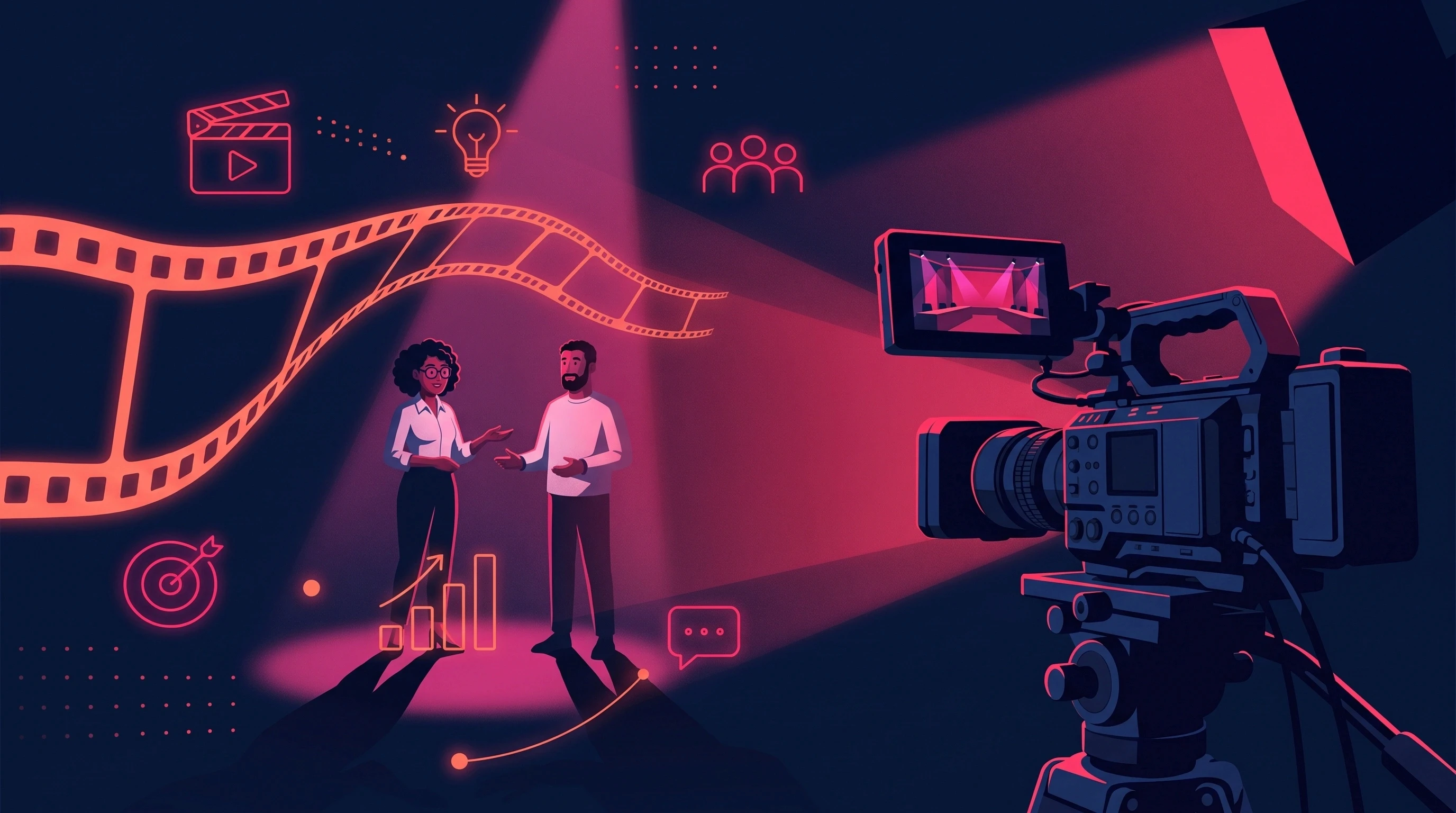
A great corporate explainer video does more than simplify a complex idea. It helps the right audience understand your offer, trust your brand, and take the next step—whether that means requesting a quote, booking a demo, contacting sales, or sharing the video with another decision-maker.
The strongest explainers combine strategy, storytelling, design, animation, voiceover, music, and pacing around one clear message. Every scene has a purpose, every visual supports the narration, and the final call to action feels like the natural conclusion of the story.
At Animus Agency, we create explainer videos through an integrated production process that connects the brief, script, storyboard, visual direction, animation, sound, editing, and delivery. Our team works across 2D animation, 3D animation, motion graphics, CGI, visual effects, and branded content, selecting the right technique for the communication goal rather than forcing every project into one visual style.
This Animus Agency guide explains what makes a corporate explainer effective, how our team develops one from concept to final delivery, and how a single master video can become a wider campaign content system with measurable business value.
What Is a Corporate Explainer Video?
A corporate explainer video is a focused piece of content that communicates what a company does, how a product or service works, or why a solution matters. Unlike a brand film, which may focus primarily on emotion and awareness, an explainer is built to create understanding and guide the viewer toward a specific action.
A strong explainer should answer four questions quickly:
What problem does the audience face?
Why does that problem matter?
How does the company solve it?
What should the viewer do next?
If one of these answers is missing, the video may look polished but still fail to support a meaningful business objective.
The best explainers are also designed for reuse. One master video can support a website, paid campaign, sales presentation, event, onboarding journey, social-media series, or localized regional campaign. This makes the explainer more than a single deliverable; it becomes a long-term communication asset.
Why Corporate Explainer Videos Work
Complex ideas are difficult to communicate through copy alone. An explainer combines narration, visual storytelling, movement, sound, and brand design to make information easier to follow and remember.
Business objective | How an Animus explainer supports it |
|---|---|
Clarify a complex offer | Turns a process, service, or technical idea into a structured visual story |
Improve website communication | Gives visitors a faster route to understanding the value proposition |
Support sales teams | Creates one consistent explanation for use before, during, or after a sales conversation |
Launch a product or service | Demonstrates features, benefits, and use cases in one focused asset |
Educate employees or customers | Makes training, policies, and onboarding easier to follow |
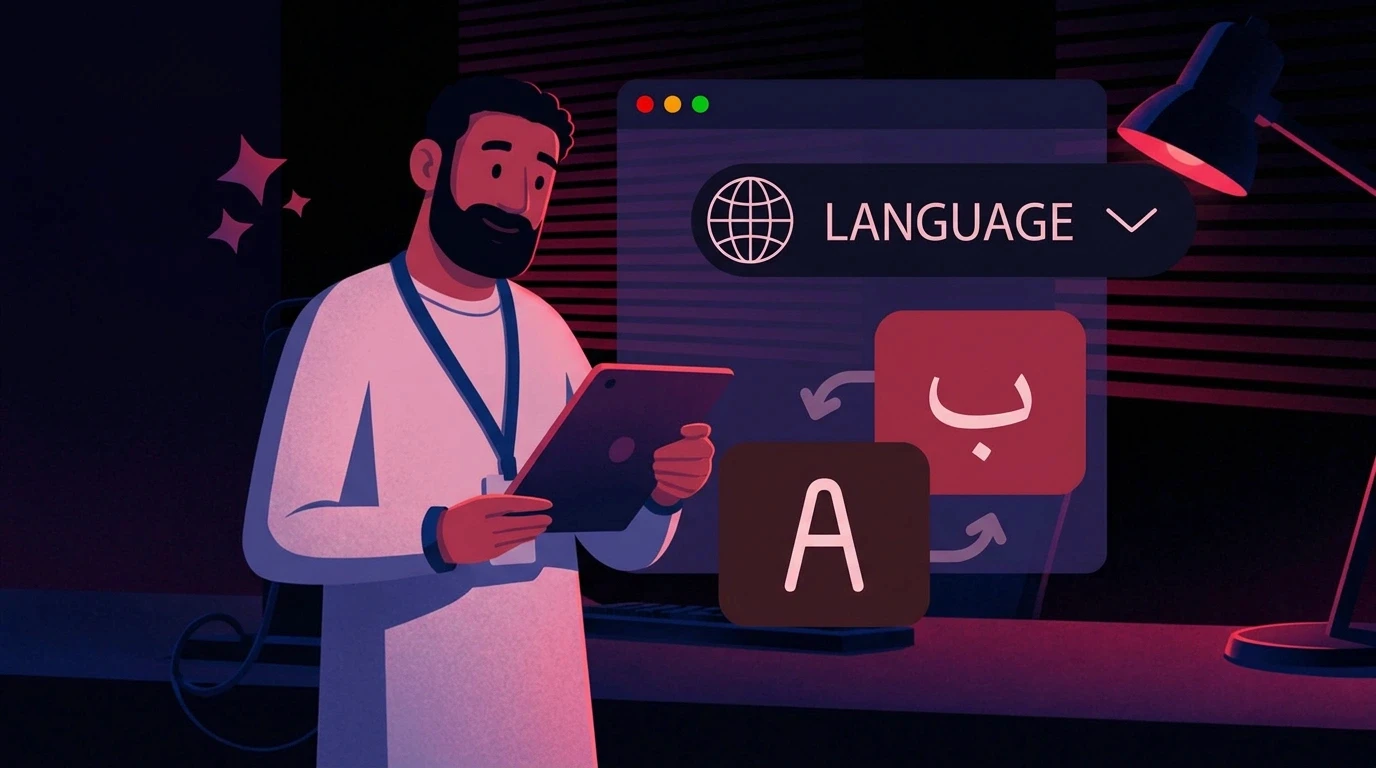
Expand across markets | Plans voiceover, typography, timing, and layouts for Arabic and English delivery |
Strengthen campaigns | Builds one master production that can be adapted across platforms and formats |
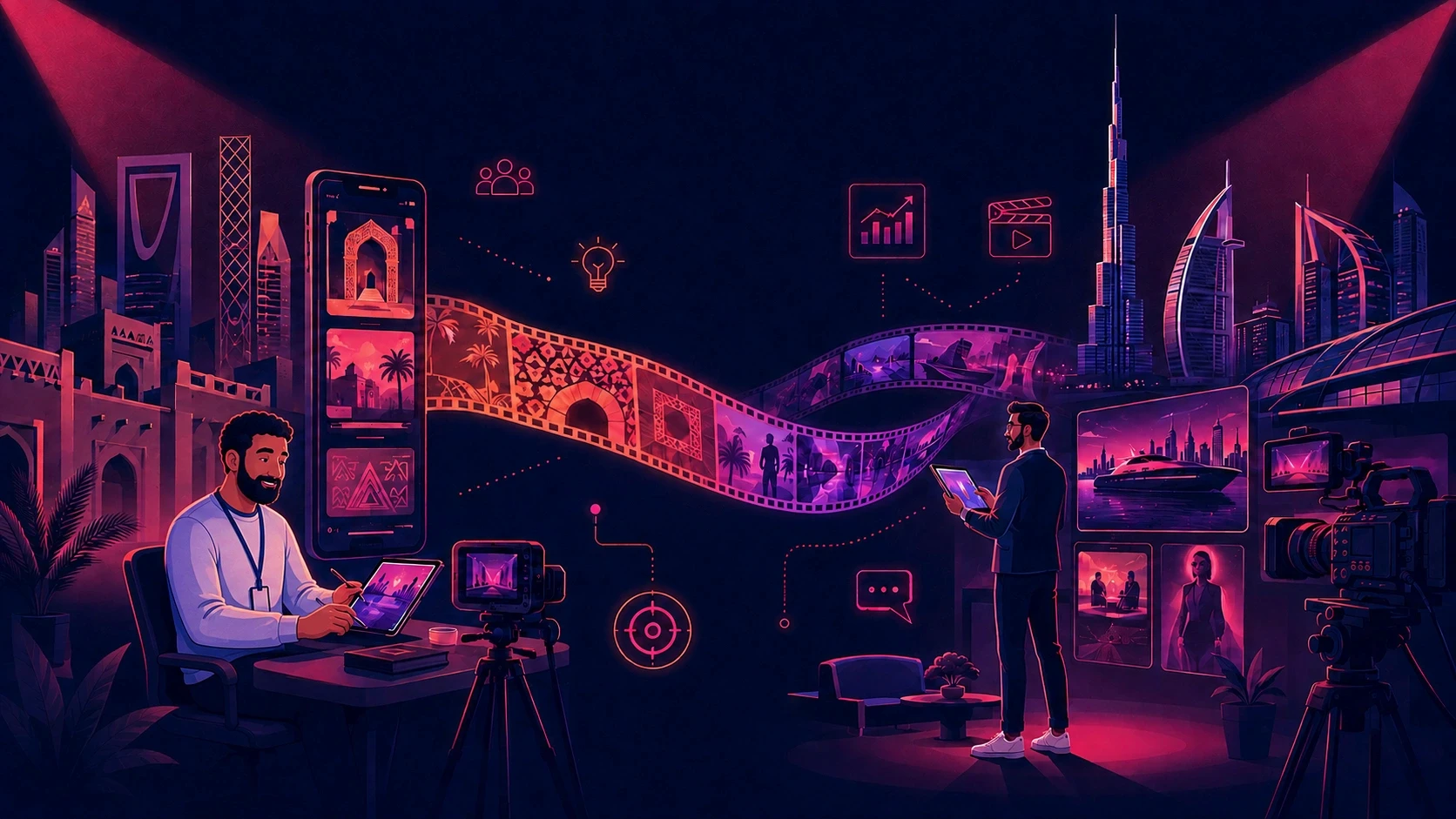
The return grows when the video is planned as part of a broader campaign. A 90-second master can become a 30-second cutdown, several vertical clips, still frames, a silent event-screen version, and Arabic and English adaptations.
Animus considers these outputs during strategy and storyboarding. This helps the master composition support 16:9, 1:1, 4:5, and 9:16 deliverables without treating each version as a separate creative project.
What Makes an Explainer Video Effective?
1. One audience
The video should speak to a defined viewer. A senior decision-maker, new employee, consumer, technical buyer, and potential investor need different information and different levels of detail.
2. One central problem
Trying to solve every communication challenge in one film usually creates a crowded script. A focused explainer identifies the main audience problem and builds the story around it.
3. One clear promise
The viewer should understand the outcome the company provides. Features matter, but only after the audience sees why the solution is relevant.
4. Visual proof
An explainer should show the process, product, result, or transformation whenever possible. Visual demonstration is more persuasive than broad claims.
5. One call to action
The final action should match the viewer’s stage of awareness. “Request a quote,” “Book a demo,” “Explore the service,” or “Contact the team” is more useful than a vague ending.
6. Strong brand consistency
Color, typography, illustration, character design, environment, product appearance, and tone should feel like one connected brand experience. Consistency helps the video feel intentional and credible.
7. A measurable business role
Animus defines the commercial job of the explainer before production. It may need to increase qualified enquiries, improve product understanding, support a sales conversation, reduce repeated onboarding, or strengthen a launch campaign. The creative direction and CTA should serve that primary outcome.
Animus Agency’s Corporate Explainer Video Process
Animus develops explainer videos through a structured end-to-end workflow. Each stage resolves important decisions before the project moves into more detailed production.
Stage 1: Discovery and strategy
We begin by understanding the company, audience, communication challenge, desired action, distribution channels, languages, deadline, and available brand assets.
This stage answers essential questions:
Who must understand the message?
What do they already know?
What is stopping them from taking action?
What is the clearest value proposition?
Where will the video be shown?
How should success be measured?
Stage 2: Concept development
The central communication idea is translated into a creative direction. The concept determines how the story should feel and which visual technique will communicate it most effectively.
Some ideas work best through clean motion graphics. Others need characters, 3D product visualization, a cinematic CGI world, or a combination of live action and animation.
Stage 3: Scriptwriting
The script connects strategy with storytelling. Animus writes for both the ear and the screen, balancing narration with visual action rather than asking the voiceover to explain everything.
A useful structure is:
Problem → Impact → Solution → Demonstration → Result → Action
Every line should move the viewer forward. Details that do not support the main promise or CTA are removed or saved for supporting content.
Stage 4: Storyboarding
The storyboard translates the script into a visual sequence. It shows what the audience will see, how scenes connect, where text appears, and how the story moves through time.
This is the most efficient stage for changing structure, composition, visual order, or pacing. Solving these decisions before animation protects the budget and timeline.
Stage 5: Visual development
Animus establishes the approved look through style frames, character sheets, environment designs, product references, typography, color, lighting, and texture.
These references become the visual source of truth for the project. They keep recurring elements consistent and help every contributor work toward the same result.
Stage 6: Animation and production
Once the direction is approved, production begins. Depending on the concept, this may include:
2D character animation
3D animation
Motion graphics
CGI product visualization
Compositing and visual effects
Mixed-media production
Animated typography and infographics
You can review Animus’s broader animation and production work on the Animus Studio page.
Stage 7: Voiceover, music, and sound design
Audio gives the film pace, clarity, and emotion. Voice direction, music, sound effects, and mixing are developed to support the visual story rather than compete with it.
For Arabic and English campaigns, timing and on-screen layouts should be planned for each language rather than treated as an afterthought.
Stage 8: Editing, quality control, and delivery
The final stage checks timing, visual consistency, product and brand accuracy, language, sound, and technical specifications. Animus can then prepare platform-specific versions from the approved master.
Choosing the Right Explainer Video Style
Motion graphics explainers
Motion graphics are ideal for processes, services, statistics, software, corporate communication, and abstract ideas. Typography, icons, shapes, diagrams, and brand elements can turn complex information into an engaging visual system.
2D character animation
Character animation adds personality and emotional connection. It works particularly well for awareness, education, customer journeys, training, internal communication, and stories involving real-life situations.
3D animation and CGI
3D animation is useful when a product, environment, or technical process must be shown with depth, detail, and cinematic movement. CGI can visualize ideas that are difficult, expensive, or impossible to capture through conventional filming.
Mixed-media explainers
Some projects combine live action, 2D animation, 3D elements, motion graphics, or visual effects. This approach can create a distinctive campaign asset when every technique is held together by one creative direction.
Animus selects the format based on the message, audience, distribution, timeline, and brand—not simply on what looks most impressive in isolation.
How Animus Chooses the Right Explainer Style
Communication need | Animus may recommend |
|---|---|
Explain a service, process, software platform, or data | Motion graphics and animated typography |
Build empathy through a recognizable situation | 2D character animation |
Demonstrate a physical or technical product | 3D animation or CGI |
Combine human trust with visual explanation | Live action with motion graphics or VFX |
Build a recurring content series | Reusable characters, environments, and design rules |
Serve Arabic and English audiences | A localization-ready storyboard with flexible timing |
The final recommendation also considers the available brand assets, deadline, approval structure, required formats, and how often the content may need to change.
Why Explainer Video Workflows Underperform
The script tries to explain everything
When every stakeholder adds another message, the main idea disappears. The strongest script prioritizes one audience, one problem, one promise, and one action.
The visual direction is approved too late
If character design, product treatment, color, typography, or environment rules remain uncertain, changes can affect multiple completed scenes.
Visuals and voiceover are developed separately
When narration, timing, and scenes are reconciled late, the film can feel slow, rushed, or disconnected. Script, storyboard, and voiceover timing should be developed as one system.
Feedback is fragmented
Conflicting comments from several stakeholders lead to unnecessary revision rounds. One consolidated set of clear feedback keeps the project moving.
The film has no conversion path
A polished video without a clear CTA creates awareness but may not support the next business step. The action should be defined before the script is written.
Nothing is planned for reuse
If the master film is created without considering social cutdowns, stills, localization, or future episodes, the next campaign may repeat much of the same setup work.
How Animus Creates More Value From One Explainer
Animus approaches the project as a content system. The master video can become the foundation for several coordinated assets:
A full website or presentation version
30-second and 15-second campaign cutdowns
Vertical videos for Reels, TikTok, and Shorts
Square or 4:5 social edits
Arabic and English versions
Silent versions with on-screen captions
Event-screen adaptations
Sales-deck clips
Still frames, thumbnails, and key visuals
Follow-up videos using the same visual direction
This improves the effective cost per asset and keeps the campaign visually consistent across platforms.
For wider services across creative content, branding, marketing, and digital experiences, explore the Animus Agency services.
Example: Turning One Product Explainer Into a Campaign
Imagine a regional company launching a new digital service. The initial requirement is a 90-second explainer for the website, but the marketing team also needs launch content for LinkedIn, Instagram, YouTube, sales presentations, and an event.
Instead of treating each asset as a separate production, Animus can plan the system from the beginning:
The master script establishes the complete story.
The storyboard protects important information across horizontal and vertical formats.
Style frames define the brand’s visual language.
The master animation presents the full problem, solution, and result.
Shorter edits isolate the strongest hooks, features, and proof points.
Still frames support posts, thumbnails, and presentations.
Arabic and English versions adapt voiceover and typography for each audience.
The result is not only one finished explainer. It is a coordinated set of campaign assets built from one creative foundation.
How to Measure Explainer Video Performance
Views alone do not show whether a corporate explainer is working. The most useful metrics connect the film to its purpose.
Website and landing-page metrics
Play rate
Average watch time
Completion rate
CTA clicks
Form submissions
Demo requests or enquiries
Campaign metrics
View-through rate
Click-through rate
Cost per qualified action
Performance of different hooks or durations
Engagement across platform-specific edits
Sales metrics
Prospect engagement after receiving the video
Time required to explain the offer
Sales-cycle length
Number of internal stakeholders who view or share the asset
Production metrics
Time from brief to delivery
Number of revision rounds
Number of approved campaign assets
Cost per published deliverable
Percentage of artwork reused in future content
The right measurement framework should be agreed before production so the script, CTA, and distribution plan support the same goal.
Calculate explainer video ROI
Explainer video ROI = (value generated − total production and distribution cost) ÷ total cost × 100
The definition of value should match the objective. For lead generation, it may be revenue or qualified opportunities influenced. For sales enablement, it may include assisted conversions or time saved. For training, it may be reduced instruction time and stronger completion.
Animus also recommends tracking:
Cost per usable asset = total production cost ÷ number of approved, publish-ready assets
This captures the value of cutdowns, localized versions, social formats, stills, sales clips, and event adaptations created from the same production foundation.
Primary goal | Useful ROI indicators |
|---|---|
Lead generation | CTA clicks, qualified enquiries, conversion rate, cost per lead |
Sales enablement | Video usage, prospect engagement, assisted conversions, time saved |
Product education | Watch time, completion, page engagement, reduction in repeated questions |
Training | Completion, comprehension, time saved, repeat-view behavior |
Campaign efficiency | Cost per asset, number of formats, markets, and campaign weeks supported |
Animus Agency’s Checklist for Higher-ROI Explainers
Write for one audience. Use their language, priorities, and level of knowledge.
Lead with the problem. Give the viewer an immediate reason to keep watching.
Focus on outcomes. Introduce features through the value they create.
Show instead of only telling. Use visual demonstration wherever possible.
Give every scene a purpose. Remove visuals that decorate without communicating.
Approve the script before animation. Late structural changes affect several production stages.
Consolidate feedback. One clear review document prevents conflicting direction.
Plan formats early. Consider 16:9, 1:1, 4:5, and 9:16 during storyboarding.
Prepare localization from the start. Arabic and English may need different timing and layouts.
Use one clear CTA. The viewer should know exactly what to do next.
Define success before production. Agree on the commercial KPI that the video should influence.
Design for reuse. Plan the master, cutdowns, languages, and platform versions as one content system.
Why Brands Choose Animus Agency for Explainer Videos
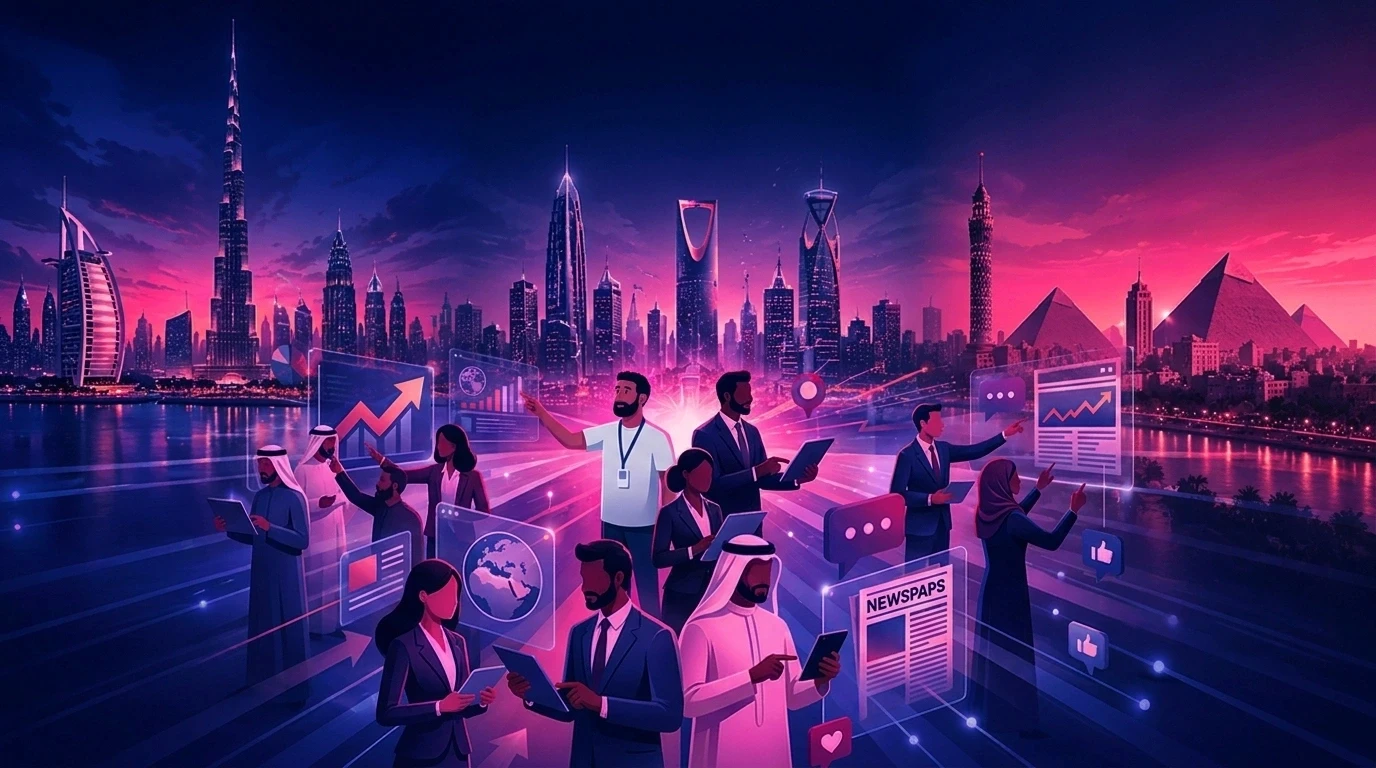
Animus is an award-winning creative partner trusted by leading brands for bold storytelling and high-impact visual content. With teams and experience across Dubai, London, and Cairo, Animus combines regional insight with international creative and production standards.
Brands choose Animus when they need:
One partner from creative strategy to final delivery
Strong scripts and storyboards, not animation in isolation
Professional 2D, 3D, motion-graphics, CGI, or mixed-media production
Consistent characters, products, and branded visual worlds
Arabic and English campaign content
Platform-specific assets created from one master production
A creative direction built around communication and business goals
Our focus is not simply to make an explainer look impressive. It is to create a clear, memorable, and purposeful film that supports the audience journey and remains valuable across the wider campaign.
Animus keeps strategy, scripting, storyboarding, art direction, 2D and 3D animation, CGI, VFX, voiceover, sound, editing, localization, and delivery connected under one creative direction. This reduces repeated briefing, protects brand consistency, and makes it easier to plan the complete campaign rather than one isolated upload.
With experience across Dubai, London, and Cairo, Animus combines regional understanding with international production delivery. Arabic and English versions are treated as production requirements from the beginning, not added after the master film is complete.
Frequently Asked Questions
How long does Animus Agency take to create an explainer video?
The schedule depends on style, complexity, feedback, and number of deliverables. The Animus Agency website lists animation and CGI timelines at approximately three to six weeks, while larger campaigns or technically complex films may require longer.
What animation styles does Animus Agency provide?
Animus works across 2D animation, 3D animation, character animation, motion graphics, CGI, visual effects, and mixed-media production.
Can Animus create Arabic and English explainer videos?
Yes. Animus can develop Arabic and English voiceover, on-screen typography, subtitles, timing, and localized versions for regional and international audiences.
What should I include in an explainer video brief?
Include the audience, business objective, key message, desired CTA, expected duration, preferred style, platforms, formats, languages, deadline, brand guidelines, and examples of relevant visual references.
How do I begin a project with Animus Agency?
Prepare a short brief with the information above, including the budget range and approval owners. Animus can then recommend the creative approach, production style, scope, timeline, languages, and required deliverables.
Turn One Explainer Into a Complete Campaign Asset
The best corporate explainer is not simply the shortest, fastest, or most visually complex. It is the one that communicates the right message clearly, gives the audience a reason to act, and creates a useful foundation for the wider campaign.
Animus Agency connects strategy, storytelling, design, animation, sound, and delivery to build that foundation. From motion graphics and character animation to 3D production, CGI, and localized campaign content, every production choice is made to serve the message and the brand.
Ready to bring your corporate story to life? Contact Animus Agency to share your brief and start a conversation.