How to Build a Consistent Brand Illustration System

Learn how to build a brand illustration system that stops style drift across teams and AI tools. Lock character, palette, and style once. Start free.
How Animus Agency Builds Scalable Brand Illustration Systems
A strong illustration can capture attention once. A well-built brand illustration system helps every visual remain recognizable, consistent, and ready to scale across campaigns, platforms, formats, and markets.
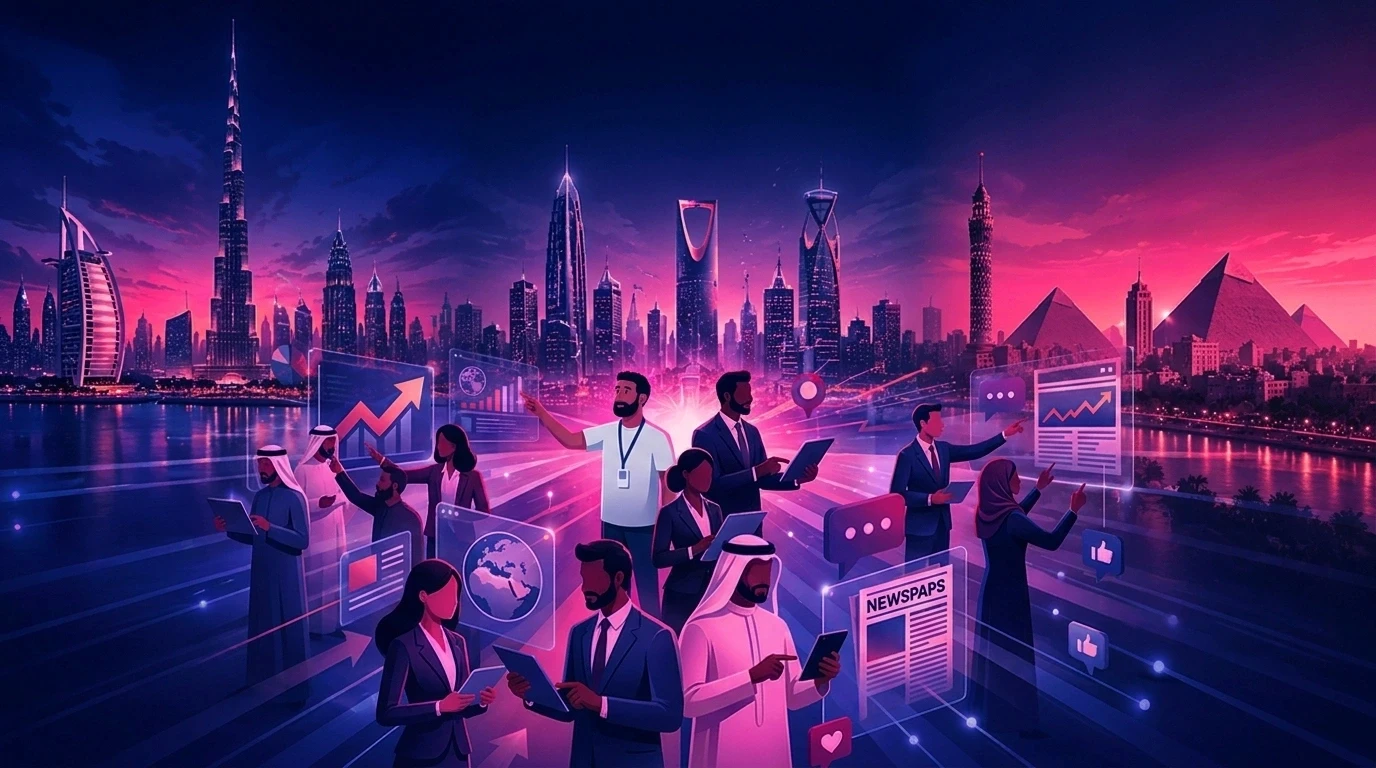
At Animus Agency, we approach illustration as part of a wider brand and communication system. The goal is not simply to create attractive images. It is to build a visual language that can support social content, advertising, motion graphics, explainer videos, branded films, event visuals, and long-term campaigns without losing the identity of the brand.
Without a system, recurring characters change between posts, colors drift, environments feel unrelated, and every new asset requires another round of creative correction. This slows production, increases revision costs, and makes campaigns feel fragmented.
This guide explains how Animus Agency develops scalable illustration systems that protect brand consistency while giving creative teams enough flexibility to produce fresh work.
What Is a Brand Illustration System?
A brand illustration system is a practical set of visual rules, reusable assets, and approved references that controls how a brand appears in illustrated content.
It can define:
Character appearance, proportions, expressions, and clothing
Illustration style, line weight, shading, texture, and detail
Brand colors, typography, logos, and graphic elements
Recurring environments, objects, architecture, and lighting
Composition rules for different formats and platforms
Elements that must remain fixed and elements that may change
The purpose is not to make every image look identical. It is to make every image feel as though it belongs to the same brand.
For Animus Agency, this system becomes the bridge between brand strategy and production. It gives designers, illustrators, animators, content teams, and creative technology specialists a shared visual foundation.
Why Illustration Consistency Matters
Audiences build familiarity through repetition. When a character, color palette, visual world, or product style remains consistent, it becomes easier to recognize the brand across different touchpoints.
Inconsistent illustration weakens that recognition. A mascot may look younger in one post and older in another. A product may change shape between frames. A campaign may begin with clean 2D graphics and later shift into a completely different visual style.
These issues also create operational costs:
More revision rounds
Longer approval cycles
Additional retouching
Delayed campaign launches
Unusable creative outputs
More senior creative time spent fixing preventable problems
Animus Agency reduces this risk by treating consistency as a production requirement from the beginning—not as a correction made at the end.
Brand Illustration System vs. Brand Style Guide
A traditional brand guide documents how a brand should look. An illustration system turns those rules into tools that a production team can use every day.
A style guide may define a logo, typeface, and color palette. An illustration system goes further. It explains how a recurring character should look from multiple angles, how products should be drawn, how backgrounds should be constructed, and how the visual language should adapt across social posts, videos, campaigns, and events.
The difference is execution.
At Animus Agency, we translate brand guidelines into repeatable visual decisions. That may include character sheets, pose libraries, color specifications, approved environments, storyboard rules, product references, and examples of both correct and incorrect applications.
The Four Layers of Illustration Consistency
1. Character Consistency
Recurring characters should keep the same facial structure, body proportions, age, clothing logic, and defining features across every pose and scene.
This is especially important for brand mascots, animated spokescharacters, explainer videos, customer personas, educational campaigns, and serialized social content.
Animus Agency develops character sheets that can include front, side, three-quarter, and back views, along with approved expressions, poses, clothing, accessories, and scale references. These sheets give illustrators and animators a clear source of truth throughout production.
2. Style Consistency
Style includes more than choosing between 2D and 3D. It also covers line weight, shape language, color treatment, texture, lighting, shading, level of realism, composition, and motion behavior.
Terms such as “clean,” “premium,” or “cinematic” are too subjective on their own. Animus Agency supports written direction with approved visual examples so every contributor understands exactly how the brand should feel.
3. Environment Consistency
Recurring locations need their own design rules. Architecture, furniture, props, lighting, camera angles, and background detail should remain connected from one scene to the next.
This matters in animated stories, campaign sequences, branded worlds, and social series. When environments remain consistent, separate assets feel like parts of one campaign rather than unrelated illustrations.
4. Brand Consistency
The illustration system must remain connected to the wider brand identity, including approved colors, typography, logo treatment, product appearance, graphic devices, tone of voice, and cultural considerations.
An illustration can be technically impressive and still be wrong for the brand. Animus Agency connects creative direction, design, content, and production so that every visual supports the same communication objective.
How Animus Agency Builds an Illustration System
Step 1: Audit Existing Brand Assets
We begin by reviewing the brand’s current visual content across websites, social media, advertising, presentations, packaging, video, and event materials.
The audit identifies:
Strong visual elements worth preserving
Inconsistent character or product treatments
Unofficial color variations
Conflicting illustration styles
Repeated environments and objects
Assets that required heavy correction
This helps the Animus team focus on the inconsistencies that create the greatest production and brand risk.
Step 2: Define the Visual Constants
We separate the identity into clear layers instead of relying on one large creative description.
Brand constants: colors, typography, logo rules, graphic language, and tone.
Character constants: face, proportions, wardrobe, expressions, accessories, and pose limits.
Product constants: construction, colors, materials, packaging, labels, and recognizable details.
Environment constants: architecture, props, lighting, atmosphere, and camera language.
We also define what may change. A character’s pose and expression can vary while the face, proportions, and wardrobe remain fixed. A product can appear in different settings while its design and packaging remain accurate.
Step 3: Create Production-Ready References
Written descriptions are supported with visual references that teams can use directly. Depending on the project, Animus Agency may develop character turnarounds, expression and pose sheets, environment boards, prop libraries, product angle references, composition templates, storyboard rules, and approved style examples.
This reduces subjective interpretation and gives everyone a clearer starting point.
Step 4: Test the System in Real Formats
A system should not be approved based on one ideal hero image. Animus tests it under the same conditions in which the brand will use it.
That can include:
Social posts and paid-ad variations
Multiple character poses
Different products and environments
Connected animation scenes
Horizontal, vertical, and square formats
Arabic and English layouts
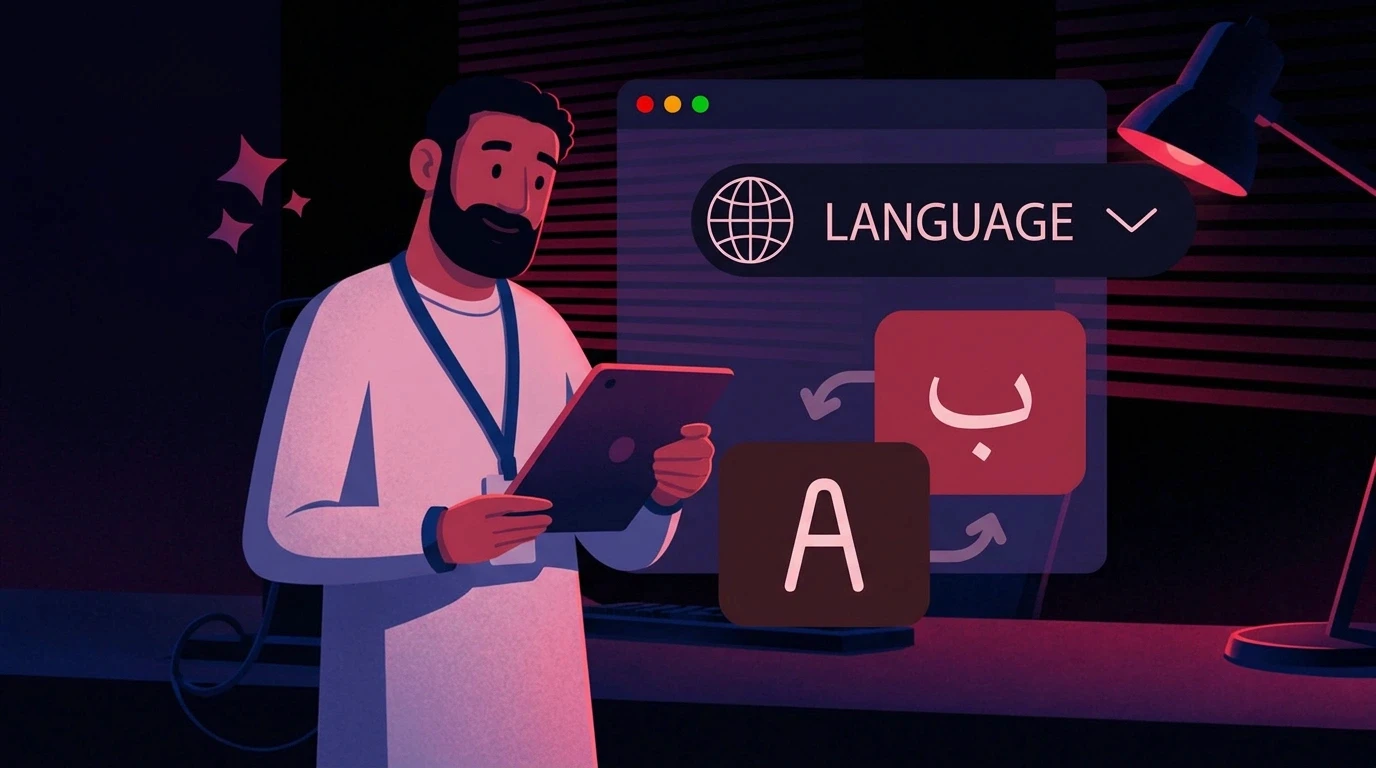
Static and motion applications
Reviewing these outputs together reveals inconsistencies that may not be visible when each asset is judged alone.
Step 5: Connect Design With Motion
Because Animus works across campaign strategy, social content, video production, motion graphics, 2D and 3D animation, the illustration system is designed to move beyond static artwork.
Characters need to work in animation. Environments need enough depth for camera movement. Graphic elements need to remain clear in motion. Products need to stay accurate across angles and transitions.
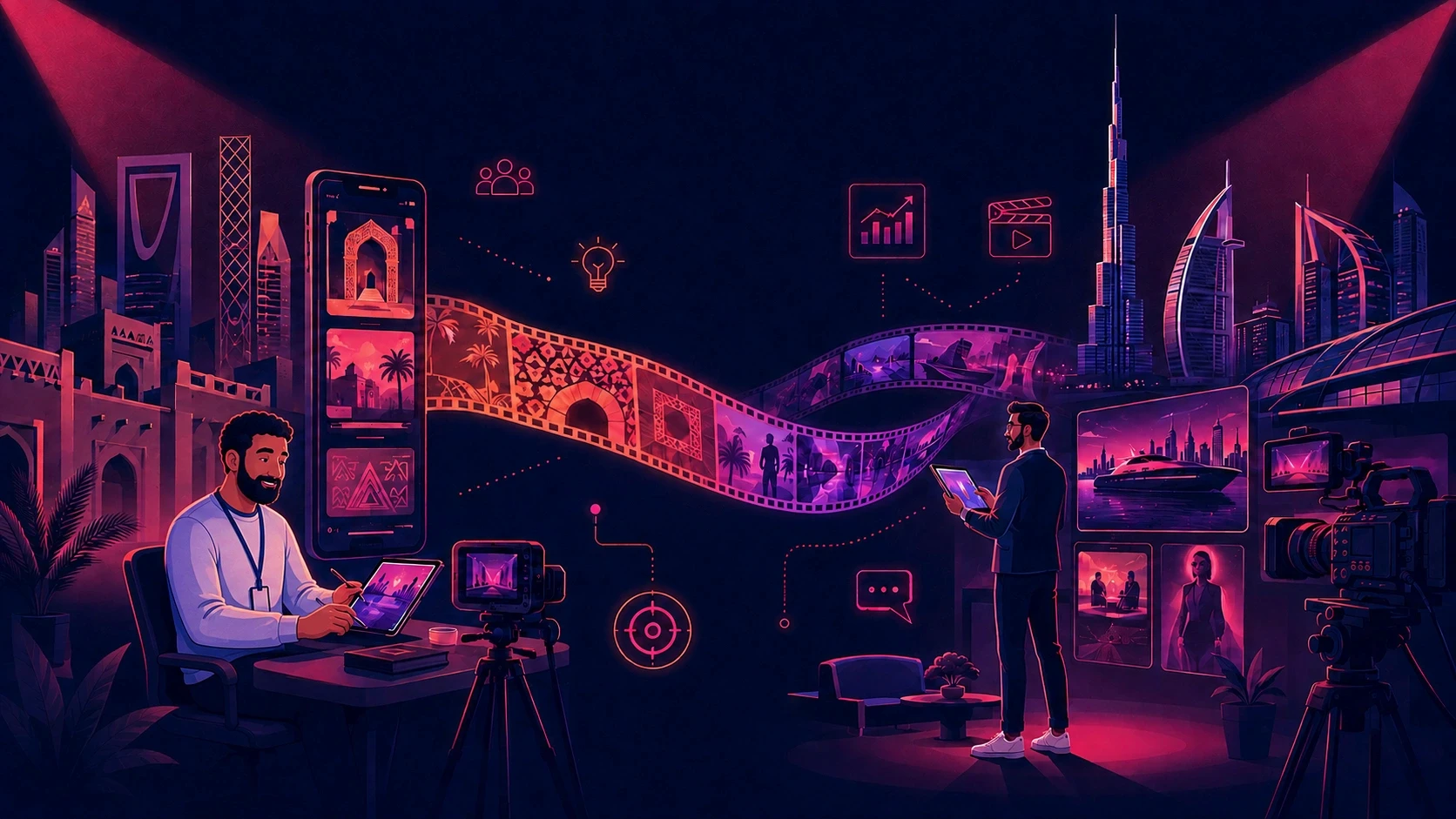
The Animus Studio production team can extend an approved visual system into motion graphics, social videos, 2D animation, 3D animation, CGI, filming, post-production, and creative technology.
Step 6: Build an Approval Process
The system should evolve deliberately rather than through accidental visual drift.
Animus Agency helps define who approves core decisions, which elements are locked, how new poses and environments are added, how updates are communicated, and which reference version is current.
This creates a reliable source of truth and reduces confusion across internal teams, external partners, and regional markets.
How Animus Applies the System Across Campaigns
A scalable system allows one visual identity to work across multiple deliverables. A character created for a brand film, for example, can be adapted into social posts, short-form videos, explainer content, paid advertising, event screens, presentation visuals, and branded educational content.
The expression, pose, environment, and format can change, but the character and brand identity remain recognizable.
This is where Animus Agency’s connected model adds value. Strategy, campaign thinking, content, design, and production can work from the same approved visual foundation. Brands do not need to rebuild the identity every time the format changes.
A Practical Example: Scaling a Character Campaign
Imagine a brand needs 40 assets around one illustrated character for social media, advertising, and landing pages.
Without a system, the first few assets may look correct because the original designer is closely involved. As more people join the project, the character’s face, proportions, wardrobe, and color palette begin to change. Additional formats introduce new inconsistencies, and the creative team spends more time correcting the character than developing new ideas.
Animus Agency solves this by creating and approving the character system before full production. Every contributor works from the same turnaround, expression sheet, palette, and style reference. New campaign ideas can then be explored without rebuilding the character’s identity.
The result is a more cohesive campaign, faster production, and fewer avoidable revisions.
Using AI Without Losing the Brand
AI can accelerate exploration and production, but it does not automatically protect visual identity. Prompt-only workflows often change faces, products, environments, colors, or style between generations.
Animus Agency uses AI and creative technology as part of a controlled creative process. The brand system remains the standard against which outputs are reviewed.
This approach helps teams use new tools while protecting character identity, product accuracy, brand colors, cultural relevance, campaign continuity, and final production quality.
AI is most useful when it supports a strong creative system. It should expand production possibilities without replacing art direction, design judgment, or quality control.
Who Benefits From a Scalable Illustration System?
Marketing Teams
Marketing teams can produce more campaign and social content while keeping the brand recognizable and reducing repeated design corrections.
Creative and Brand Teams
Designers gain clearer rules, reusable references, and faster approval cycles. Senior creatives spend less time fixing inconsistencies and more time developing stronger ideas.
Brands With Recurring Characters
Mascots, spokescharacters, and educational characters become more recognizable when their identity remains stable across every appearance.
Regional and Multilingual Brands
A shared visual system allows content to be localized for different markets while preserving the global identity. Layouts, copy, and cultural details can change without making the campaign feel disconnected.
Brands Producing Animation and Video
Illustrations built with motion in mind can move more efficiently into storyboards, animatics, motion graphics, and full animation production.
Common Mistakes to Avoid
Treating the Style Guide as the Finished System
Brand documentation is valuable, but production teams also need usable visual references and application rules.
Locking Only the Color Palette
Consistency also depends on proportions, line style, lighting, composition, products, environments, and movement.
Relying on Prompts Alone
Text can be interpreted differently by different people and tools. Strong systems combine written direction with approved visuals.
Testing Only One Perfect Image
The system should be tested in difficult poses, multiple scenes, varied formats, and real campaign conditions.
Allowing Uncontrolled Updates
Changes to characters, products, or visual language should be approved and updated across the full reference system.
Measuring Generated Output Instead of Usable Output
More assets do not create value if most require correction. The important measure is how much approved, production-ready creative the team can deliver.
Brand Illustration System Checklist
Before scaling production, confirm that the system includes:
An approved illustration style with clear visual examples
Exact brand colors and typography rules
Character sheets for recurring characters
Product references for important packaging and objects
Environment references for recurring scenes
Rules for fixed and flexible elements
Templates for required formats
Tests across static and motion applications
A clear review and approval process
One current source of truth for every contributor
If several of these elements are missing, the brand may have a collection of references—but not yet a scalable production system.
Measuring the Value of the System
Animus Agency recommends tracking performance before and after the system is introduced.
Useful measures include:
Average revision rounds per asset
Manual retouching hours
Time from brief to delivery
Approval turnaround time
Cost per approved asset
Percentage of creative approved for production
Number of campaign variations completed
Consistency across channels and markets
The goal is not simply to create more. It is to create more usable, recognizable, and effective work with less repeated effort.
Build the Visual Language Once. Scale It With Animus.
A brand illustration system gives creativity a reliable foundation. It protects the details audiences recognize while making it easier to create new characters, scenes, formats, and campaign variations.
Animus Agency combines strategy, storytelling, design, campaigns, social content, and technology-led production. Together with Animus Studio, the team can carry a visual system from early creative direction through illustration, motion graphics, animation, CGI, video, and final campaign delivery.
If your brand is repeatedly correcting the same visual inconsistencies, Animus can help turn those scattered references into one scalable creative system.
Explore Animus Agency and start a project.
Frequently Asked Questions
What is a brand illustration system?
It is a set of visual rules, reusable assets, and approved references that keeps characters, products, environments, and brand elements consistent across different creative outputs.
How is it different from a brand style guide?
A style guide documents the identity. An illustration system shows production teams how to apply that identity consistently across real characters, scenes, formats, and campaigns.
Can Animus Agency develop both the system and the campaign assets?
Yes. Animus Agency can connect brand strategy, creative direction, campaign design, social content, and marketing, while Animus Studio can extend the approved system into video, motion graphics, 2D and 3D animation, CGI, filming, and post-production.
Can the same system work across static content and animation?
Yes. The strongest systems are planned for both. Character construction, environments, compositions, and graphic elements should be designed to work in still images and motion.
Can the system support Arabic and English content?
Yes. Layout rules, typography, reading direction, and cultural context can be planned for bilingual and multilingual campaigns while preserving the same visual identity.
Can AI be part of the workflow?
Yes. AI can support exploration and production, but the approved brand system should remain the reference for quality, accuracy, and consistency.
What is the best way to begin?
Start with one high-priority use case: a recurring character, a product campaign, an explainer series, or a visual style that currently creates repeated revisions. Build and test the system there, then expand it across the wider brand.