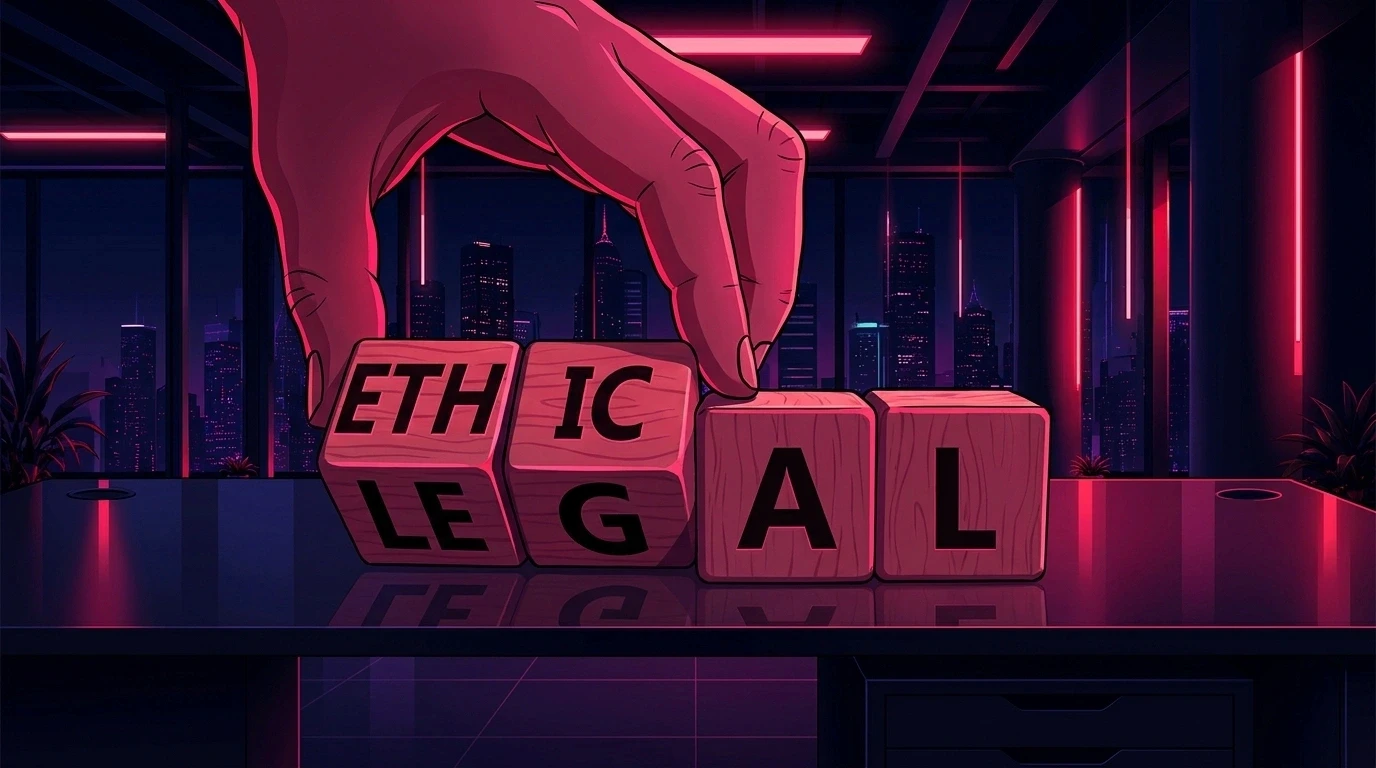
What Should Be Automated in Creative Production and What Should Stay Human?

Creative production automation explained: what it means, how it works, real agency and enterprise use cases, and how to implement it without losing brand consistency.
Creative Production Automation: How Animus Agency Scales ContentWithout Losing Brand Consistency
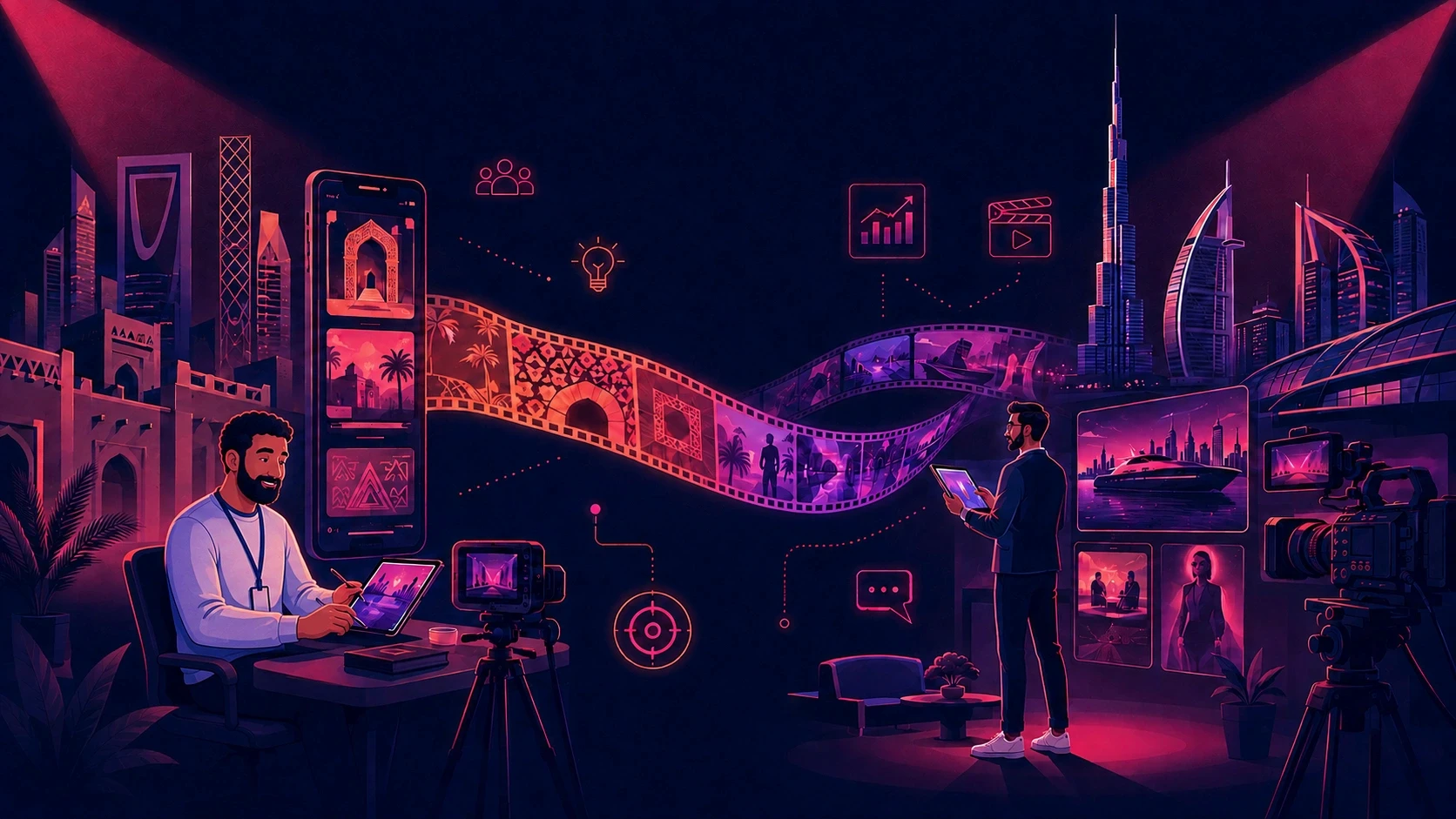
Creating one strong visual is not usually the hardest part of a campaign. The real challenge is producing a complete system of videos, social assets, cutdowns, localized versions, character scenes, and platform-specific formats while keeping every output recognizably on-brand.
That is where creative production automation creates value. It connects repeatable technology with creative direction, production expertise, and human quality control.
At Animus Agency, automation is not treated as a replacement for ideas or craftsmanship. It supports a broader production process that brings together strategy, storytelling, animation, motion graphics, CGI, visual effects, branding, and social content. The goal is simple: help brands produce more campaign-ready content without allowing quality or consistency to drift.
What Is Creative Production Automation?
Creative production automation uses connected systems, reusable assets, templates, and AI-assisted workflows to streamline how content is planned, produced, reviewed, adapted, and delivered.
It can reduce repetitive work such as:
Rebuilding the same brand instructions for every asset
Searching for approved logos, products, characters, and references
Reformatting one concept for multiple platforms
Repeating routine animation or editing tasks
Recreating localized versions from the beginning
Managing disconnected feedback across several tools
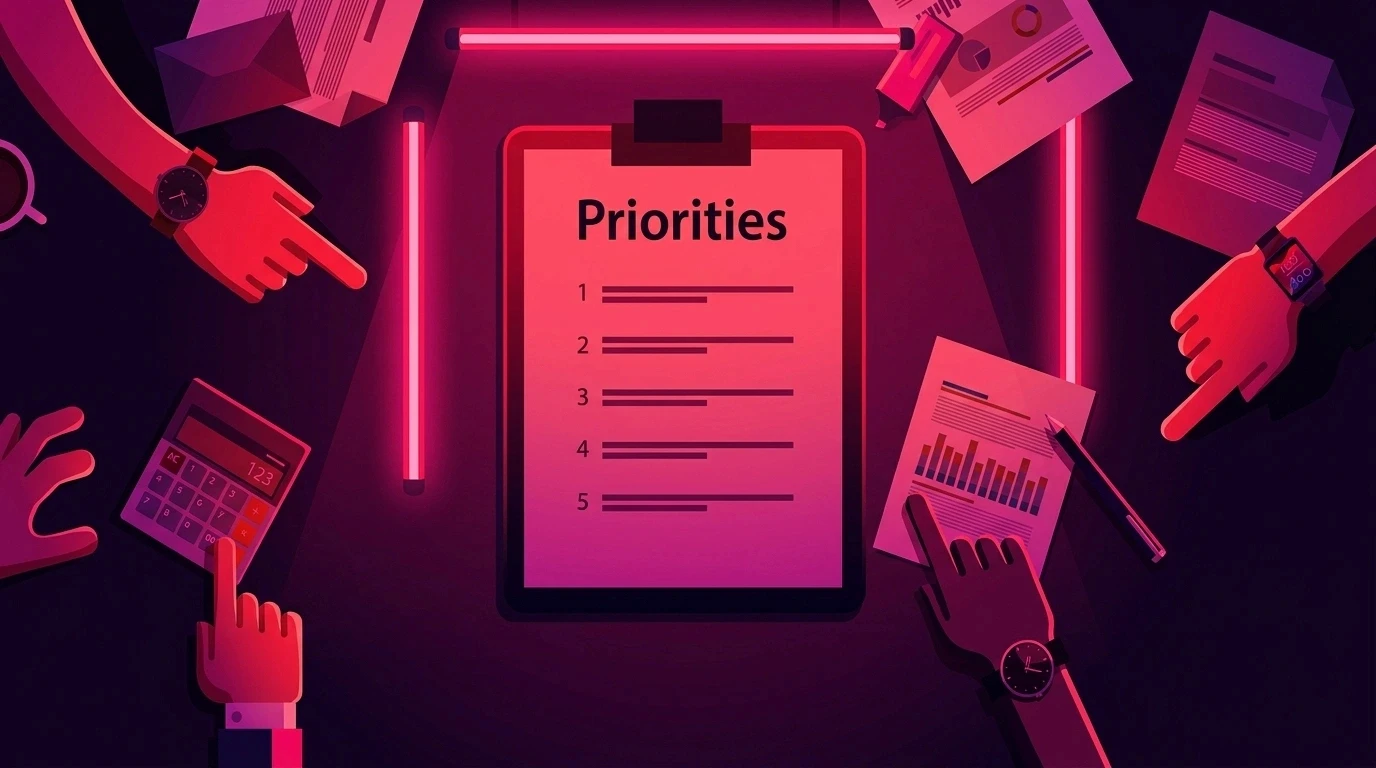
Automation is most effective inside a professionally managed creative workflow. Technology can accelerate production, but an experienced team is still needed to shape the idea, protect the brand, direct the visual language, and decide whether the final work is ready for its audience.
Why Creative Workflows Become Expensive
A campaign may begin with one concept, but the final delivery can include a hero film, short edits, social posts, display assets, localized versions, multiple aspect ratios, and several rounds of feedback.
The hidden cost often comes from the work surrounding creation:
Repeating briefs across different specialists
Correcting inconsistent products or characters
Moving files between design, animation, voiceover, and editing teams
Adapting approved content for every channel
Repeating reviews across markets and languages
Rebuilding assets after a product or message changes
A tool may generate an image quickly, but production has not truly become faster if the team then spends hours correcting the composition, packaging, character identity, typography, or brand treatment.
Animus Agency approaches this challenge as a production-system problem. By combining structured workflows with creative supervision, the agency helps brands reduce unnecessary repetition while maintaining the judgment and craft that strong communication requires.
The Animus Agency Approach
Animus is an award-winning creative partner focused on bold storytelling and high-impact visual content. Its capabilities include motion graphics, animation and production, CGI and visual effects, branding, and creative marketing.
For creative production automation, these capabilities work together through five connected stages.
1. Strategy and Creative Direction
Every project begins with the audience, objective, message, and desired action. Automation is introduced only after the creative direction is clear. This prevents teams from producing a large volume of disconnected assets that do not serve the campaign.
2. Reusable Brand and Production Assets
Approved logos, colors, typography, product references, character sheets, environments, animation rules, and tone-of-voice guidance become reusable production inputs.
For campaigns with recurring characters or products, this step is critical. A reusable asset system helps reduce visual drift and makes future content easier to produce.
3. Scalable Content Production
Animus can develop the central creative idea and extend it across 2D and 3D animation, motion graphics, CGI, social content, branded films, and campaign adaptations.
Automation supports repetitive production tasks, while the creative team concentrates on storytelling, art direction, movement, pacing, and visual impact.
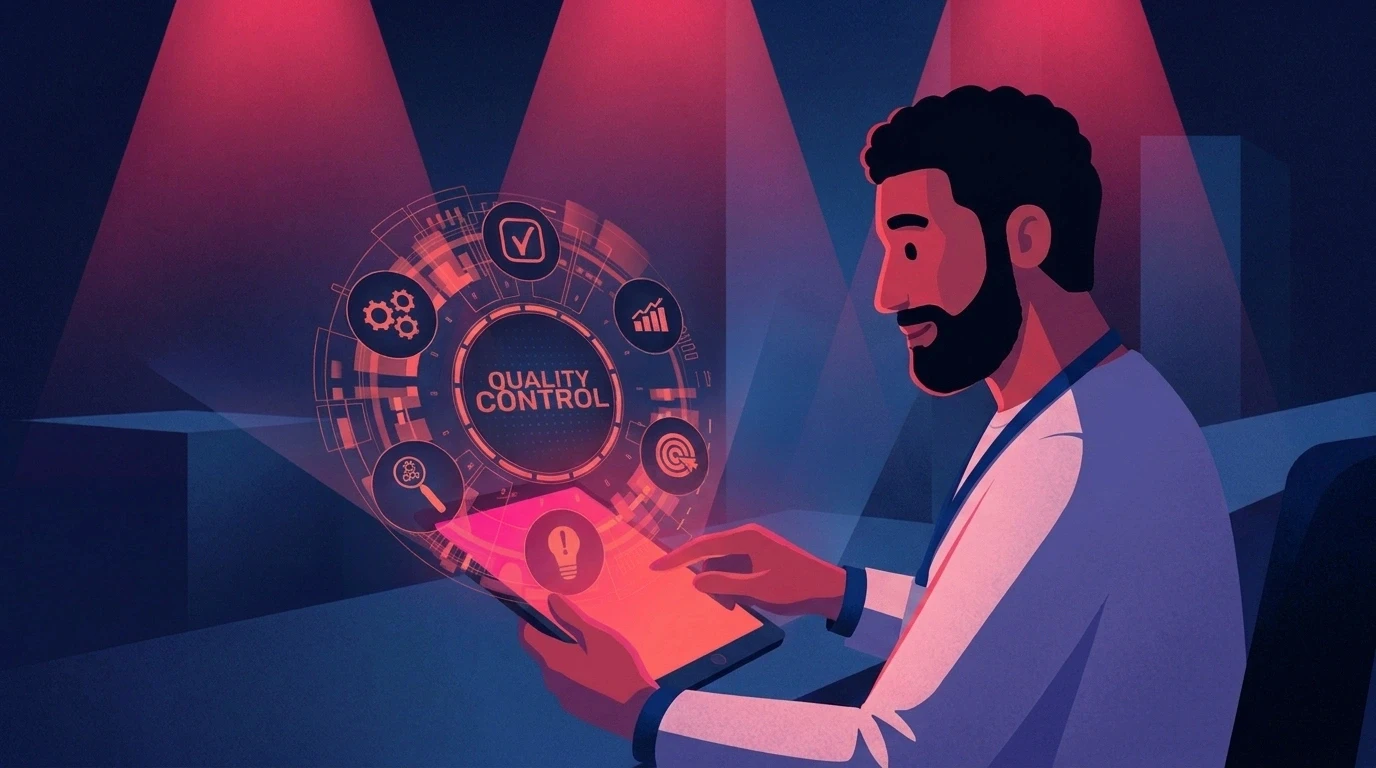
4. Human-Led Review
Every output still requires professional review. The team checks brand accuracy, visual quality, narrative clarity, cultural relevance, platform suitability, and technical delivery.
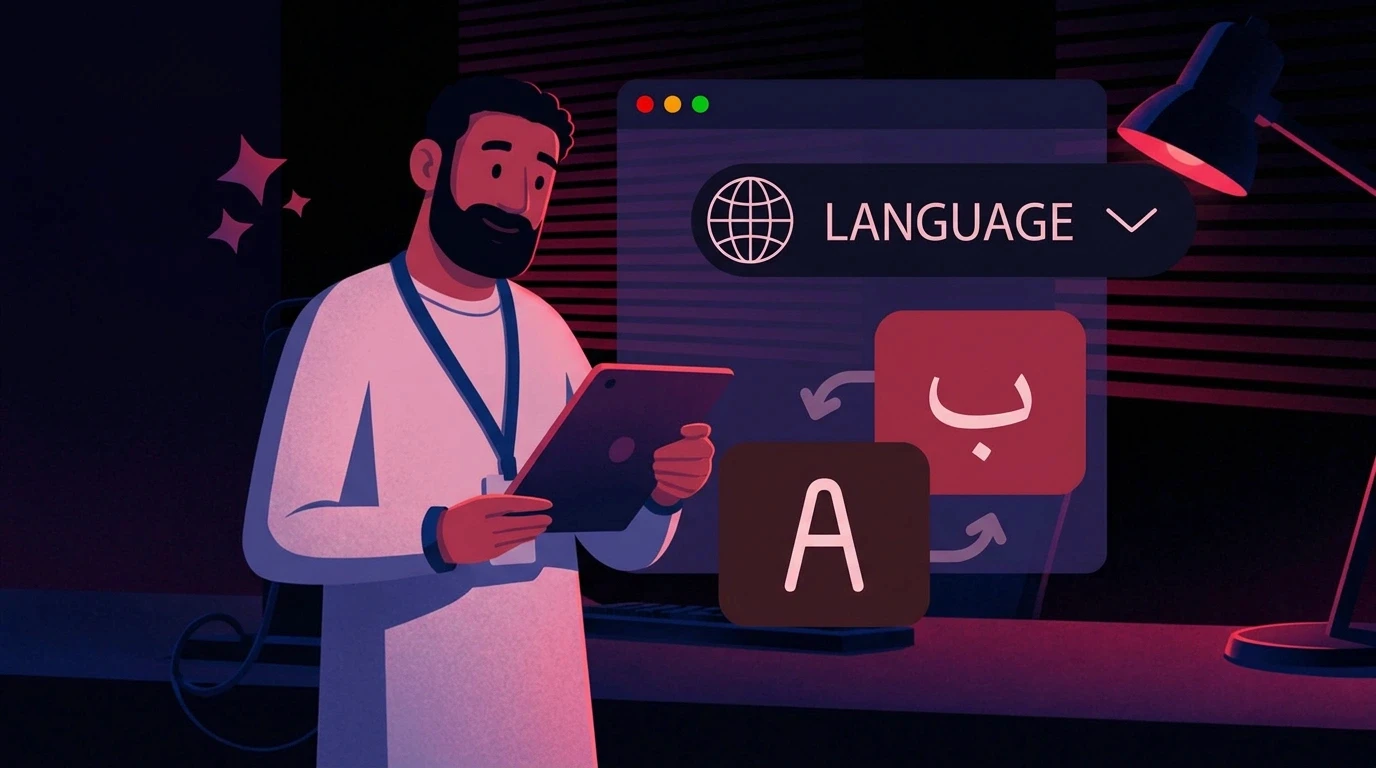
This review layer is especially important in Arabic and multilingual campaigns, where effective localization requires more than direct translation.
5. Adaptation and Delivery
Once the hero direction is approved, it can be adapted into social cutdowns, platform-specific formats, localized variations, still visuals, and supporting campaign assets.
This allows brands to gain more value from the original creative investment instead of treating every deliverable as a separate project.
Where Automation Creates the Most Value
Motion Graphics and Explainer Content
Motion graphics often use recurring design systems, icon styles, transitions, and information structures. A defined production system helps Animus maintain consistency across a series while giving each video the creative attention it needs.
2D and 3D Animation
Character sheets, pose libraries, environment guides, rigging systems, and animation rules can support faster recurring production. The creative team remains responsible for performance, expression, timing, storytelling, and final polish.
CGI and Product Visualization
Product campaigns frequently require several scenes, formats, and visual treatments. Reusable product references and approved lighting or material directions can reduce setup time while protecting essential product details.
Social Media Content
Social campaigns need frequent output in several formats. Animus can build a campaign system that connects the main idea with reels, short edits, static posts, carousels, stories, and platform-specific variations.
Multilingual and Regional Campaigns
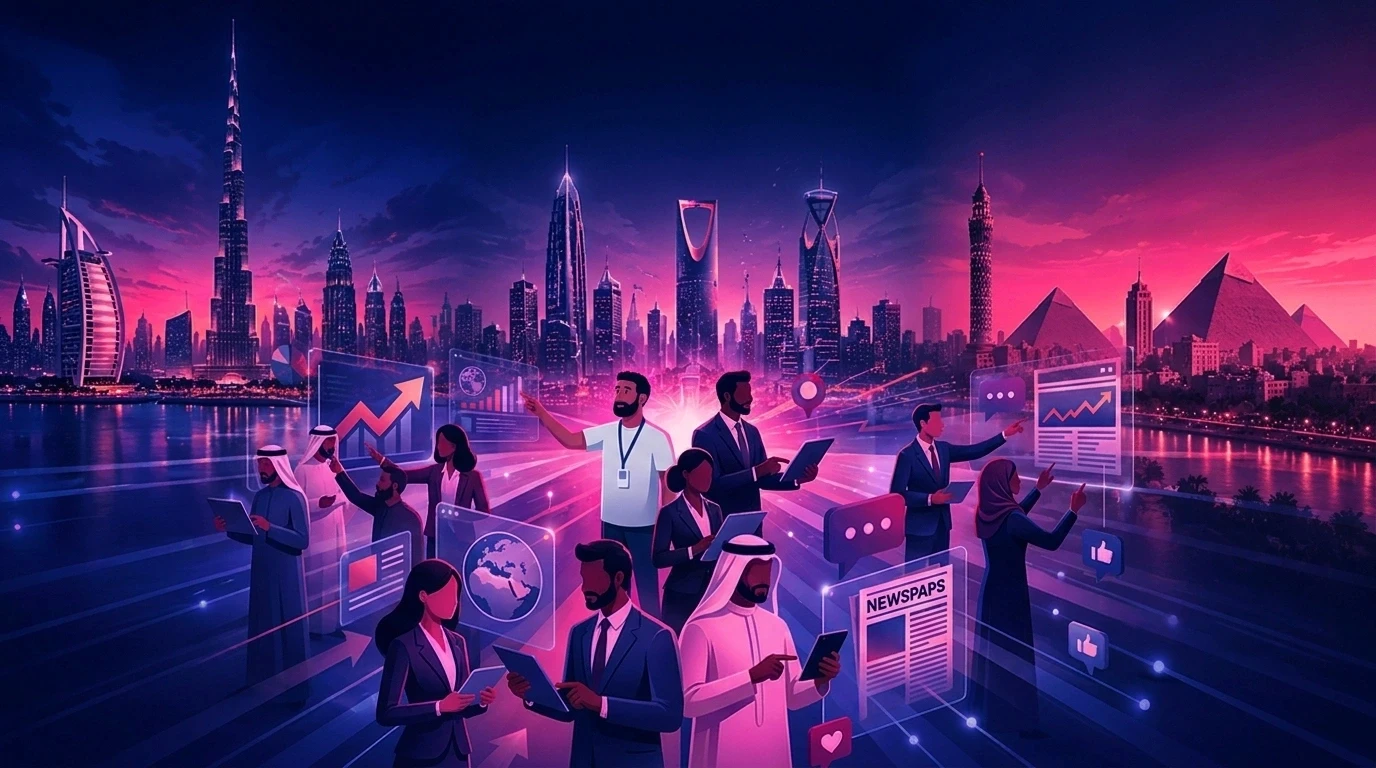
Brands working across Egypt, Saudi Arabia, the UAE, Bahrain, and the wider MENA region often need Arabic and English content with local relevance. A structured workflow helps preserve the campaign identity while adapting language, voice, cultural cues, and delivery for each audience.
Brand Consistency Requires More Than Templates
Templates are useful, but they are not enough on their own. A consistent brand depends on connected elements including visual identity, tone of voice, product accuracy, character identity, environments, motion language, cultural relevance, and platform requirements.
This is why Animus combines reusable systems with human creative oversight. The system protects approved foundations, while the team makes the decisions that cannot be reduced to a template.
For teams exploring the technology behind connected production, this AI content production workflow guide explains how retained context can reduce repeated setup. Animus adds the agency layer needed to translate that efficiency into finished creative work.
The Business Case for an Agency-Led Automated Workflow
The value of automation is not the number of files produced. It is the number of strong, usable, approved assets delivered with less production friction.
Faster Production Cycles
Reusable references and clear workflows reduce repeated setup, allowing the team to move more efficiently from the brief to the first approved direction.
Fewer Avoidable Revisions
When brand rules, products, characters, and environments are clearly defined, reviewers spend less time correcting predictable inconsistencies.
More Value From Every Hero Asset
A hero film or campaign visual can become the foundation for multiple edits, formats, stills, and localized versions. This extends the value of the original production investment.
Better Use of Creative Talent
Automating repetitive tasks gives strategists, designers, animators, and directors more time to focus on ideas, storytelling, craft, and final quality.
More Reliable Multi-Market Delivery
A structured system makes it easier to coordinate variations across languages, countries, channels, and deadlines without fragmenting the brand.
How to Measure ROI
Creative production automation should be evaluated through business and production outcomes, not generation volume.
For one recurring campaign, track:
Time from brief to first approved asset
Number of revision rounds
Hours spent correcting brand or character inconsistencies
Time required to create each adaptation
Cost per approved asset
Number of campaign-ready variations delivered
Time from approval to launch
Estimated ROI = (production cost and time saved − workflow investment) ÷ workflow investment × 100
The calculation should include repeated setup, avoidable revisions, project coordination, delayed approvals, and external production—not only software subscriptions.
Common Mistakes to Avoid
Automating Before Defining the Idea
Producing more content does not help if the campaign lacks a clear message or visual direction. Strategy and creative direction must come first.
Focusing on Speed Instead of Quality
Fast output has little value if it cannot be approved or published. The correct goal is faster delivery of usable creative.
Treating Every Tool as a Separate Workflow
Disconnected tools create extra handoffs and make consistency harder to maintain. A central production process should keep the brief, references, decisions, and approvals aligned.
Removing Human Review
Automation should reduce repetitive checking, not eliminate creative accountability. Human oversight remains essential for accuracy, cultural judgment, messaging, and responsible AI use. The OECD AI Principles provide a broader framework for responsible and human-centered AI.
Scaling an Untested Process
Begin with one recurring campaign or content series. Measure the result, improve the workflow, and expand only after the process proves effective.
A Practical Implementation Plan With Animus Agency
Step 1: Audit the Existing Workflow
Identify repeated instructions, bottlenecks, review delays, consistency problems, and time-consuming adaptations.
Step 2: Choose a High-Value Pilot
Select a recurring campaign, animated series, product-content stream, or social package with measurable production demands.
Step 3: Build the Creative System
Animus defines the campaign direction and organizes the approved visual language, product references, characters, environments, motion rules, and deliverable requirements.
Step 4: Produce the Hero Direction
The agency creates and refines the central creative execution before scaling it into multiple outputs.
Step 5: Adapt Across Channels and Markets
The approved direction is extended into the formats, languages, and variations required for the campaign.
Step 6: Review Performance and Improve
The team compares production time, revision rounds, approval speed, and cost per approved asset, then improves the workflow for the next campaign.
Why Work With Animus Agency?
Brands do not only need faster tools. They need a creative partner that understands how to turn strategy into finished content and maintain quality as production scales.
Animus brings together:
Creative strategy and campaign thinking
2D and 3D animation
Motion graphics
CGI and visual effects
Character-led storytelling
Branding and visual systems
Social media and content creation
Regional and multilingual production awareness
Human-led creative and quality control
This combination allows automation to serve the creative idea instead of controlling it.
Frequently Asked Questions
Does creative production automation replace a creative agency?
No. Automation handles repeatable parts of production, while an agency provides strategy, concepts, direction, storytelling, craft, cultural judgment, and accountability for the final result.
Can Animus support both one-off campaigns and recurring content?
Yes. A one-off hero project can be produced as a focused engagement, while recurring campaigns can benefit from reusable systems that become more efficient over time.
Can Animus adapt one campaign into several formats?
Yes. After the main direction is approved, it can be extended into social edits, aspect-ratio variations, still assets, localized versions, and related campaign content.
Is this approach suitable for character-led campaigns?
Yes. Character sheets, design rules, expressions, poses, and environment references can form a consistent foundation for recurring animated content.
Can the workflow support Arabic and English content?
Yes. The workflow can support multilingual production while keeping the visual identity and central campaign message aligned. Language, voice, tone, and cultural context should still receive human review.
What should a brand automate first?
Start with a recurring, high-volume workflow where repeated setup, resizing, localization, or consistency corrections create measurable cost and delay.
Scale the Work, Not the Inconsistency
The future of creative production is not simply faster generation. It is a more connected way to move from an idea to a complete campaign while protecting the brand at every stage.
Animus Agency combines creative direction, animation, motion graphics, CGI, branding, and content production with scalable workflows that help brands create more without lowering the standard of the work.
Ready to build a more efficient creative production system? Explore Animus Agency and start a conversation about your next campaign.