How Animation Improves Internal Communication in Large Companies

Internal communication videos cut cost and turnaround while keeping every update on-brand. Compare formats, platforms, and pricing — start free.
Internal Communication Videos: How Enterprise Teams Create Updates Faster and at Scale
Employees do not need more internal content. They need important information to be clear, relevant, and easy to act on.
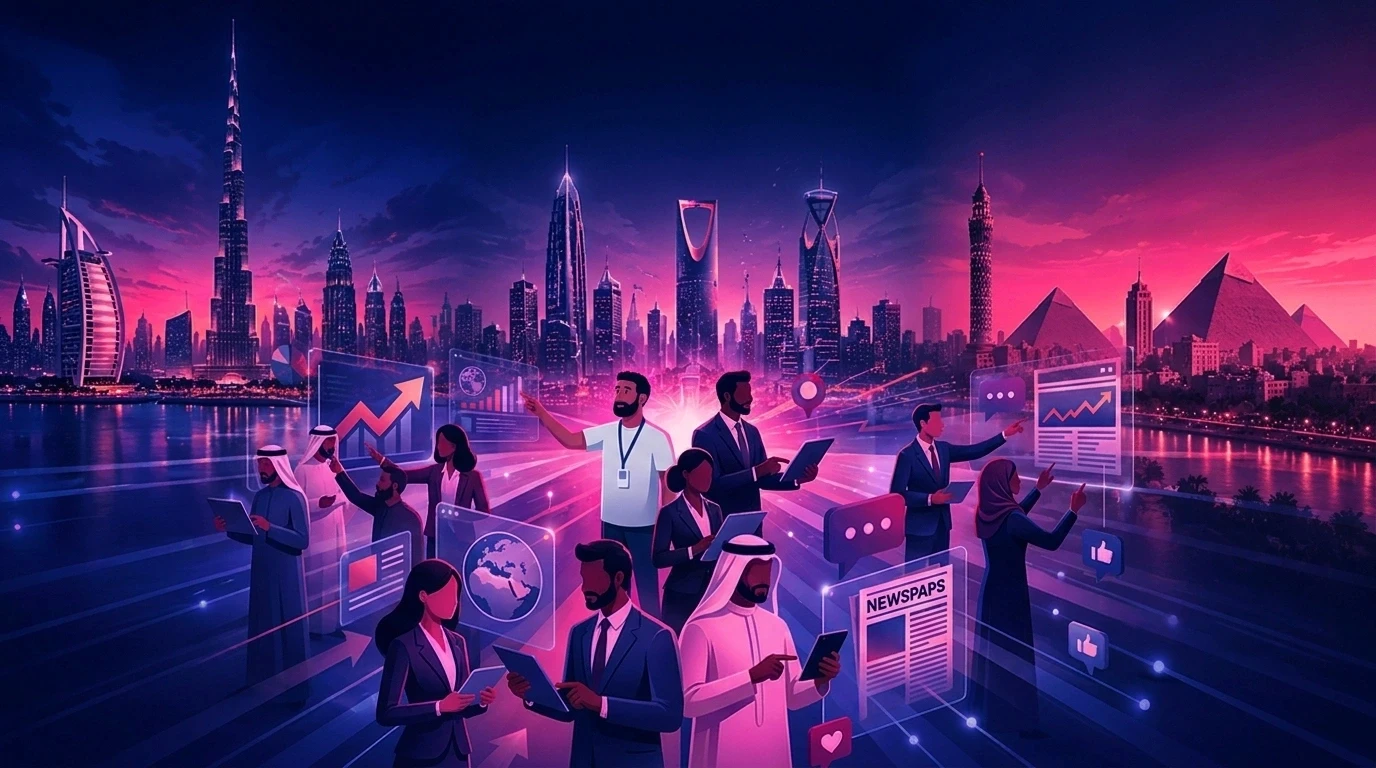
Internal communication videos help HR, L&D, transformation, and communications teams turn leadership announcements, onboarding materials, policy changes, and training into short, engaging updates. Animus Agency helps organizations build these videos through a connected workflow covering strategy, scripting, storyboarding, visual development, production, voiceover, localization, editing, and delivery.
With Animus, teams can reuse approved brand rules, characters, voices, environments, graphics, and production templates across every video. This is especially important when organizations need consistent communication across departments, markets, and formats.
That means less production setup, faster revisions, easier localization, and a lower cost per update as output grows.
Want to build a repeatable internal video system for your organization? Contact Animus Agency to discuss the project.
What Are Internal Communication Videos?
Internal communication videos are short live-action, animated, or AI-generated videos created for employees rather than customers.
Common formats include:
Leadership and company updates
Employee onboarding videos
Policy and compliance explainers
Training and L&D content
Town hall recaps
Change-management communications
Culture and employee-engagement campaigns
Unlike a traditional corporate film produced once a year, these videos often belong to an ongoing communication calendar.
The challenge is therefore not simply creating one good video. It is producing every update quickly, consistently, and in the languages employees understand.
For organizations producing content at scale, the underlying challenge becomes content consistency. Characters, brand elements, environments, products, voices, and visual styles can drift unless they are managed systematically. Animus addresses this with approved character sheets, style frames, brand rules, storyboards, voice direction, and reusable production assets.
Why Internal Communication Videos Matter
Text is still useful for detail and documentation. Video is stronger when employees need tone, context, demonstration, or a clear sense of priority.
This is especially valuable for:
Distributed workforces: Give employees across offices and time zones the same core message.
Multilingual organizations: Localize narration while preserving the approved creative identity.
High-frequency communication: Produce recurring policy, onboarding, training, and leadership content without organizing a new shoot each time.
Complex change: Explain new systems, processes, or behaviors visually instead of relying on dense documents alone.
The real advantage is operational.
A reusable video workflow reduces the gap between approving a message and delivering it to employees. Instead of rebuilding every production from scratch, teams can create from established visual and brand foundations.
This is the principle behind Animus's connected production approach: define the creative system once, approve it with stakeholders, and carry it into every future update.
The Hidden Cost of One-Off Internal Video Production
Traditional production costs extend beyond the agency or crew invoice.
Each video may require stakeholder coordination, presenter scheduling, locations, filming, editing, reshoots, translations, and market-specific versions.
For recurring internal communication, four costs compound quickly:
Production cost: Every new update restarts the workflow.
Revision cost: A small legal or policy change can trigger new recording and editing.
Localization cost: Every language or region adds another production layer.
Opportunity cost: Internal teams spend time coordinating production instead of improving the message and employee experience.
A script-based production system changes the cost structure.
Once the visual and voice identity is approved, teams can reuse it, change the script, and generate the next version without rebuilding the creative direction from zero.
This is particularly useful for organizations dealing with frequent updates. Instead of treating every video as an isolated project, Animus creates a structured production workflow connecting scripting, visual development, animation or filming, voiceover, editing, localization, and delivery.
How to Calculate the ROI of Internal Communication Videos
The strongest business case is not simply that “video gets more attention.”
It is the measurable reduction in production effort and communication friction.
Use this simple model:
Annual ROI = (avoided production cost + avoided revision cost + localization savings + internal time saved − platform cost) ÷ platform cost × 100
Track these inputs before and after implementation:
Cost per Finished Video
Measure total internal and external production costs, including production management, editing, voiceover, localization, and revisions.
Time to Publish
Measure the number of days between an approved brief and final delivery.
Revision Effort
Track the number of revision cycles and the hours or cost required for each content change.
Localization Cost
Measure the cost of creating each language, dialect, subtitle, or regional version.
Team Coordination Time
Estimate stakeholder hours spent scheduling presenters, reviewing drafts, coordinating vendors, and managing production.
Employee Completion
Track video completion, view-through rate, training completion, or other relevant engagement metrics.
Message Effectiveness
Where appropriate, measure comprehension checks, support tickets, repeat questions, policy errors, or completion of the intended employee action.
Illustrative ROI Scenario
Suppose an enterprise produces 36 recurring internal videos per year.
Its current process costs an average of $3,000 per video, excluding internal coordination time. Annual production spend is therefore $108,000.
If a reusable AI workflow reduces the effective cost to $900 per video and requires $12,000 in annual platform and setup costs, total annual cost becomes $44,400.
The illustrative annual saving is $63,600.
Illustrative ROI: ($63,600 ÷ $44,400) × 100 = 143%
This is an example, not a guaranteed outcome. A credible business case should use your actual volume, production costs, revision frequency, localization needs, and governance requirements.
Quick win: Start with one high-frequency use case and compare its cost, turnaround time, and revision effort with your current process.
Best Internal Communication Video Use Cases
1. Employee Onboarding
Turn orientation, culture, systems, and role expectations into a consistent video series for every new cohort.
Update individual modules when processes change instead of reshooting the complete program.
For organizations building larger onboarding libraries, Animus can create an approved presenter character sheet and visual system that keep the same identity consistent across multiple modules.
2. Policy and Compliance Updates
Translate dense policy language into short, structured explainers.
A script-led workflow also makes late-stage legal revisions easier to manage.
For example, if a policy changes after the first version has been approved, teams can update the relevant script and regenerate the affected content instead of organizing an entirely new production.
3. Leadership Communications
Use video for strategic updates, quarterly recaps, and change communications where tone matters.
High-stakes or sensitive announcements may still benefit from a real executive on camera, while recurring updates can use an approved branded presenter or animation format.
4. Training and L&D
Create repeatable learning modules with consistent characters, environments, terminology, and visual structure.
This helps employees recognize the series and helps L&D teams scale production.
Consistency becomes especially important when the same character appears across multiple scenes. Animus locks facial features, clothing, proportions, expressions, poses, and style before production scales, helping the training series remain recognizable.
5. Multiregional Communication
Create localized versions from the same approved visual foundation.
This is particularly valuable for GCC and MENA organizations that need language support at the dialect level rather than generic Arabic alone.
For organizations working across Arabic-speaking markets, the ability to create localized voiceovers while maintaining consistent visual identity can significantly simplify recurring communications.
Animated vs. Live-Action Internal Communication Videos
The choice between live action and animation should depend on the communication objective rather than production trends.
Live Action
Live action is often strongest when authenticity, executive presence, or personal connection is essential.
It works well for:
CEO announcements
Sensitive organizational changes
Major company milestones
Personal leadership messages
Culture-focused communications
However, recurring live-action production can introduce scheduling, location, presenter, and reshoot dependencies.
Animated or AI-Generated Video
Animation and AI-generated production can be more practical when organizations need repeatability.
They work particularly well for:
Employee onboarding
Training modules
Policy explainers
Process demonstrations
Recurring updates
Multilingual communications
Scenario-based learning
The biggest advantage is the ability to establish reusable creative foundations and build new content around them. Animus carries the same approved character, graphic language, environments, voice direction, and storytelling rules into every new video.
The Best Enterprise Strategy Is Usually Hybrid
Use live action when the identity and authenticity of a specific leader are essential.
Use animated or AI-generated production when speed, repeatability, localization, and revision control matter most.
The goal is not to eliminate traditional production. It is to use the right production method for each communication need.
How Animus Agency Scales Internal Communication Videos
Animus Agency combines communication strategy with creative production, helping enterprise teams turn complex internal messages into clear, engaging video systems.
Strategy and Scriptwriting
Animus starts with the business objective, employee audience, required action, communication risks, languages, formats, and success measures. The team then develops scripts that simplify complex material without losing essential meaning.
Storyboarding and Visual Development
Every scene is planned before detailed production. Animus establishes the visual language, characters, environments, typography, infographics, transitions, and on-screen messaging so stakeholders can approve the direction early.
2D, 3D, Motion Graphics, CGI and Filming
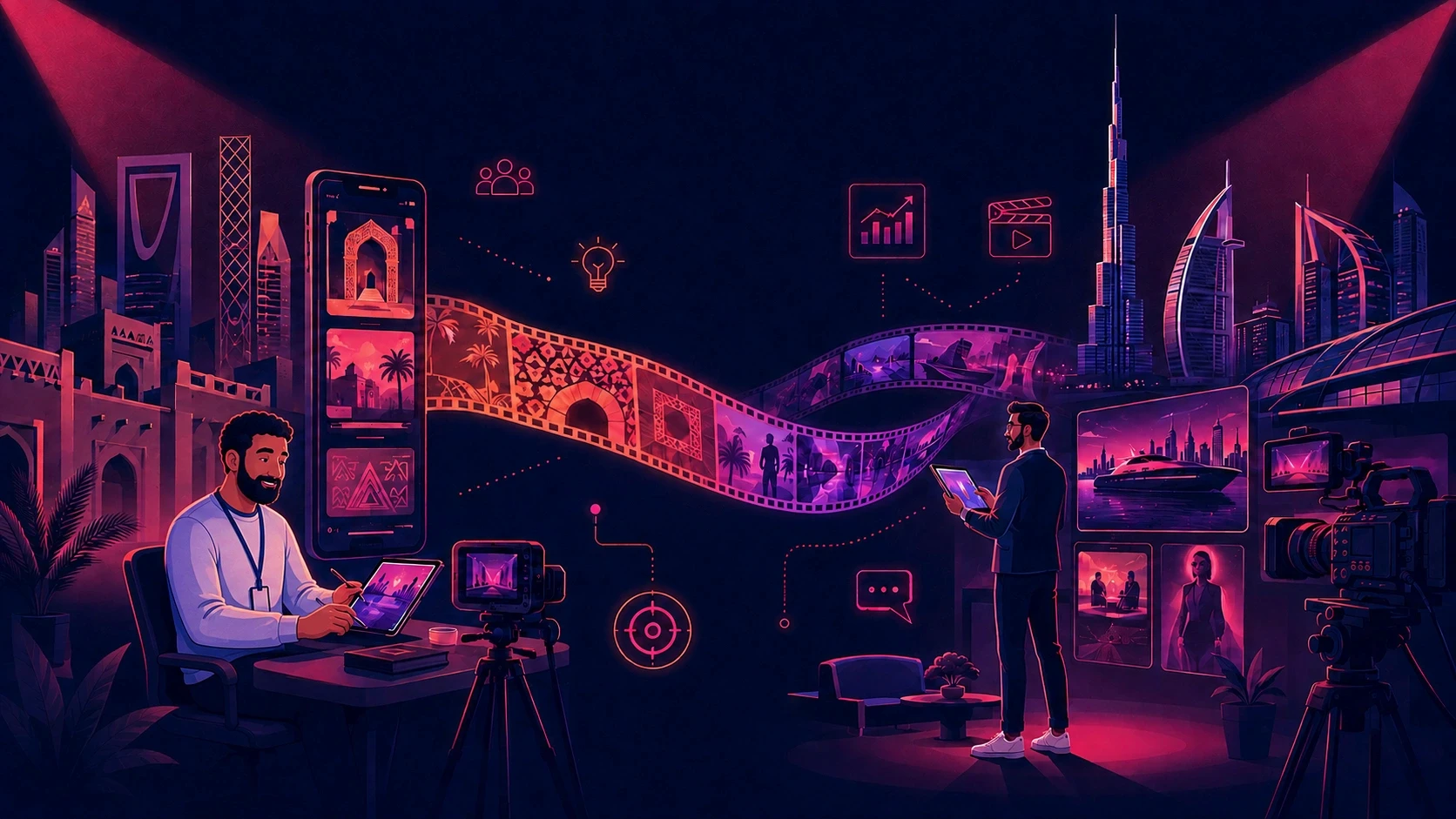
The production method is selected around the message. Animus can use 2D character animation for approachable training, motion graphics for process communication, 3D or CGI for technical visualization, and live action when executive authenticity matters. Review the wider Animus Studio production capabilities.
Voiceover, Localization and Lip Sync
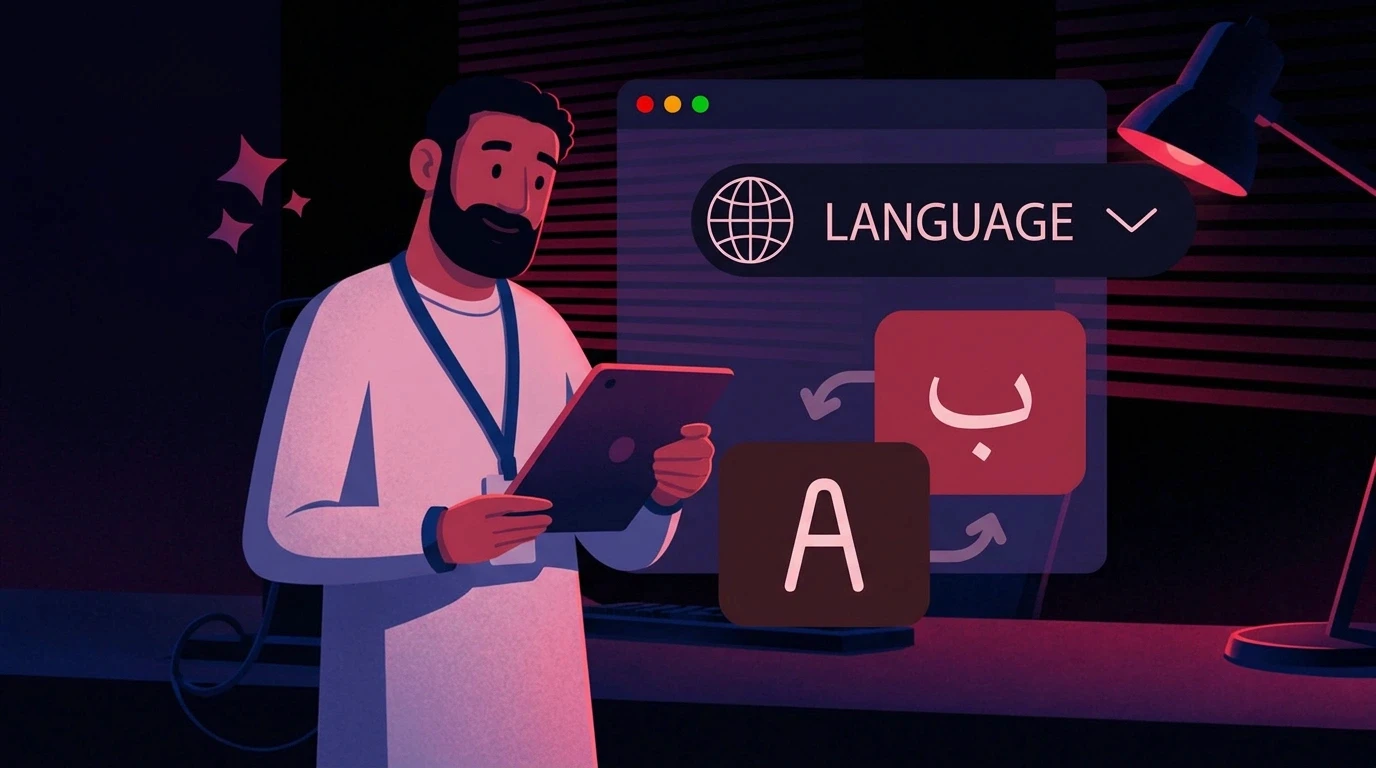
Animus coordinates Arabic and English voiceover, regional tone, subtitles, translated on-screen text, timing, and lip sync where required. The approved visual foundation remains consistent across every localized version.
Editing, Sound and Final Delivery
The team assembles animation or footage with voiceover, music, sound design, subtitles, branding, and platform-specific formats. Deliverables can be prepared for intranets, learning platforms, presentations, internal events, email, and social channels.
For enterprise teams, this connected workflow supports faster production, stronger brand consistency, easier revisions, and scalable localization. It also connects internal communication with the wider campaign, content, and brand capabilities on the Animus Agency services page.
How to Implement an Internal Video System
Step 1: Audit Your Communication Volume
List every recurring video-worthy update, its frequency, audience, languages, production cost, and average turnaround time.
Prioritize high-volume content with frequent revisions.
Step 2: Choose a Pilot With Clear Economics
Onboarding, compliance, and recurring policy explainers are strong pilot candidates because they repeat and are easy to measure.
Step 3: Build and Approve the Identity Once
Define the brand style, presenter or character, voice, environments, terminology, and accessibility requirements.
Secure stakeholder approval before scaling.
Animus documents the approved presenter or character through character sheets, style frames, expressions, wardrobe, proportions, and movement rules before establishing the production standard.
Step 4: Create a Script and Review Workflow
Establish clear owners for messaging, legal or compliance review, brand approval, localization, and publishing.
Keep the script as the primary revision point.
Animus keeps the script and storyboard as the primary approval points, helping reduce unnecessary back-and-forth between creative and communication teams.
Step 5: Produce Localized Versions
Confirm that translations use the dialect and terminology employees actually use.
Review voice, subtitles, on-screen text, and cultural context—not just literal accuracy.
Step 6: Measure the Pilot
Compare the new workflow with the previous one using:
Cost per video
Days to publish
Number of revision cycles
Localization cost
Completion rate
Employee understanding
Intended employee action
Step 7: Scale What Works
Turn the approved pilot into reusable templates for other departments while retaining central brand and governance controls.
Once the process is proven, the same system can expand across training, onboarding, leadership communications, and operational updates.
Choosing Internal Communication Video Software
Before committing to a platform, ask:
Can it support our full mix of onboarding, training, leadership, and campaign-style content?
Can we preserve the same brand, character, product, and environment identities across every video?
Does it support the languages and regional dialects our workforce actually speaks?
Can teams revise the script without restarting production?
Does it support review, governance, and approved reusable assets?
Can we export content in the formats required by our intranet, LMS, email, and collaboration tools?
Will it still fit when production volume expands across teams and regions?
An avatar-first tool may be enough for simple presenter-led training.
A broader creative production system is a better fit when teams need multiple visual formats, recurring characters, regional voiceovers, animation, CGI, and consistent campaign-level execution.
For organizations that need a production partner rather than only software, Animus provides the creative direction, specialist team, production management, and quality control required to take the project from brief to final delivery.
Common Mistakes That Reduce ROI
Automating a Weak Script
Faster production does not compensate for unclear messaging.
Start with a clear communication objective before generating visuals.
Starting With a Rare Use Case
A one-off executive film will not reveal the savings available from recurring production.
Start with a high-frequency workflow where improvements can be measured.
Ignoring Governance
Uncontrolled access can create inconsistent or inaccurate content at scale.
Enterprise teams should define who can create, approve, edit, localize, and publish internal communications.
Measuring Views Alone
Views do not tell the complete business story.
Track speed, cost, revisions, comprehension, completion, and employee action.
Choosing by Language Count
A platform supporting many languages is not automatically the right solution.
Confirm the exact dialects, voices, pronunciation quality, subtitles, and terminology your workforce needs.
Recreating Identities for Every Video
The value comes from reusing approved creative foundations.
Animus treats brand consistency as a production requirement rather than simply a visual preference.
Treating Every Video as a Separate Project
When every update starts from zero, production costs remain tied to project volume.
A scalable system turns recurring content into reusable production infrastructure.
A Practical Enterprise Pilot
Imagine a regional organization launching an updated remote-work policy in several markets.
With a traditional approach, the communications team coordinates an executive, a shoot, edits, dubbing, subtitles, and multiple regional deliveries.
If legal changes one clause, the team may need to rerecord and re-edit several versions.
With Animus, the team can establish the approved brand and presenter identity once, create the policy video from a reviewed script, and produce localized voiceovers for required markets.
If the wording changes, the script and affected output can be updated without rebuilding the entire production.
The pilot should answer four commercial questions:
How much did cost per video change?
How many days did the team save?
How much faster were revisions and localized versions?
Did employees understand and complete the intended action?
If the answers are positive, the same approved system can expand into onboarding, training, leadership recaps, and future policy updates.
This is where the difference between isolated AI generation and a structured creative system becomes important. The objective is not to generate one impressive video. It is to create a reliable process that can produce the next 10, 50, or 100 videos without proportionally increasing production complexity.
Conclusion: Build a Repeatable Communication Engine
Internal communication videos generate the highest return when they are treated as an operating system, not a sequence of isolated projects.
Start with a recurring use case. Approve the creative identity once. Keep scripts easy to revise. Localize for the people actually receiving the message. Then measure production savings and employee outcomes before scaling.
The goal is to move from one video at a time to a repeatable internal content engine.
Animus Agency gives enterprise teams one connected creative and production system for building consistent animated, live-action, motion-graphics, and CGI-led internal content across characters, environments, products, languages, and formats.
Ready to calculate the opportunity for your team? Choose one recurring video series, estimate its current annual cost, and contact Animus Agency to design a measurable pilot.
Frequently Asked Questions
What is an internal communication video?
An internal communication video is a short video created for employees to explain leadership updates, onboarding, policies, training, company changes, or culture initiatives.
It may use live action, animation, an AI presenter, or a combination of formats.
How can internal communication videos improve ROI?
They can reduce production setup, revision, localization, and coordination costs while helping teams deliver messages faster.
ROI should be measured using actual cost per video, time to publish, revision effort, localization spend, completion, comprehension, and employee action.
What is the best internal communication video software?
The best platform depends on the use case.
Avatar-first tools suit straightforward presenter videos. Teams that need animation, CGI, multiple creative formats, reusable identities, regional voiceovers, and hands-on creative direction can work with Animus Studio.
Is animation better than live action for internal communications?
Animation is often better for recurring, multilingual, and frequently updated content.
Live action is often stronger for sensitive announcements or moments where employees need to hear directly from a specific leader.
Many enterprises benefit from using both.
How should an enterprise start?
Choose one recurring, measurable use case such as onboarding or policy updates.
Record the current cost and turnaround time, build an approved reusable identity, produce the pilot, and compare results before expanding.
Can Animus support Arabic internal communications?
Yes. Animus works across MENA and can support Arabic and English scripts, voiceover, subtitles, localization, on-screen text, and regional creative direction while maintaining consistency across characters and scenes.
Can internal communication videos be localized for different markets?
Yes. A scalable workflow can use the same approved visual foundation while adapting narration, subtitles, terminology, and other market-specific elements.
This is particularly valuable for organizations operating across multiple GCC and MENA markets.