How to Turn One Video Shoot into 30 Social Media Assets
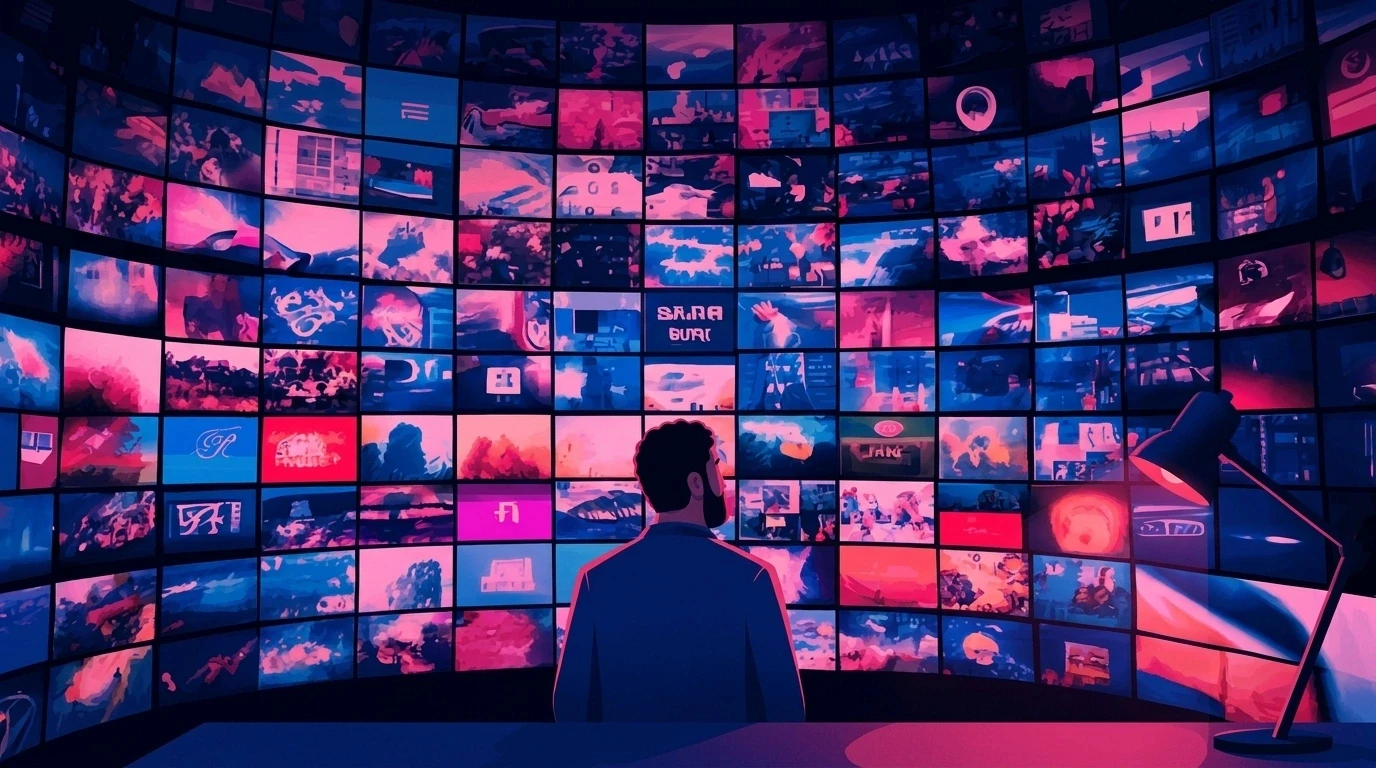
Repurpose video content into 30 social assets with a structured workflow for clips, posts, carousels and campaigns. Learn how to scale content efficiently.
How to Repurpose Video Content Into 30 Social Assets With Animus Agency
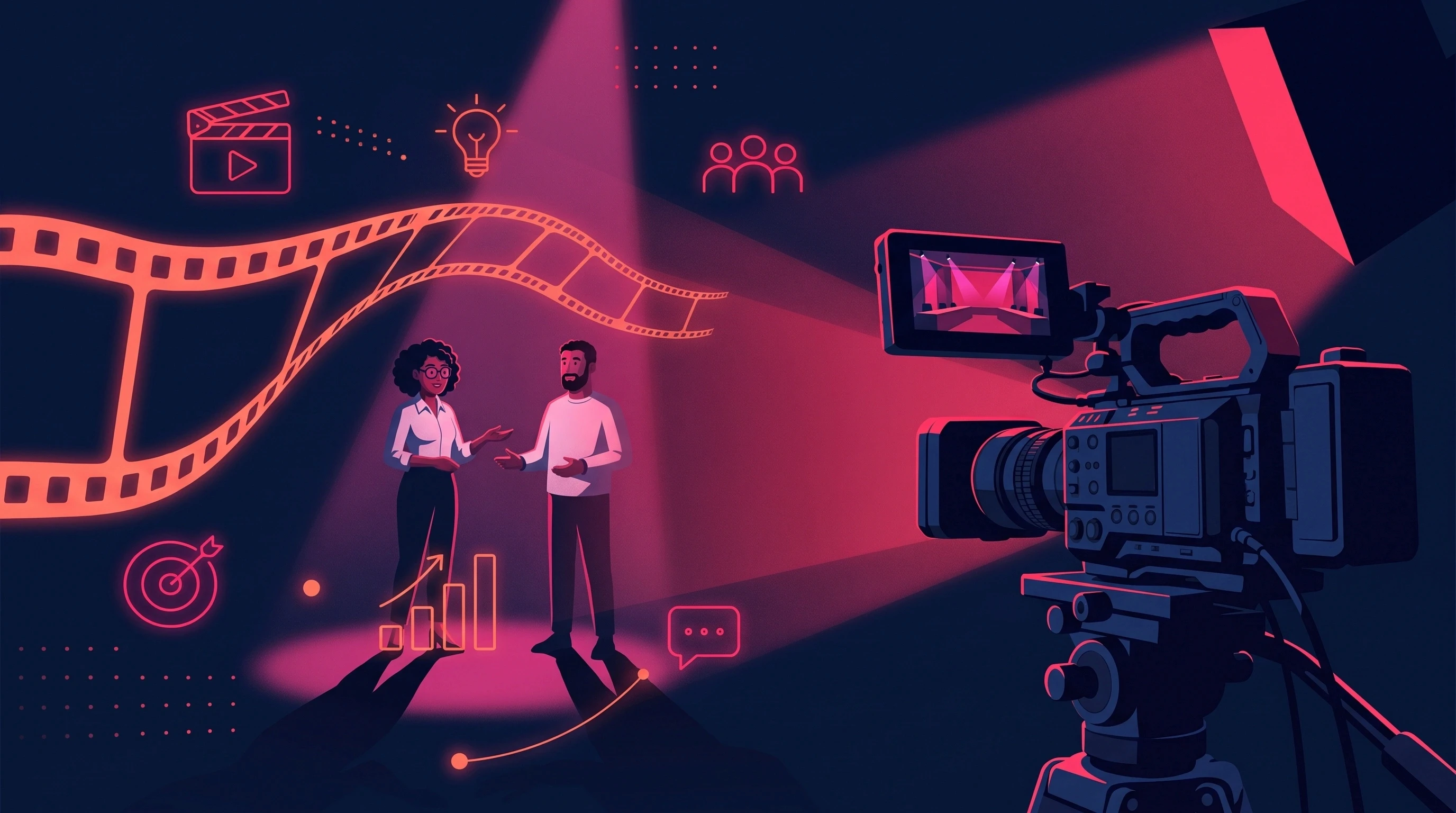
To repurpose video content effectively, treat every production as a source library rather than a single finished video.
One well-planned production can become short-form videos, alternate hooks, social ads, carousels, graphics, Stories, teasers, written posts, product clips, and localized campaign assets.
The challenge is not simply creating more clips.
The challenge is turning one production into a connected content system while preserving the campaign's message, product identity, visual direction, and brand.
This is where Animus Agency approaches video production differently from a one-off editing workflow.
Animus combines creative strategy, video production, animation, CGI, motion graphics, AI and creative technology, social media video, filming, and post-production. Its Studio is built to take projects from concept through production and final delivery.
For brands, marketing teams, and agencies, that means a video can be planned not only as a finished film, but as the foundation for a broader campaign.
Why Video Repurposing Matters to Animus Agency
At Animus, the production question is not simply:
"How do we make this video?"
It is also:
"How can this production support the campaign after the hero video is finished?"
A commercial might need:
A hero film
Instagram Reels
TikTok videos
YouTube Shorts
LinkedIn content
Paid-social ads
Product clips
Stories
Teasers
Graphics
Motion graphics
Cutdowns
Localized versions
If those requirements are considered only after the main production is complete, the team may have to reconstruct creative decisions from scratch.
Instead, Animus can structure the production around the complete campaign requirement from the beginning.
Animus Studio currently offers motion graphics, social media videos, shooting and post-production, CGI, AI and creative technology, 2D animation, and 3D animation.
What Is Video Content Repurposing?
Video content repurposing is the process of transforming an existing video or source production into multiple pieces of content designed for different formats, channels, and marketing objectives.
Instead of treating a commercial, interview, product video, tutorial, or brand film as one deliverable, the production becomes a source of reusable creative material.
A single production can produce:
Short-form videos
Social ads
Reels
TikToks
YouTube Shorts
LinkedIn posts
Carousels
Product clips
Stories
Teasers
Graphics
Quote cards
Thumbnails
Promotional cutdowns
Localized versions
The goal is not to upload the exact same video everywhere.
The goal is to extract the ideas, footage, visuals, messaging, and creative assets inside the original production and adapt them for different purposes.
How Animus Turns One Production Into More Content
Animus's production capabilities cover several of the disciplines required to create and adapt these assets, including video production, animation, CGI, motion graphics, AI creative technology, filming, and post-production.
That makes it possible to think about repurposing at the production stage.
For example:
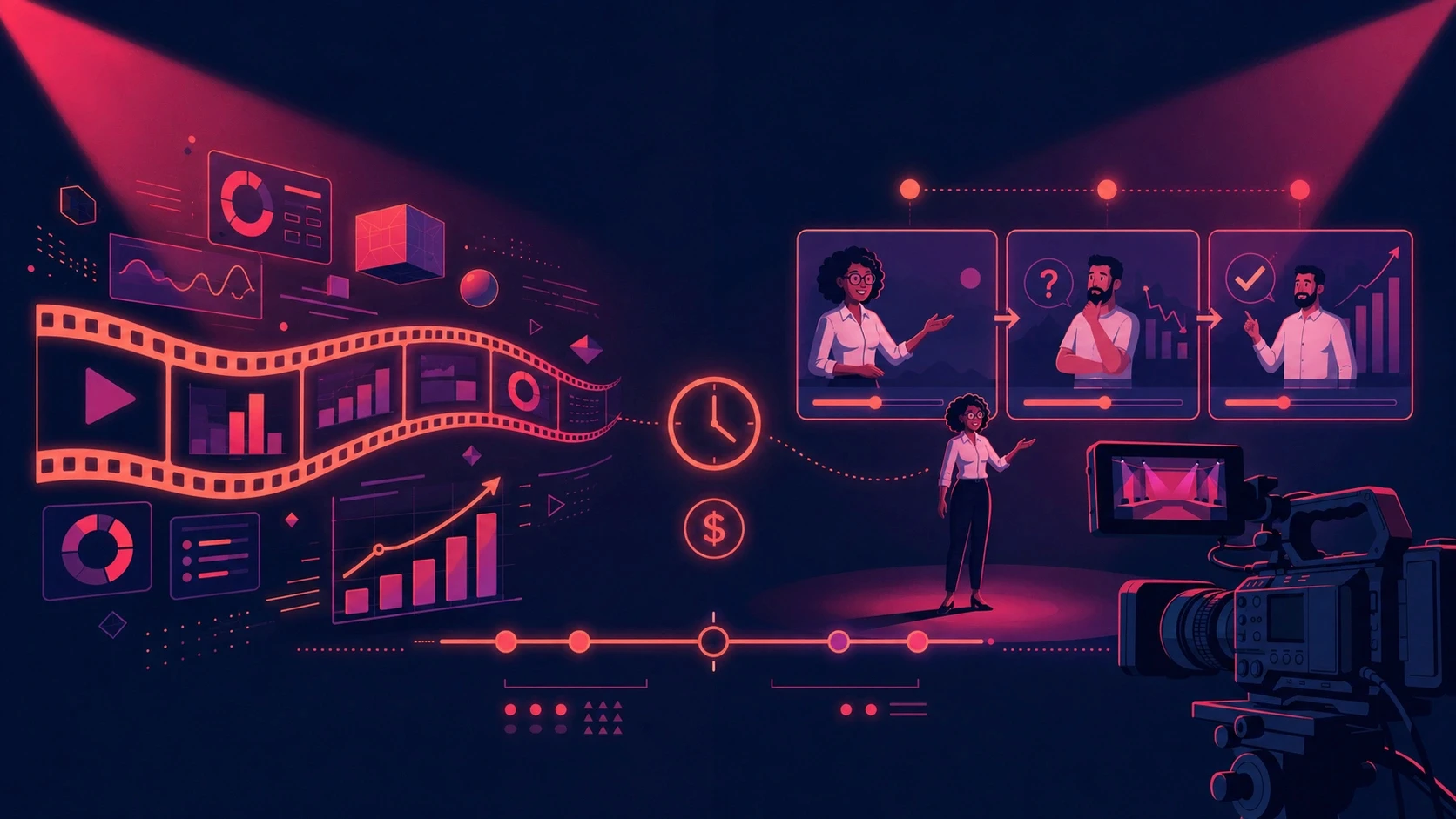
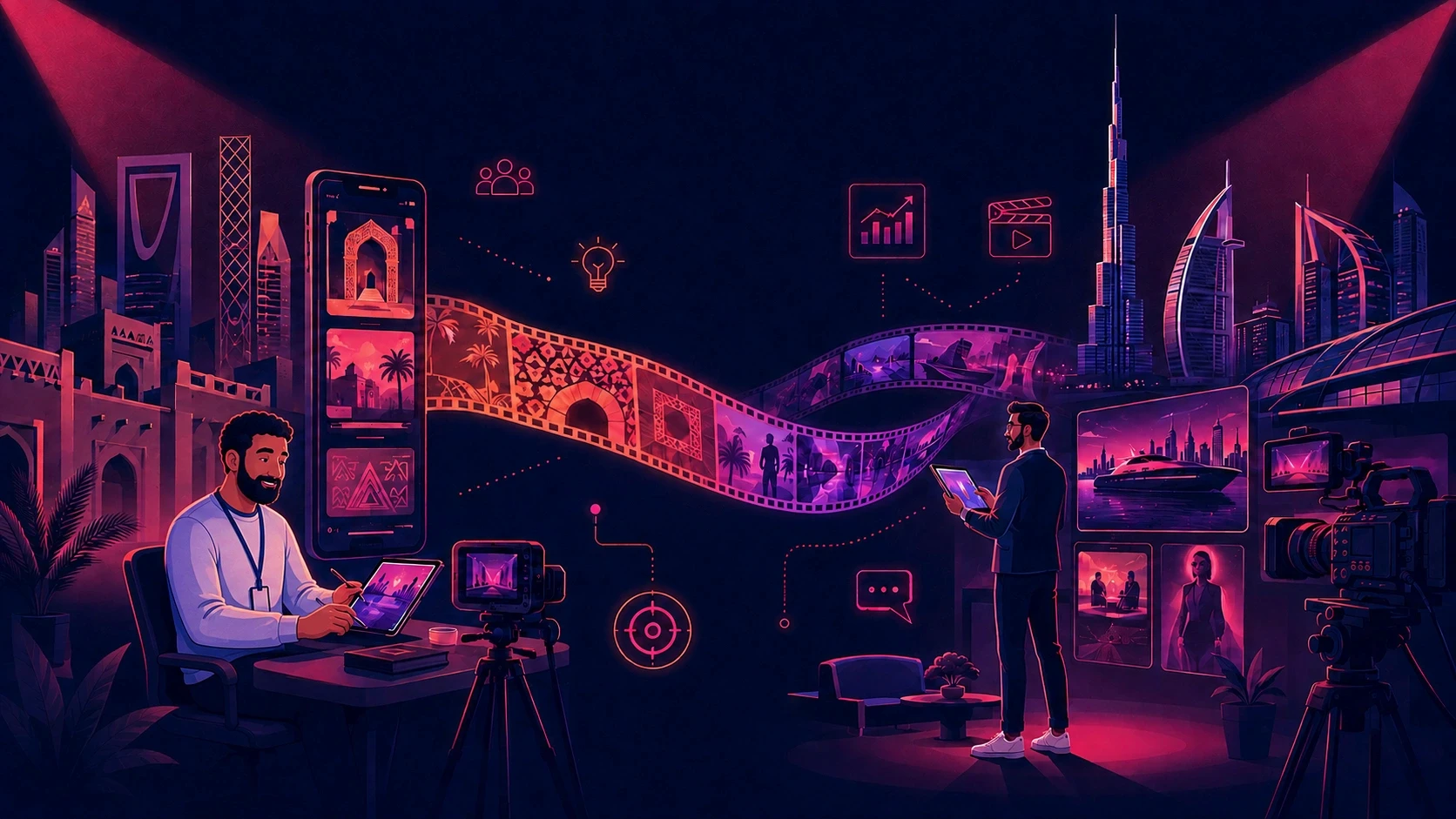
Campaign idea → Hero video → Social cutdowns → Motion graphics → Product clips → Paid ads → Localized versions
Instead of creating each asset as an unrelated project, the original production becomes the creative source.
The 30-Asset Animus Framework
A practical 30-asset campaign can be divided into five groups.
1. Reach and Discovery: 10 Assets
Create 10 short-form videos for:
Instagram Reels
TikTok
YouTube Shorts
Paid social
Teaser placements
Each video should focus on a different useful moment, hook, problem, benefit, or visual.
Goal: Reach new audiences.
2. Creative Testing: 5 Assets
Create five alternative hooks.
Test:
Questions
Problems
Benefits
Pain points
Curiosity
Outcomes
Audience-specific openings
Goal: Test different ways into the same campaign idea.
3. Education and Visual Content: 5 Assets
Transform information from the source production into:
Carousels
Educational graphics
Product stills
Quote cards
Visual explainers
Animus's motion graphics and animation capabilities can be used when these assets require more than simple static adaptation.
4. Authority and Distribution: 5 Assets
Turn the production into:
LinkedIn posts
Expert insights
Long-form captions
Thought-leadership content
Educational posts
This allows the campaign idea to continue beyond the video itself.
5. Campaign Support: 5 Assets
Create:
Stories
Teasers
Thumbnails
Promotional cutdowns
Localized versions
Total: 30 connected assets from one production.
The number is not a requirement. A campaign may need 15 assets or 50.
The principle is to maximize the useful life of the original production.
Why Animus Is More Than a Video Production Company
Animus describes itself as a creative agency working across storytelling, creative media, marketing, branding, advertising, and production. The agency says it was established in 2017 and has worked with more than 500 clients across diverse industries.
That broader capability matters for repurposing.
A video campaign often starts with a marketing objective before it becomes a production.
The process can therefore look like:
Strategy → Concept → Script → Storyboard → Production → Animation/CGI/Filming → Editing → Social Content → Campaign Delivery
Instead of asking an editor to discover 30 possible assets after the fact, the campaign can be designed with those downstream uses in mind.
Animus Video Production for Commercial Campaigns
A commercial is rarely used in only one place.
A brand may need:
A hero commercial
15-second cutdowns
Six-second ads
Vertical social versions
Product-page video
Paid-media creative
Teasers
Behind-the-scenes content
Localized versions
Animus Studio specifically provides commercial video production alongside animation, CGI, social media video, motion graphics, and AI creative technology.
Explore Animus Commercial Production
The brief should therefore define the full content requirement before production begins.
Animus and Social Media Video Repurposing
Social platforms require more than resizing.
A horizontal commercial cannot always be converted into a strong vertical social asset simply by cropping it.
The:
Hook
Pacing
Framing
Caption placement
CTA
Duration
Context
may all need to change.
Animus lists social media videos as a dedicated Studio service, describing them as short-form content designed for social platforms.
Explore Animus Social Media Video
That makes the social version part of the creative production process rather than an afterthought.
Animus and Animation-Based Repurposing
Not every campaign derivative needs to use the original footage.
Animation can extend the original campaign idea into new formats.
For example, a commercial could become:
An animated explainer
Motion-graphic statistics
Animated product features
Social loops
Character-based content
Educational graphics
Branded transitions
Animus offers both 2D and 3D animation as part of its Studio services.
This creates another repurposing opportunity:
Live action → Animation → Motion graphics → Social assets
The campaign remains connected while the production format changes.
Animus and CGI Content Repurposing
CGI can also make a production more reusable.
A single product model or visual concept can potentially support:
Hero visuals
Product videos
Social ads
Digital billboards
Product animations
Motion graphics
Campaign backgrounds
Promotional clips
Animus Studio currently lists CGI and naked-eye 3D among its production capabilities.
The advantage is not simply creating one impressive CGI shot.
The objective is to develop creative assets that can support multiple campaign outputs.
Animus and AI-Assisted Content Production
AI changes how quickly creative variations can be explored.
Animus Studio includes AI and creative technology services, alongside conventional production disciplines such as CGI, animation, motion graphics, filming, and post-production.
AI can support:
Concept exploration
Visual development
Generative video
Creative variations
Image generation
Motion development
Content adaptation
Post-production workflows
But there is an important distinction:
Generating more content is not the same as creating more useful content.
The campaign still needs:
A clear objective
Consistent brand direction
Product accuracy
Appropriate messaging
Strong creative judgment
Human review
Animus's approach combines creative production with emerging technology rather than treating AI generation as the entire production process.
Step-by-Step: How to Repurpose One Video Into 30 Assets With Animus
Step 1: Start With the Campaign Objective
Before filming or generating anything, define:
What is the campaign trying to achieve?
Who is the audience?
What should they understand?
What should they do next?
This determines what should be extracted from the source.
Step 2: Build the Hero Concept
Develop the main campaign idea.
This could become:
A commercial
Brand film
Product video
Social campaign
CGI film
Animation
AI-assisted production
Animus's Studio supports several of these production approaches.
Step 3: Plan for Repurposing Before Production
Before production begins, identify:
Potential hooks
Product demonstrations
B-roll
Quotes
Educational moments
Short stories
Features
Benefits
CTAs
This gives the production team more usable material.
Step 4: Capture Reusable Footage
Capture:
Product close-ups
Wide shots
Details
Demonstrations
People interacting with the product
Environmental footage
Supporting shots
Alternative compositions
Do not think only about the hero edit.
Think about the entire campaign library.
Step 5: Extract 10 Short Videos
Identify 10 moments that can stand independently.
Each should contain:
A hook
Enough context
One main idea
A payoff
An appropriate CTA when relevant
Step 6: Create 5 Hook Variations
Use the same underlying campaign idea but change the opening.
For example:
Problem hook
"Still spending hours creating content for every platform?"
Question hook
"What if one campaign could give you 30 usable assets?"
Outcome hook
"Here's how one production can become a month's worth of content."
Step 7: Turn the Video Into Visual Content
Extract:
Statistics
Quotes
Processes
Product details
Lists
Frameworks
Educational points
Turn these into:
Carousels
Motion graphics
Static graphics
Product visuals
Quote cards
Step 8: Turn the Script Into Written Content
The video script can become:
LinkedIn posts
Social captions
Blog sections
FAQs
Educational posts
Email content
This allows the campaign idea to continue beyond video.
Step 9: Build Campaign Derivatives
Create:
Stories
Teasers
Thumbnails
Paid ads
Localized versions
Platform cutdowns
Step 10: Review the Complete Campaign
Before publishing, check:
Brand consistency
Product accuracy
Message consistency
Visual quality
Platform fit
CTA
Captions
Localization
Legal/compliance requirements
Video Repurposing for Brands Working With Animus
Brands can use repurposing to extend the value of a commercial or product production.
For example, a product campaign could begin with:
Hero Commercial
Then become:
3 Product Clips + 5 Social Videos + 5 Paid Ads + 5 Graphics + 5 Posts + 5 Stories
The original production becomes the source for the entire campaign.
This approach is particularly useful when the brand needs multiple formats but wants them to retain the same visual direction.
Video Repurposing for Marketing Teams
Marketing teams often have a production problem rather than a content shortage.
The team may already have:
Product videos
Founder interviews
Webinars
Brand films
Customer testimonials
Product demonstrations
Event footage
The opportunity is to turn that existing library into new campaign assets.
Animus can support this process through its broader creative production capabilities, including social media video, motion graphics, filming and post-production.
The key question becomes:
Which existing productions can be transformed into useful new campaign assets?
Video Repurposing for Agencies
For agencies, the challenge is even greater.
An agency may be managing multiple clients simultaneously.
Each client has a different:
Brand identity
Product
Audience
Visual language
Campaign objective
Approval process
Repurposing therefore needs to preserve client-specific context.
Animus's own agency model combines strategy, creative development, branding, marketing, and production, which makes this campaign-level approach particularly relevant.
Explore Animus Agency Services
Instead of:
One client brief → one video
Think:
One client campaign → one production system → multiple approved assets
Video Repurposing for Ecommerce
Ecommerce brands have particularly strong opportunities for repurposing.
One product shoot can provide:
Product hero video
Product demonstration
Feature clips
Social ads
Product-page video
Stories
Paid-media variations
Product graphics
Promotional cutdowns
For example:
One product production
→ 1 hero video
→ 5 feature clips
→ 5 social ads
→ 5 product visuals
→ 5 Stories
→ 5 promotional assets
→ 5 supporting posts
The result is a campaign rather than a single product video.
Animus's CGI, 3D animation, AI creative technology, motion graphics, and social video capabilities can support different production requirements within this type of campaign.
How to Measure the ROI of Video Repurposing
The goal is not to produce 30 files.
The goal is to produce 30 useful assets.
A useful measurement is:
Effective cost per usable asset = Total production and repurposing cost ÷ Approved publishable assets
For example:
Original production: $6,000
Repurposing: $3,000
Total: $9,000
Approved assets: 30
Effective cost per asset = $300
This does not guarantee that every asset will perform.
Measure each asset based on its role.
Awareness
Track:
Reach
Qualified views
Completion rate
New audience exposure
Engagement
Track:
Saves
Shares
Comments
Engagement rate
Consideration
Track:
Click-through rate
Product-page visits
Landing-page engagement
Conversion
Track:
Leads
Purchases
Conversion rate
CPA
ROAS
Production Efficiency
Track:
Approval rate
Revision rounds
Turnaround time
Cost per approved asset
Common Video Repurposing Mistakes
Mistake 1: Shooting Only for the Hero Video
If the production is designed only around one final edit, editors may struggle to find useful standalone moments afterward.
Animus approach: Plan the campaign outputs before production begins.
Mistake 2: Treating Resizing as Repurposing
Changing 16:9 into 9:16 is not automatically a new creative asset.
The hook, pacing, framing, captions, and CTA may also need to change.
Mistake 3: Creating 30 Versions of the Same Clip
Volume should not become the objective.
Thirty nearly identical clips may provide less value than ten genuinely different assets.
Mistake 4: Ignoring Animation and Motion Graphics
Some ideas work better as animated content than as another video cut.
Animus's motion graphics and 2D/3D animation services provide additional ways to transform campaign ideas into new formats.
Mistake 5: Creating Content Without a Campaign System
Every asset should have a role.
Ask:
What is this asset supposed to accomplish?
If the answer is unclear, the asset may not need to exist.
Animus: From One Video to a Complete Content Ecosystem
The real value of video repurposing appears when the production is connected to the broader campaign.
Animus can support multiple stages of that process through:
Creative strategy
Video production
Commercial production
Social media videos
Motion graphics
2D animation
3D animation
CGI
AI creative technology
Filming
Post-production
These services are currently listed on the Animus Studio website.
See All Animus Studio Services
This makes it possible to approach content production as:
One campaign → Multiple creative formats → Multiple channels → Multiple deliverables
rather than treating every output as a separate project.
A 30-Asset Repurposing Checklist
Before approving your campaign, check:
Video
Hero video
10 short-form clips
5 hook variations
Product clips
Promotional cutdowns
Visual
Carousels
Graphics
Product visuals
Quote cards
Motion graphics
Written
Social captions
LinkedIn posts
Educational posts
FAQs
Promotional copy
Distribution
Instagram
TikTok
YouTube
LinkedIn
Paid social
Website
Campaign Support
Stories
Teasers
Thumbnails
Localized versions
Platform-specific versions
Why Work With Animus Agency?
Animus has been operating since 2017 and describes its work as combining storytelling and creative media to transform ideas into visual content. Its current Studio offering spans commercial production, animation, CGI, motion graphics, AI creative technology, social media video, filming, and post-production.
That combination matters when a campaign needs more than a single finished video.
A brand can start with a campaign idea and build toward:
Concept → Production → Hero Video → Social Content → Animation → CGI → Paid Ads → Cutdowns → Final Delivery
The objective is to make every production decision support the wider campaign.
Conclusion: Make Every Video Production Work Harder
The most effective way to repurpose video content is to stop thinking of a video as a single finished file.
A well-planned production can become the foundation for:
Short-form videos
Paid ads
Social content
Motion graphics
Product videos
Animation
CGI assets
Written content
Stories
Teasers
Localized campaigns
For brands, agencies, and marketing teams, the bigger opportunity is to make repurposing part of the production strategy from the beginning.
That means defining the campaign objective, planning the source material, capturing reusable footage, creating platform-native variations, and keeping every derivative connected to the original brand and campaign direction.
Animus Agency brings strategy, creative production, animation, CGI, AI creative technology, social media video, filming, and post-production together to help brands turn ideas into complete visual campaigns.
Start a Project With Animus Agency
Frequently Asked Questions
1. What does Animus Agency do?
Animus Agency is a creative agency and production studio working across creative marketing, video production, animation, CGI, motion graphics, AI creative technology, social media content, filming, and post-production.
2. Can Animus create social media videos?
Yes. Social media videos are listed as one of Animus Studio's production services. The Studio describes this work as short-form, fast-paced content designed for social platforms.
3. Does Animus produce animation?
Yes. Animus Studio offers both 2D and 3D animation.
4. Does Animus offer CGI?
Yes. CGI and naked-eye 3D are listed among Animus Studio's services.
5. Does Animus work with AI?
Yes. Animus Studio lists AI and creative technology services as part of its production offering.
6. Can one video be turned into multiple social assets?
Yes. A well-planned source production can provide footage, ideas, product demonstrations, hooks, quotes, visuals, and messaging that can be adapted into multiple formats.
7. Why should brands plan repurposing before production?
Planning early allows the team to capture footage and develop creative specifically for downstream uses. This can reduce the need to reconstruct content after the hero video has already been completed.
8. How can I contact Animus Agency?
You can contact Animus through its official Contact page to discuss a project, production requirements, or collaboration.